
“Synced” Is Not a Word
Let me nitpick for a moment. I’m a huge fan of Omnifocus and I use it on my Macs, iPhone and iPad. I’ve bought it for everything I use regularly and I use it dozens of times every day. One of the key things that Omnifocus does so well is synchronize all of your task data across all the devices you use. It works great. I’ve never had it lose anything and I can really trust that nothing gets lost.
However, when I synchronize my phone I’m always irked with the screen. The problem: synced.
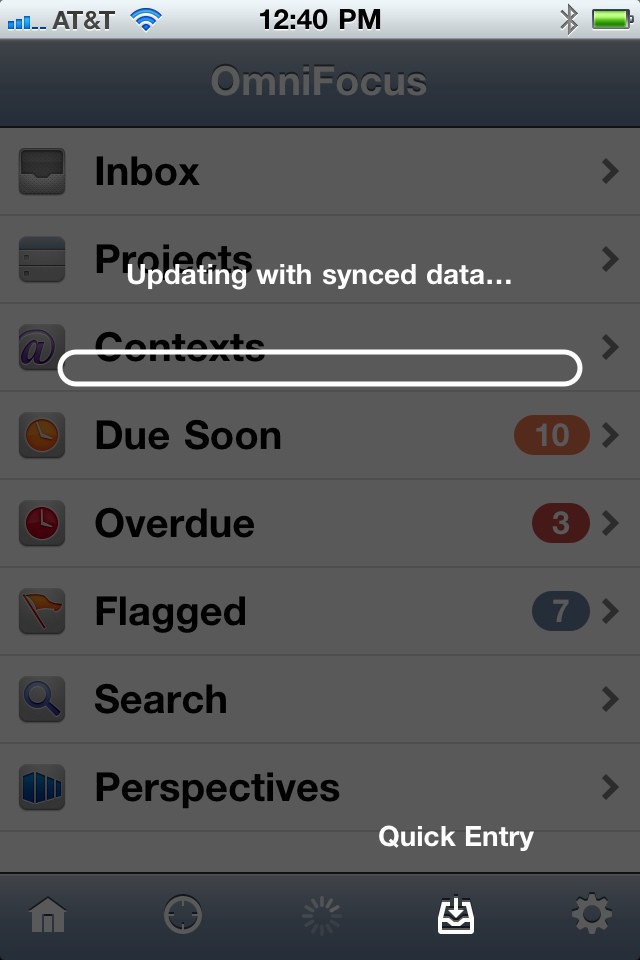
We also “synced” on the iPad.
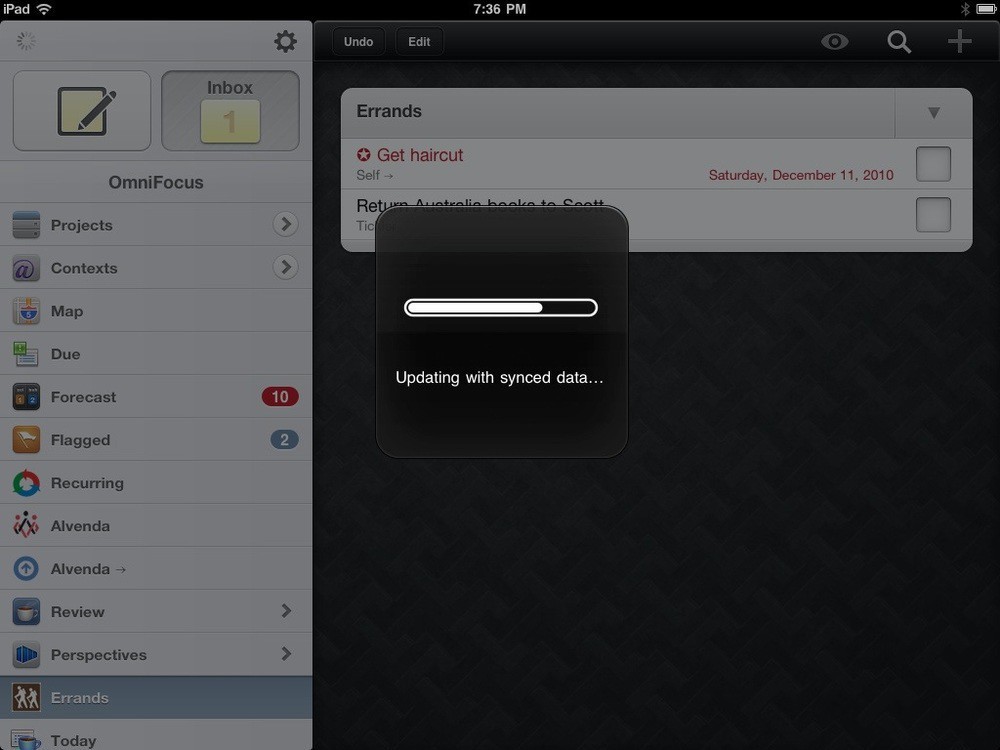
Yes, I’m being picky. The problem is that “synced” is not a word. Don’t believe me? Ask the OED.

That’s right. It isn’t a word.
There isn’t a great solution. Apple decided to use “Sync in Progress” when connecting to iTunes. That seems a lot better than “Updating with synced data” to me.