
Solving Offsite Backups
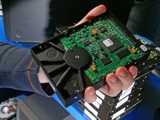
Nobody likes to deal with backups. It’s a chore. It usually has some expense to it. But we all know it’s critical. Your probably backing up to a USB drive that you picked up and plugged into your machine. That’s good. Maybe you’ve actually progressed with another computer in your house or a NAS device and are backing up over the network. This is a good idea to provide some separation between the backup and the computer the data is on.
But, what if there was a real catastrophe? What if your house burned down? What if someone broke into your house and stole all the computers? Bad things happen, and those hard drives no longer just have letters and check book accounts. Those are your family photos and videos, and if your like me you cannot lose that. There is only one way to guarantee your data and that is offsite backup. I’ve finally implemented a robust offsite backup regime that I think works best.
The first thing about doing offsite backups is that it requires pairs of storage. You could get by without it, but that will double your trips offsite to insure that you always have storage offsite. My approach is to have an A-set and B-set of disks, and swap them via a safe deposit box at the bank. If the A-set is at your house or in transit, the B-set is in the bank. If the B-set is in motion, the A-set is in the bank. There is always a safe set.
Now what kind of disk do we go with? There are a lot of options for USB and FireWire drives that will do the job, but there are some challenges with that approach. First, these drives have custom power adapters that are unique to the drive. They also have a lot of air in those cases, greatly increasing the phyiscal space required to store the disks. This is important if you are placing them in a safety deposit box with limited space. The answer is to just use bare hard drives, just like you would put inside your machine.
IMAGE OF DISKS
But it’s crazy to open up your machine all the time. That is where a USB drive adapter comes to the rescue.
IMAGE OF ADAPTER
$8 for the MnPASS lane!? I’ll pass on that.
Registered for RailsConf 2008
Registration just opened up for RailsConf 2008 in Portland, Oregon. I’m heading out to my first RailsConf!

Shaving Green
Our house keeps getting greener and greener. Tammy has done an awesome job of finding alternative products for us to use that are better for the planet and us. This process started in the kitchen and has slowly spread, now reaching the bathroom.
Green products and the bathroom are a struggle. We’ve all gotten so used to the various products that we have available that switching is challenging. Natural soaps are easy. Even natural toothpaste is a breeze. Tom’s of Maine toothpaste is great, and after using it for a while you will think regular toothpaste is overly sweet and nasty.
Shaving however was filled with canned gels in nasty packaging with nasty ingredients made in nasty processes, not to mention huge marketing budgets. Tammy pushed me to get off of those things and switch and I eagerly jumped in. There are only two options at the co-op for shaving and luckily the 2nd one is great.

Alba Botanical makes this shave cream that works like a charm. It is actually one of those great examples of a green product that you prefer over the previous product after you get used to it (like the toothpaste). It’s not all foamy so you don’t get to see big lines of white foam come off of your face as you shave (note photo for this post). You have to keep track on your own where you left off. It’s incredibly smooth and I find much more refreshing than the other gels and foams I’ve used over the years. It also defies our American approach of some being good, so a lot must be better. You apply this stuff sparsely and it’s great. If you slather it all over, it doesn’t work as well.
As a bonus, it’s just a lotion so you can easily put some in a small container and take it on a plane without the need for special packaging. I know some guys that actually just shave with handsoap now to avoid taking shaving cream containers on planes. You should really consider some of this lotion instead.
Go ahead and start greening up your bathroom with your morning shave.
Revamped OS X Desktop
Sometimes I get stuck on something, particularly late at night and I get totally obsessed. It’s almost always not very important, but then I obsess about it and the only thing that pushes me away to sleep is the dead battery of my laptop. The other night I got totally obsessed with taking a different tact on my OS X desktop. Clean. Simple.
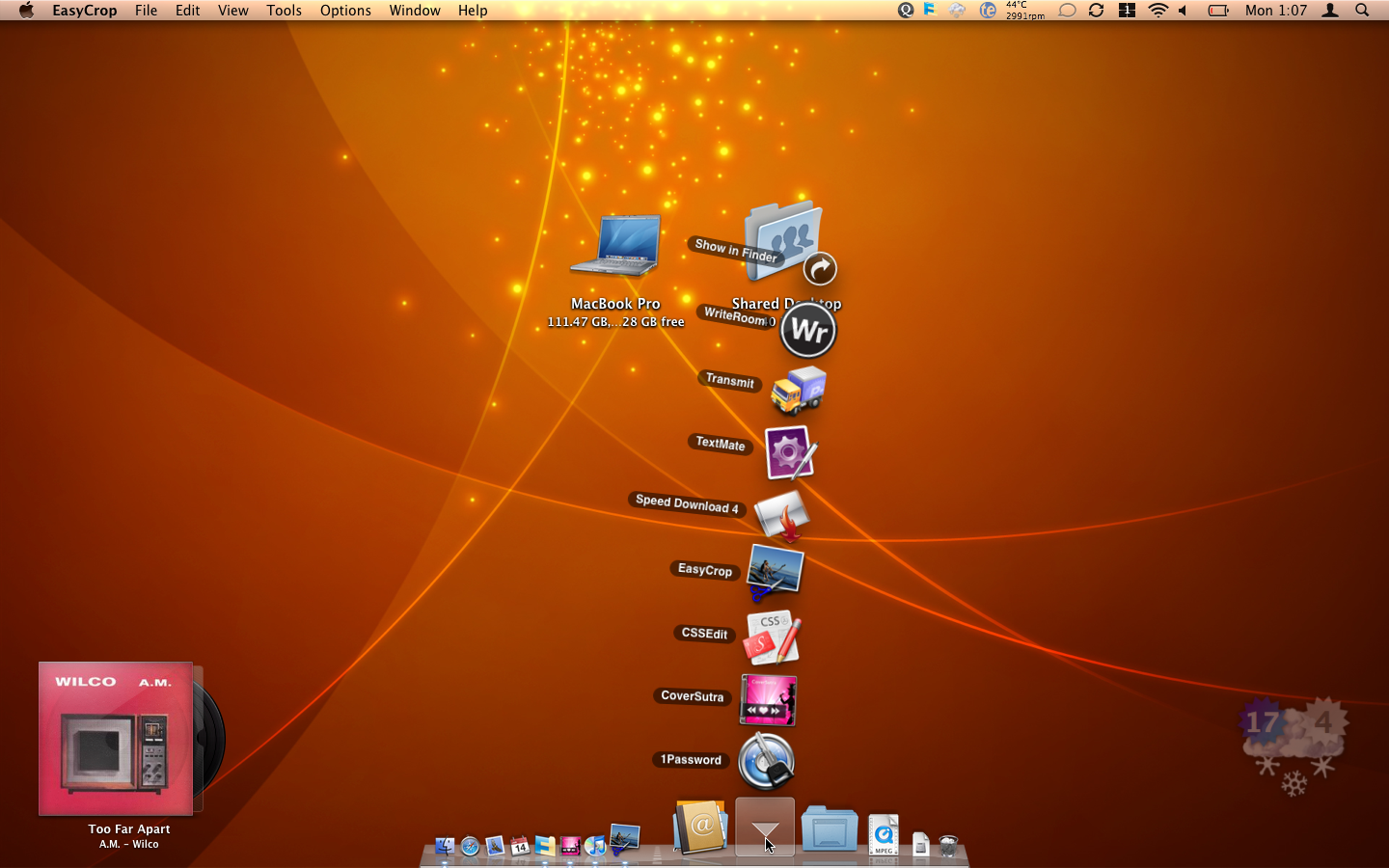
This is the look. I’m really liking it. I went with an abstract desktop for focus and really minimized what I had in the dock. Instead, I’m using a lot of the fancy Leopard folder tricks to launch things. Front and center in this is CoverSutra for the tangible side of digital music and WeatherDock to keep me in the loop with the temperature. Quicksilver rounds out the stack to tie it all together. Also, Warp is a must have extension to make Leopard’s Spaces more usable. The Shared Desktop folder on my desktop is synchronized on every computer I use with the application that I can’t seem to kick, FolderShare. Microsoft bought FolderShare forever ago and it’s still a PowerPC binary but it works like magic. I wish there was a better Mac-centric, OS X Intel option. Oh well..
I feel so calm. :-)
New Year Resolutions - Tech Edition
I don’t have New Year resolutions every year, but this year I figured what the heck. Looking back, while I didn’t call it a resolution, I did force a switch to Camera RAW for photography on January 2nd, 2006 and that was great. I have a few technology and Internet related resolutions that I thought I would share this year. Hopefully I’m as happy with these changes in a couple of years.
Digitally Signed Email
 The time has come for this to be standard. This feels a lot like the
Camera RAW resolution above. Not many people use digital certificates
with their email because it's generally a pain and complicated. But,
without it email is like writing on a bathroom wall, in a really big
bathroom. It's so wide open it is somewhat shocking. Digital
certificates solve this problem.
The time has come for this to be standard. This feels a lot like the
Camera RAW resolution above. Not many people use digital certificates
with their email because it's generally a pain and complicated. But,
without it email is like writing on a bathroom wall, in a really big
bathroom. It's so wide open it is somewhat shocking. Digital
certificates solve this problem.
I have now enabled my OS X Mail with a digital certificate from Thawte and if you get email from me it will be signed. This isn’t universal since the iPhone at this point doesn’t sign messages, and I do occasionally have to resort to webmail. But if it’s from Mail.app it will be signed.
Go get your own certificate as well and we can even encrypt the message. There is a somewhat dated, but good explanation on doing this for OS X at Joar Wingfor’s website.
Less Google
 Yes, less Google. Google knows too much about
me. I've decided this trend needs to reverse. I've stopped using GMail
and am using Tuffmail for my mailbox. I've ditched Google Calendar. I'm
even thinking about moving from Google Reader, a frightening thing to
even consider. But I think 2008 needs to end with less Google than it
started with. It isn't that I think they are evil, it's just that I
don't think one company should really have that many angles on my
personal data. After moving my email to Tuffmail, I had this sense that
I was no longer being monitored. Real or not, I had that feeling.
Yes, less Google. Google knows too much about
me. I've decided this trend needs to reverse. I've stopped using GMail
and am using Tuffmail for my mailbox. I've ditched Google Calendar. I'm
even thinking about moving from Google Reader, a frightening thing to
even consider. But I think 2008 needs to end with less Google than it
started with. It isn't that I think they are evil, it's just that I
don't think one company should really have that many angles on my
personal data. After moving my email to Tuffmail, I had this sense that
I was no longer being monitored. Real or not, I had that feeling.
More Wikipedia
 This resolution was made by another guy at the office and I liked it so
much I'm adopting it myself. It seems that many times when I search on
Google I end up at [Wikipedia](http://www.wikipedia.org/). So I'm going
to try to cut down on the middle man. Even better, how about doing
Wikipedia searches from inside OS X's Dictionary.
This resolution was made by another guy at the office and I liked it so
much I'm adopting it myself. It seems that many times when I search on
Google I end up at [Wikipedia](http://www.wikipedia.org/). So I'm going
to try to cut down on the middle man. Even better, how about doing
Wikipedia searches from inside OS X's Dictionary.
Cleaner URL’s
I have a tendency to put an unnecessary trailing slash on URL’s. I’m going to try to stop doing this.
Chase's "Procedure"

Tomorrow Chase will have been living with us for one month and a week. It seems like so much longer than that. He has a big day. Not a good day, but a big day. He’s old enough now to get neutered.
I realize it’s the right thing to do, and being a good dog owner means getting your animals “fixed”. Izzy was spayed before we got her so we weren’t around for it with her. Chase had to wait until he was old enough, and now he is.
I realize it’s totally a “guy thing”, but man it makes me uncomfortable.
Spreading the Digital Love
This will be brief since I’m posting it from my iPhone. I spent the night with my brother-in-law Hector getting his Mac all souped up with Leopard and spiffing out his blog, I Will Tri.
That is neat and all but what is cool is just how fun it is. Jamming with your Mac and getting jiggy with WordPress is just fun! How many technologies can you say that about!

I just upgraded WordPress to 2.3.2 on all of the sites I run. Of course this starts with the mandatory upgrade of any plugins that are outdated. While WordPress has made this much easier with automatic version checking, it’s still far too much of a pain.
36th Birthday!
Today I turned 36! It was a great, great day spent with my wonderful wife and amazing daughter. And, this super cool cake.

Thanks to everyone for many well wishes via phone and email. I also got a barrage of new camera stuff that will undoubtedly lend itself to some future posts.
Get a Monopod and Improve Your Home Movies
Do you have a video camera? You need a monopod!
This Christmas I got the Bogen-Manfrotto Pro Black Monopod with Swivel Tilt Head. This item has been on my wish list for a long time and after having it for just a couple days I wish I would have pulled the trigger on it a long, long time ago.
I had thought that I would use this for photography, and it will be great for that. Particularly if you are going to put a really long telephoto lens on and take a lot of shots. The monopod will help with stabilizing and framing the shot, as well as just keeping your arms from getting tired of holding the camera rig. Great for a photo trip to the zoo or arboretum.
However, the video side is the unexpected killer application. I popped my Panasonic PV-GS400 on the monopod and started to take some footage. The difference in the shot was amazing and immediately noticeable. Even with the video cameras optical image stabilization you always get a bit of shake when shooting handheld. With the monopod I was able to just lock the frame.
A tripod just wont work in this mode. That is the brilliance of the monopod. You still have the freedom to tilt, swivel and twist the camera around under full control. Then, just lift it up and walk around. No hassle. Really, go buy one.
Another cool use I found today when shooting with Mazie was to flip the video camera screen over and turn the camera back on yourself. Mazie and I took some video together just by swiveling the camera 180 degrees and then pointing it back at ourselves. I never could have done this hand-held. Very cool!
Get a Gravatar and Be Cool!

If you have commented on my blog you have likely noticed this blue Gravatar image appearing next to your post. This is the default image that appears if you have no avatar, and you really should get one. I’ve been on a total avatar kick lately. I had my own custom avatars made. I think that this is part of keeping the Internet personal and “connected”. I love to fill in my OS X Address Book with pictures for people so that when they call or I get email from them I get to see them.

A gravatar is a globally used avatar. It’s a service that takes your email address and creates a key to map it back to your gravatar. Automattic now owns Gravatar and is embedding it into WordPress. Now there is a plugin for the OS X Address Book that allows you to pull Gravatars into the Address Book.
So, why wait? Go to Gravatar and personalize yourself. It’s cool!
Defensive Domain Names
I purchased thingelstad.com in April 1999. I’m a little surprised that it took me until 1999 to buy my own last name. It seems odd to me now that I didn’t buy it in 1995 or so, when I clearly knew that this whole Internet thing was real. Luckily I beat a Thingelstad in Norway who had to settle for thingelstad.org in June 2000.

I recently filled out my personal domains and grabbed thingelstad.net as well as thingelstad.name. These were imminently obvious. It also seems to me that if you care to own your identity on the Internet you should make sure to own your full name. As such, I also own jamiethingelstad.com, jamiethingelstad.net, jamiethingelstad.org and jamiethingelstad.name.
Lastly, I have to deal with a name that is long and not easy to spell. The most common misspell of my name is to transpose the e and the l. So, I also now own thinglestad.com, thinglestad.net, thinglestad.org and thinglestad.name. These all just do a permanent redirect to the real domain.
GoDaddy really loves me. 🙂
Western Digital 1TB My Book
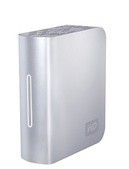
A long, long time ago I decided to do an experiment. I built a server with 1 terabyte in storage. I wanted to see if the average person could deploy a terabyte of storage. The answer to my question was a solid no. That was April 2004. It cost a little over $3,000 and was painful. Oh times have changed.
I was loitering around the Apple Store the other day and I saw this nifty little Western Digital 1TB My Book. I was hesitant to purchase this since I figured mail order would be a better deal. I whipped out my iPhone and surmised that I was going to pay a $30 “convenience” cost to walk out of the store with it right then. Off I went.
I realize it sounds kind of “old man” of me to say that I’m amazed I can get 1 terabyte in a single disk. But, I am amazed! This is a decent drive too, supporting FireWire 400 and 800, as well as standard USB. As an added bonus it supports eSATA. I have it on my FireWire 800 port with the Mac Pro and it’s nice and fast.
I’m not brave enough to let Time Machine take this drive and have it’s way with it. I’m going to keep on using Chronosync to backup home movies, photos and iTunes media to it. I also need to find a place to put the raw DVD rips of 300 discs that I’m planning to start soon. More on that another time…
If you are looking for a big, huge disk to have around this is an easy alternative. Surely a lot easier than building a horrific box with 8 SATA drives. Ugh!
It's a Wii Christmas
It’s very possible that my friends and family think I need to have more fun. There must have been a vast conspiracy to hit me with a bunch of new games for my Wii this year. And how completely great! Here are the additions to my Wii gaming library from this Christmas. These games are all new, so I haven’t played them extensively yet (unlike Guitar Hero III.
Super Mario Galaxy

How can you not like the Mario series, and with a game that is rated 5 stars by all the major publications (IGN: “The greatest Nintendo platformer ever?”) Super Mario Galaxy is a must have. Mario continues his never ending mission of saving Princess Peach from Bowser. Galaxy is set in space and you leap from various planets. It’s Mario in 3D which I’m usually not a huge fan of, but this is done really well. After about 10 minutes of setup you are into the game and having a great time. The integration with the Wii controls is intuitive and really nice, which you would expect from Nintendo anyway. Must have for any Wii owner.
Wii Zapper with Link’s Crossbow Training
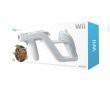
This combo pack is really cool. The Wii Zapper is a plastic mold that you place the Wiimote and the Nunchuck into and in concert they make a gun. A really nice gun too. It’s a little small for a big guy like myself, but still really playable. I’d possibly actually enjoy a first-person shooter with this setup. The included game, Link’s Crossbow Training, is light on any story and really just filled with action for you to learn how to use the crossbow. I need to do some research on any other games that use the “zapper”, but it’s a very fun play. The lack of story insures that this will be a favorite when friends come over and just want to play the Wii for a little while.
Zack & Wiki Quest for Barbaros’ Treasure

Zack & Wiki is a ridiculous name for this game. It’s as if they went out of their way to find something that would discourage you from buying it. I didn’t even know about it until a friend of mine IM’d me a link to a review (IGN: “Buy it. Now.”) that was off the charts. After playing it for even a short while, I concur with the review. This is a great, fun game. The characters are well done, the game play is superb and you could easily see getting lost in it for hours. The game is setup sort of like a movie, so it has a decent amount of setup time and getting to know the plot. But even that is enjoyable. I highly recommend this game.
Super Paper Mario

As I said above about Galaxy, I’m not a huge fan of Mario in 3D. I still think of Mario in my old platform 2D world. Always going from left to right (always!). Paper was really interesting to me because it has much of that classic 2D platform experience. Again, there is a decent amount of setup in this game like Galaxy and Zack & Wiki. In fact, there is a lot of setup. I think it was 20 minutes before I was actually playing. The cool thing about paper is that the entire game world is both 2D and 3D. Early in the game you earn the ability to “flip” into 3D, but you can only do it for a little while at a time (like holding your breath underwater). The result is a game with puzzles that require you to flip and explore in order to proceed. Way cool! Plus, for some reason, to me the graphics look stellar in the 2D mode. I love the crisp and vibrant colors.
Tiger Woods PGA Tour 08

I’ve been a long-time fan of the Tiger Woods series. I’ve played the games on a couple of different consoles as well as versions for the PC and Mac. This is a great continuation of the series with wonderful adoption of the Wii control system. I can see this game being very playable right away, and in fact the intro sequence you run through to get familiar with the swing gets you almost all the way there. I don’t groove on the funky character customizations all that much, like different shirts and setting how long my facial hair is. I sort of yearn for integration with the Wii’s Mii system, but that doesn’t make sense since they are far too cartoon-like to appear at Augusta. I’m looking forward to playing this some more and if you are a fan of the series it’s worth it. (Note, I borrowed Tiger Woods PGA Tour ‘07 from a friend before and I would be hard pressed to tell the difference between ‘07 and ‘08. It’s likely not worth the cost if you already have last years edition.)
Beat Guitar Hero III on Medium

Big day today! I beat Guitar Hero III on medium. Wahoo!
I don’t think I’m even going to attempt hard. It just seems rather insane. I’ll be happy with this milestone and enjoy my medium fame.
If you want to play some time, my friend code is 5026 3031 4382.
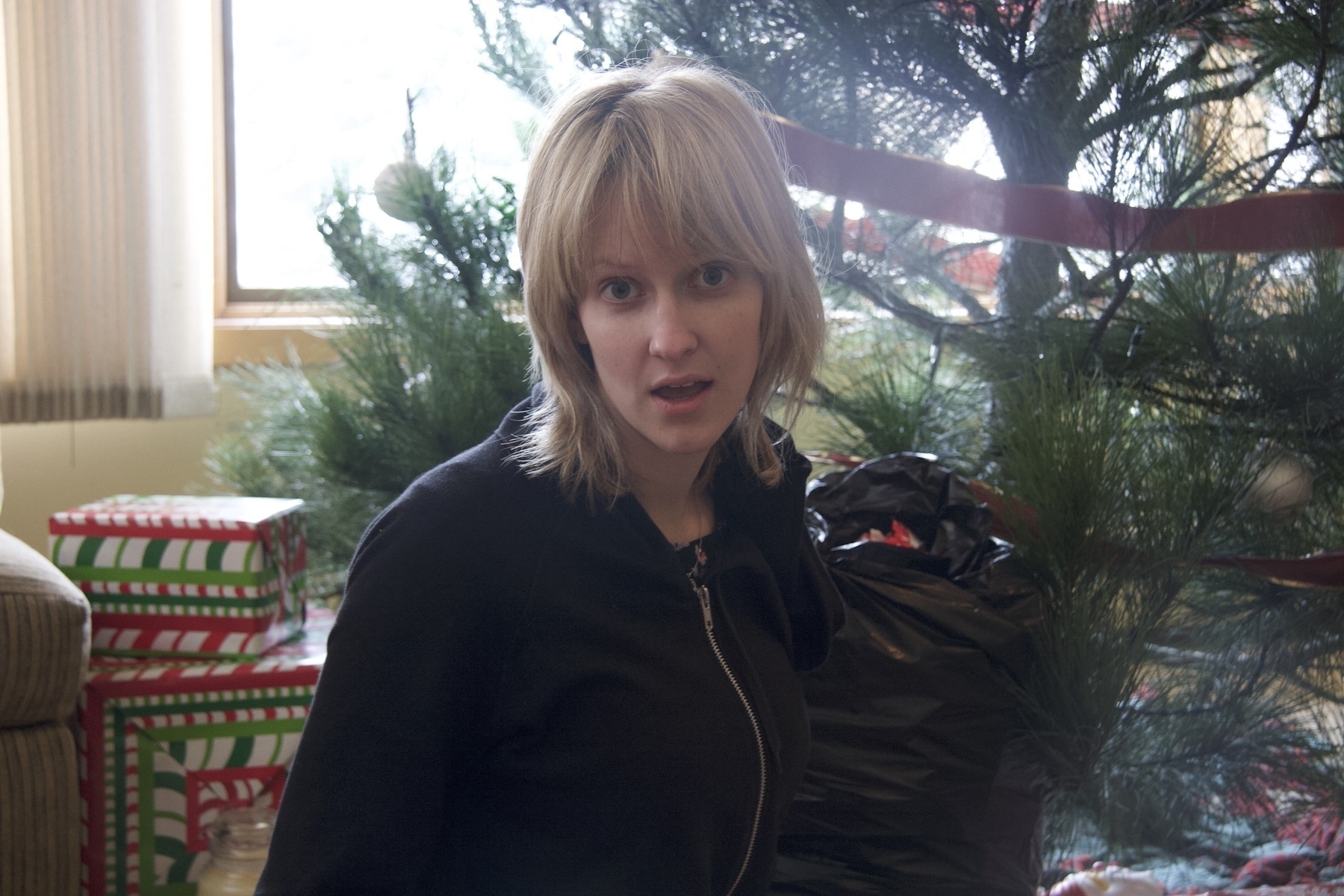


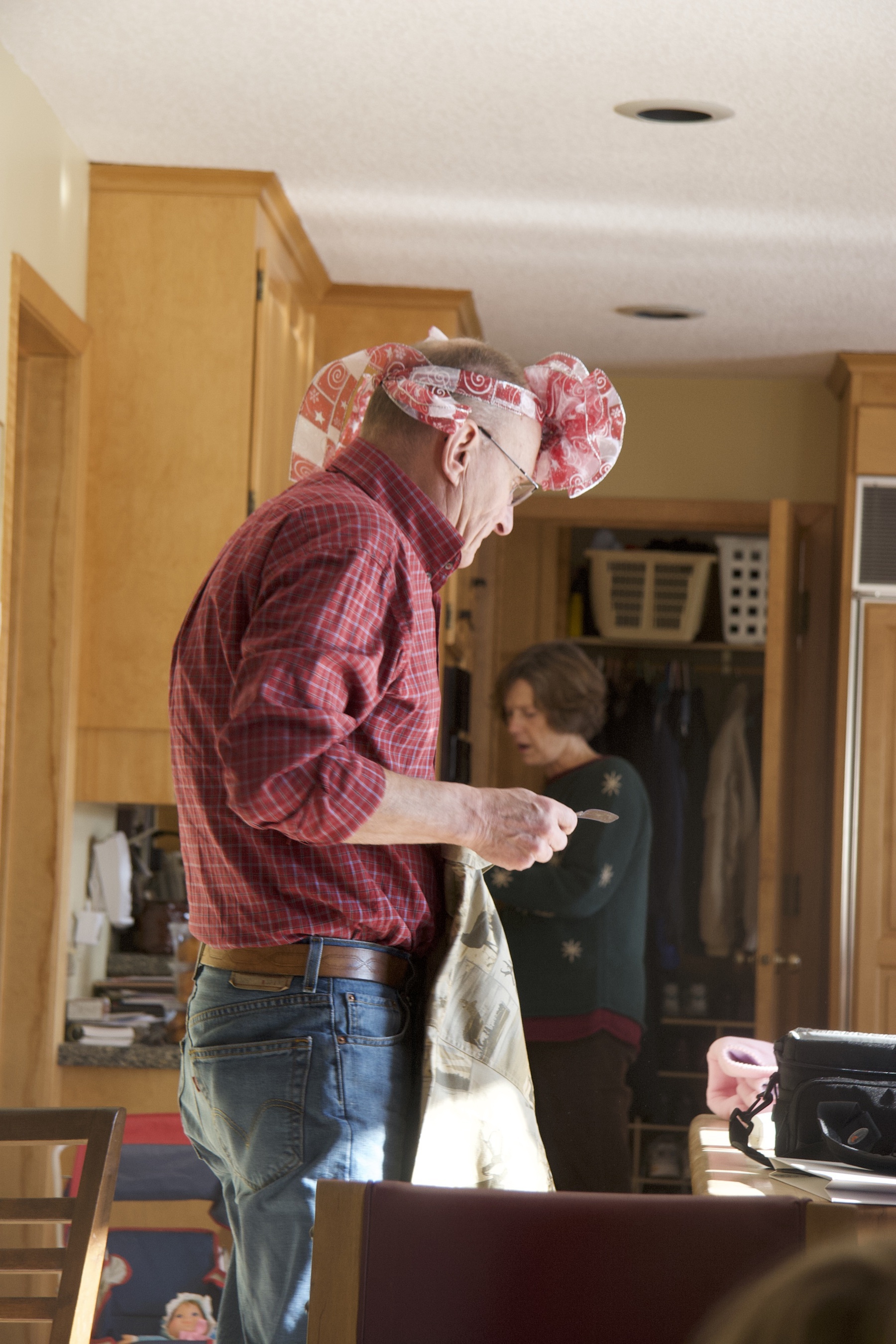




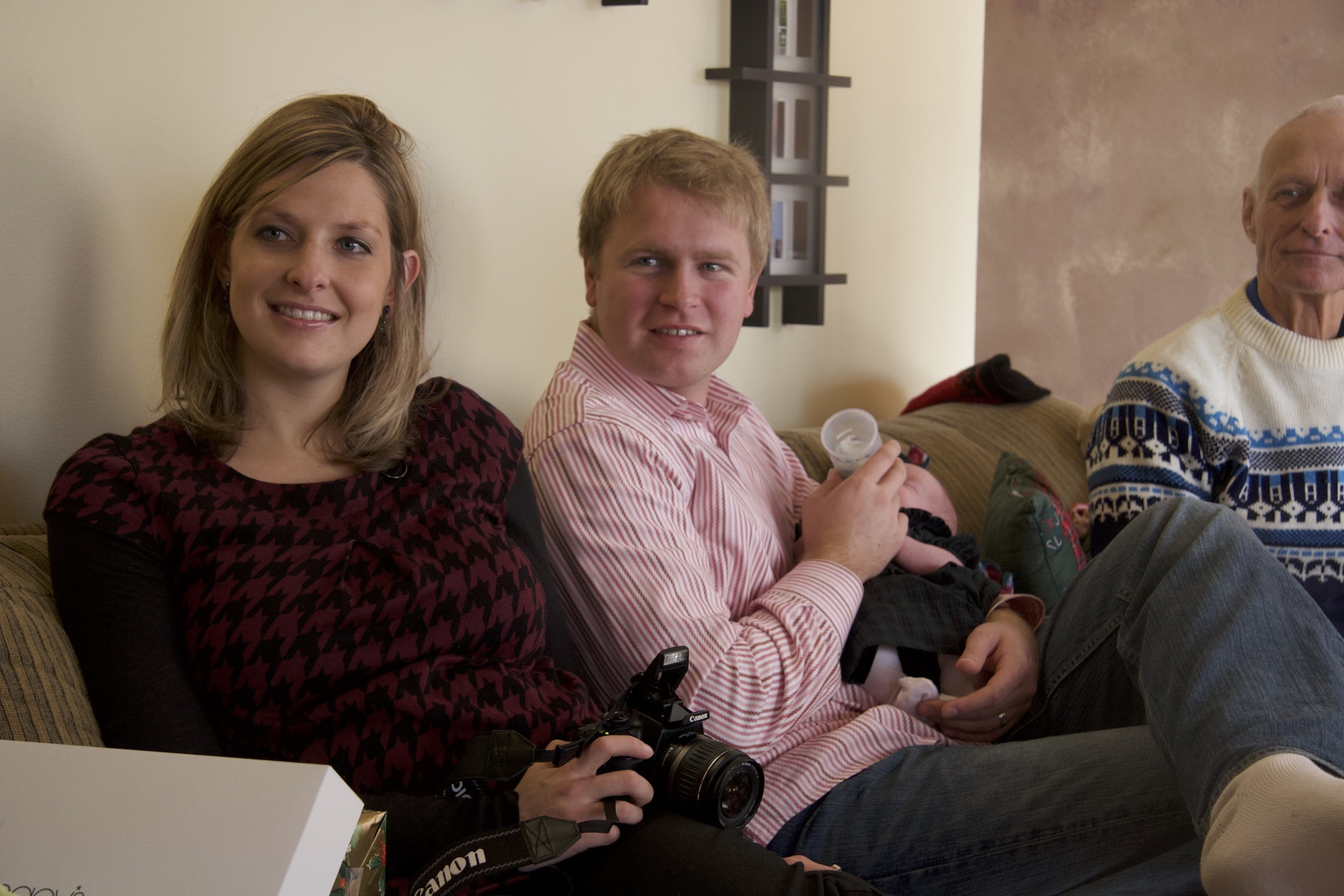
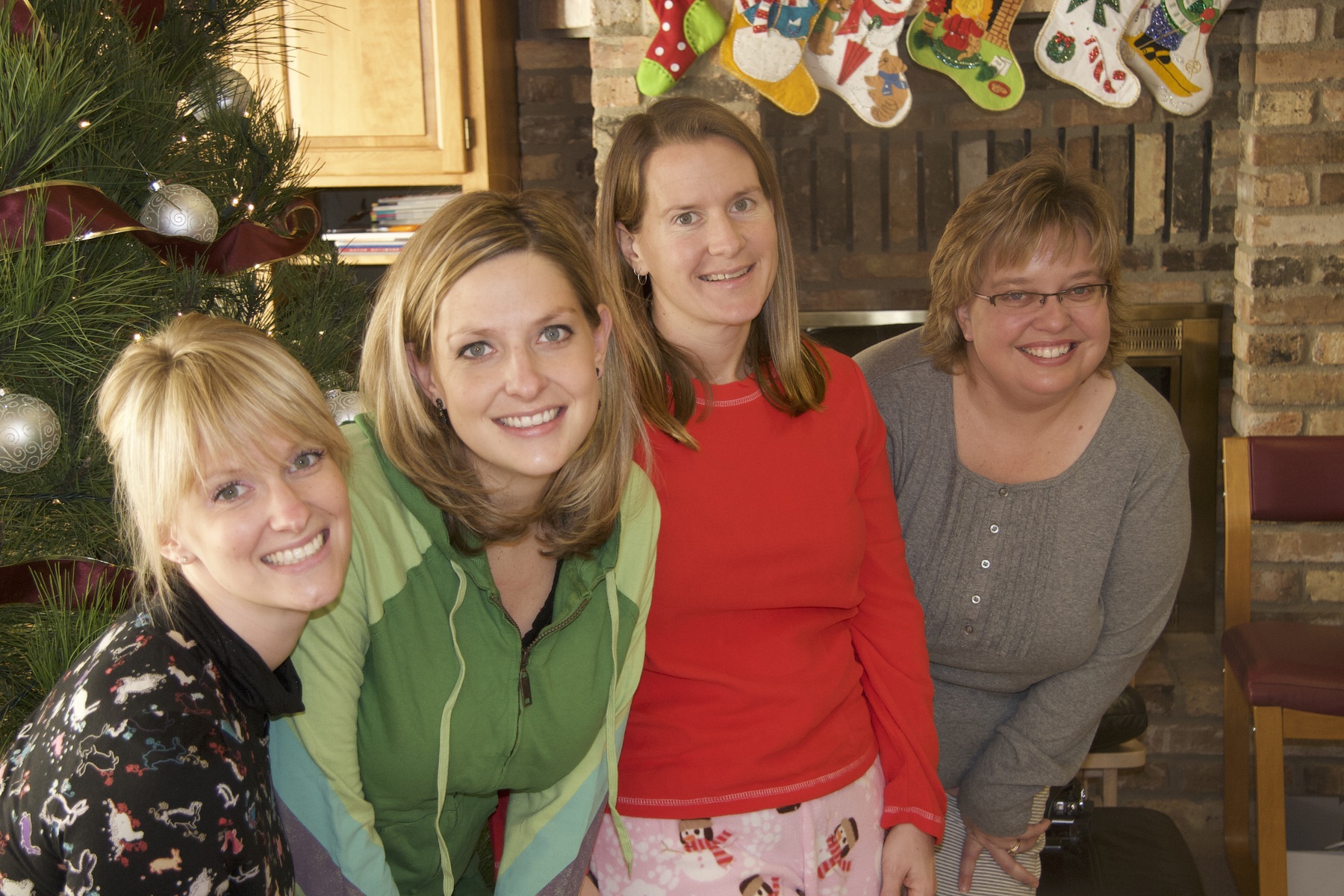
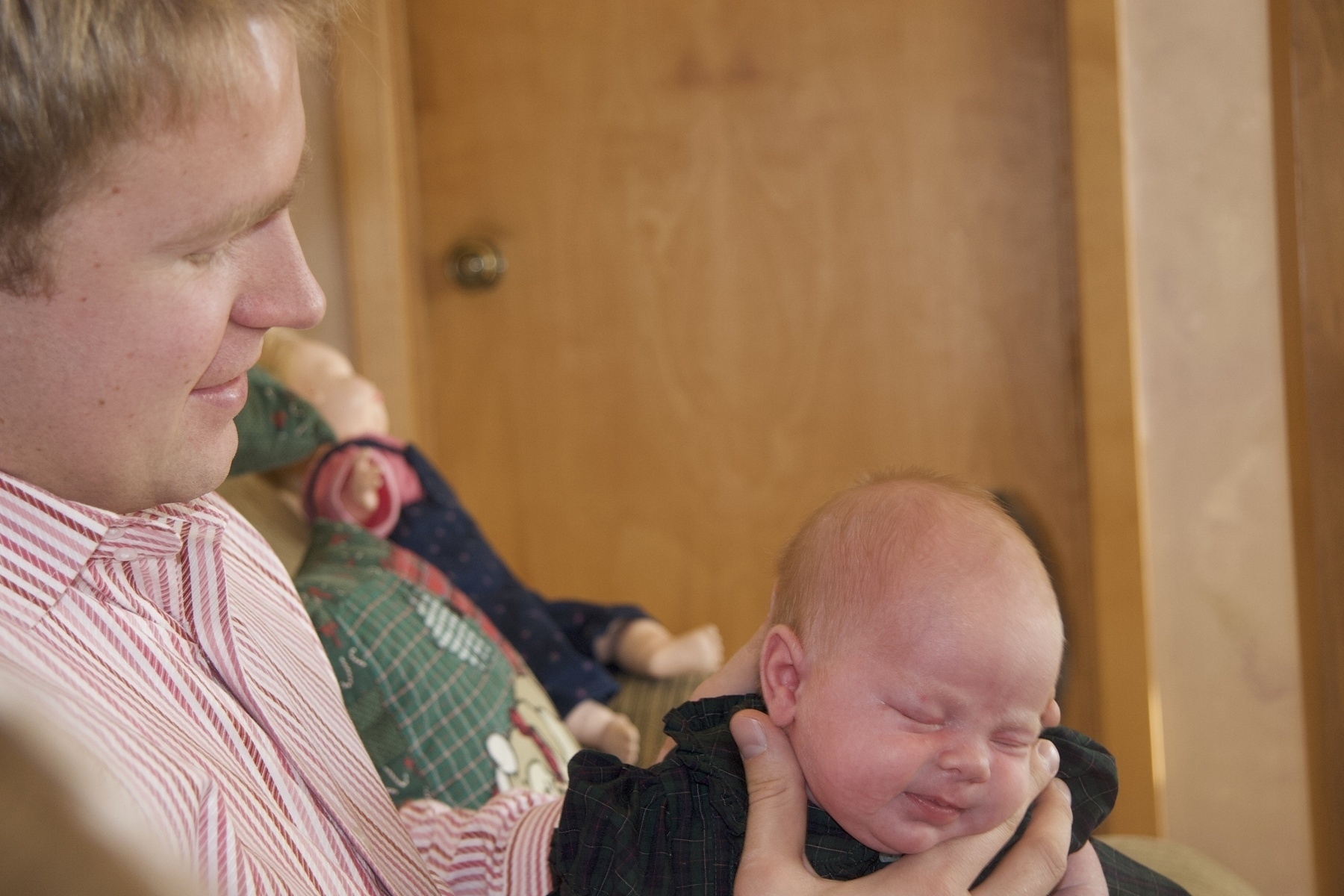

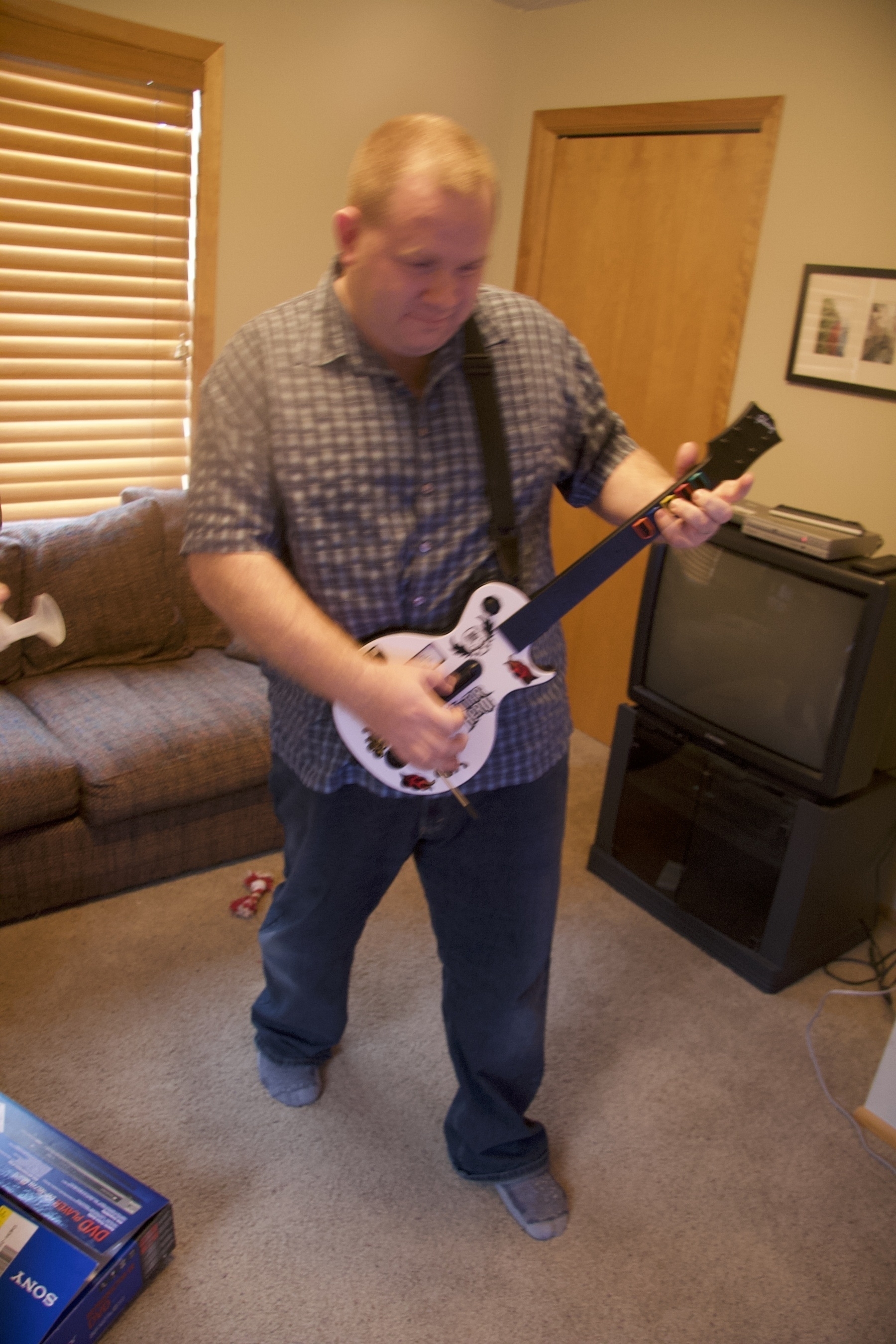
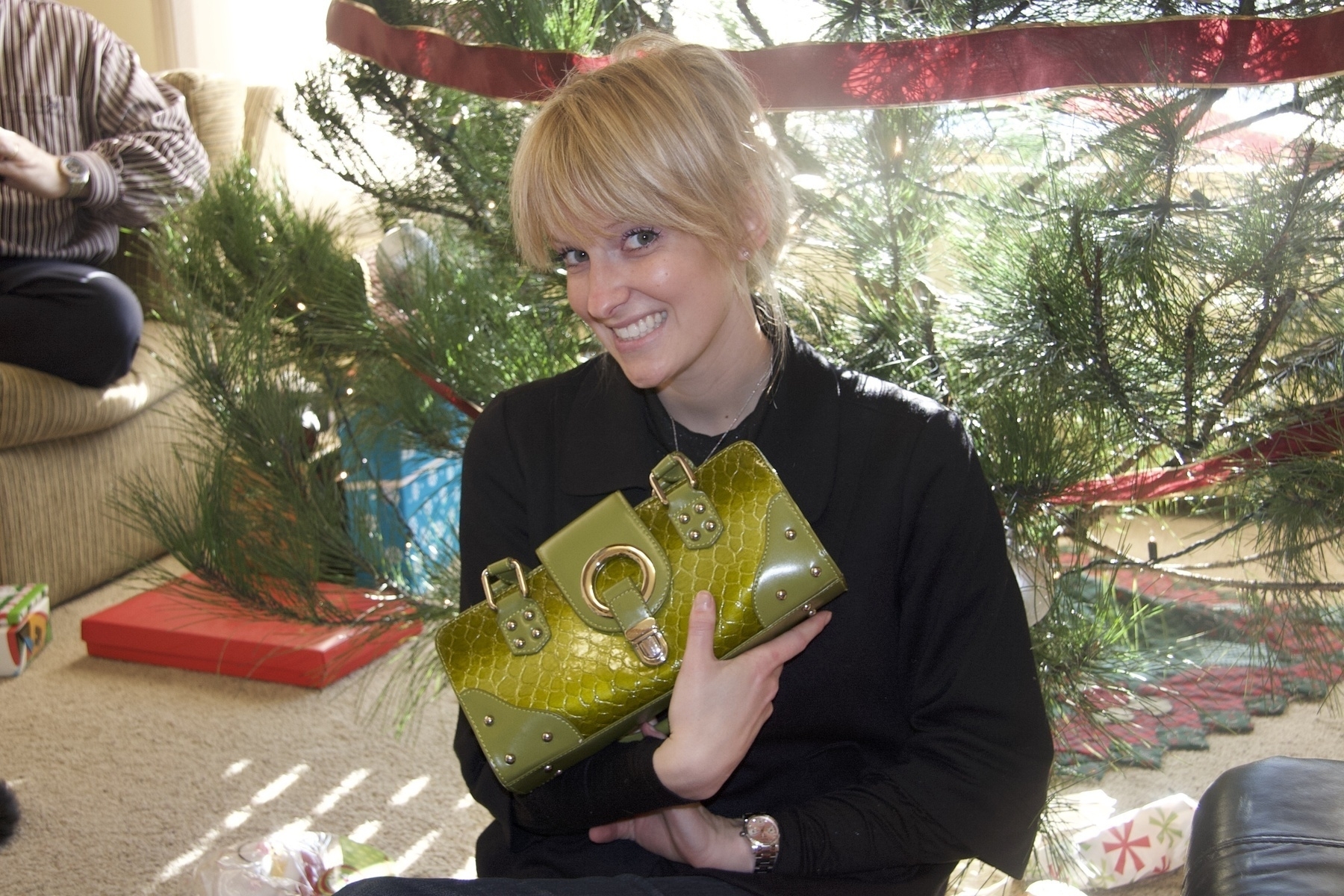





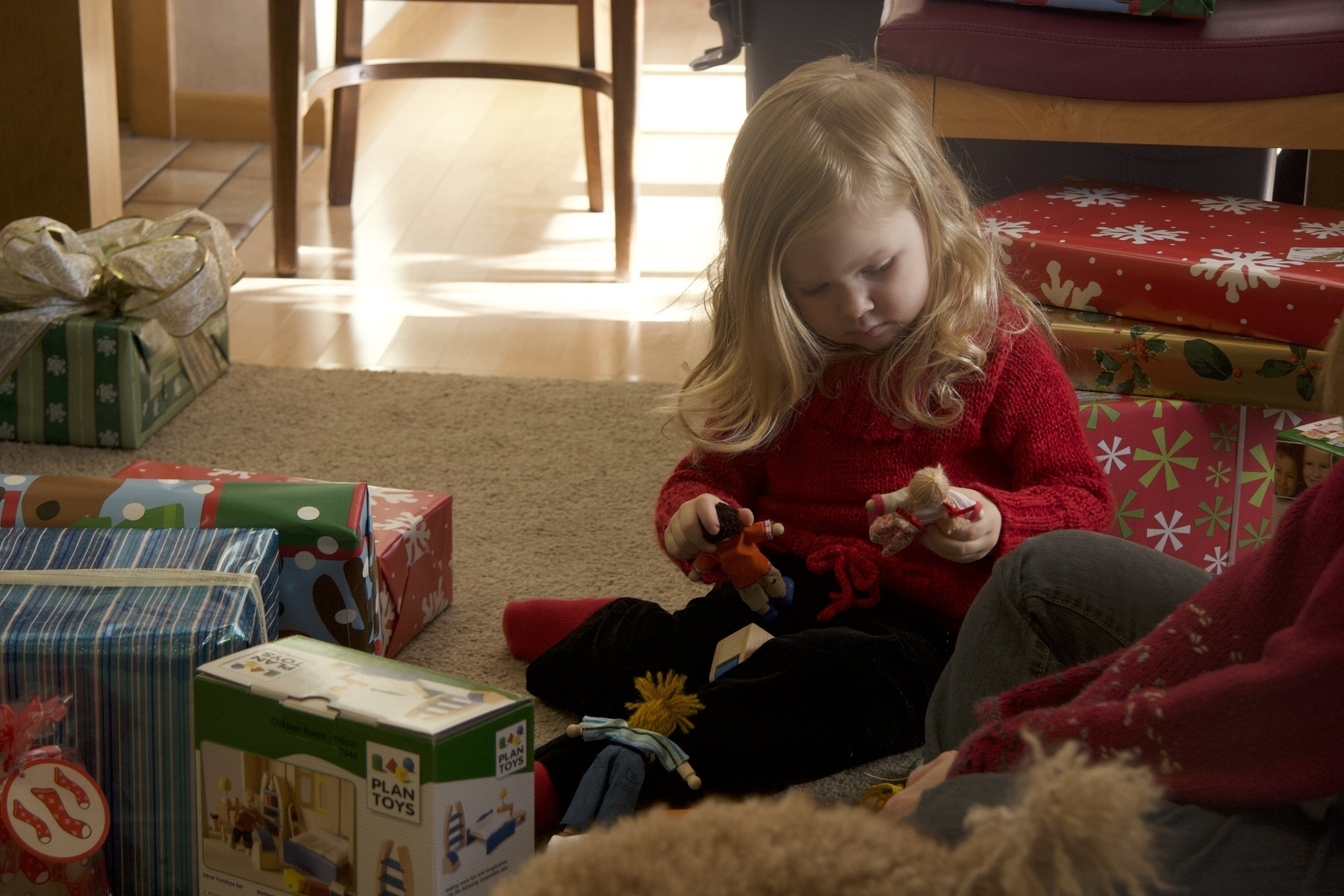




Merry Christmas 2007
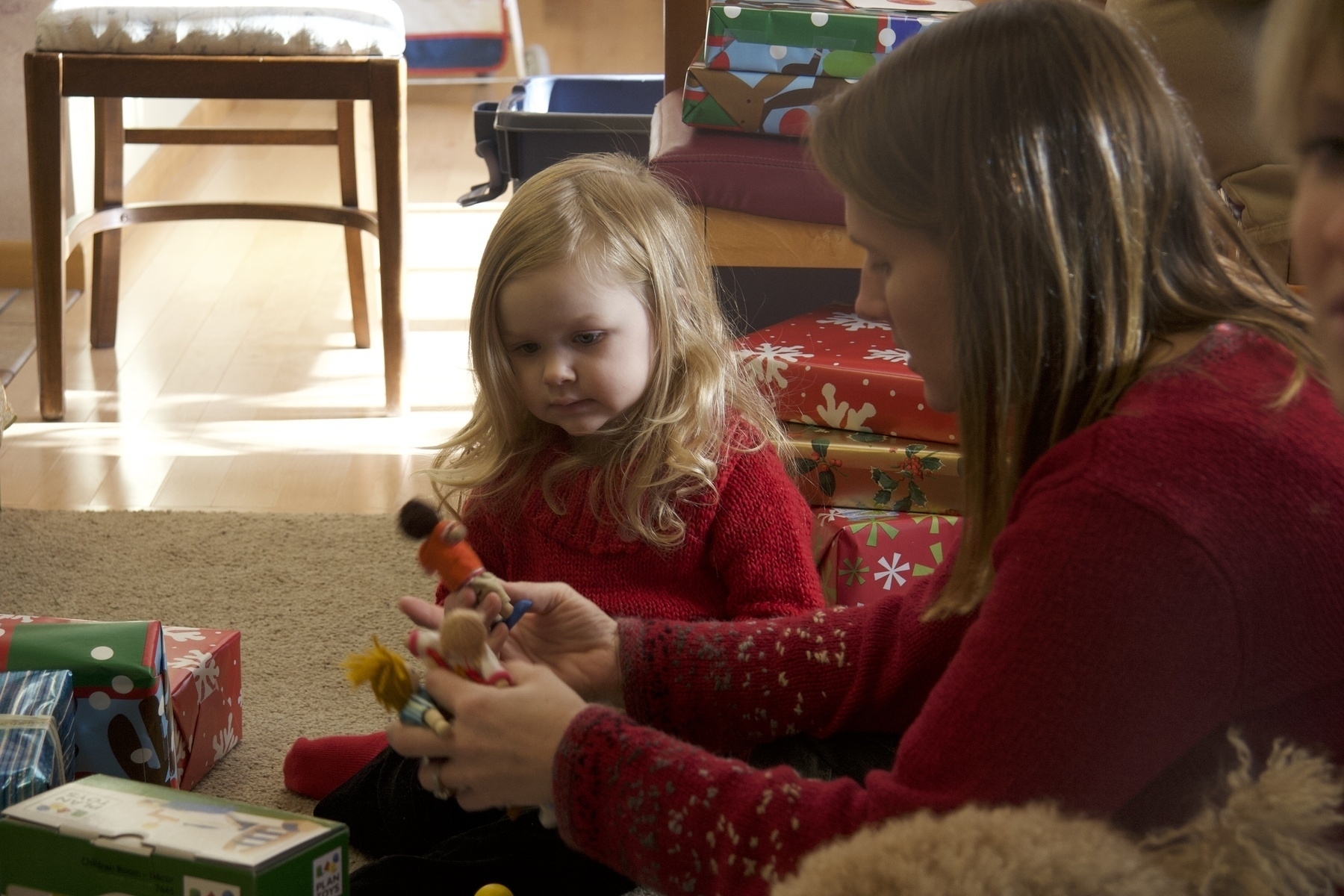
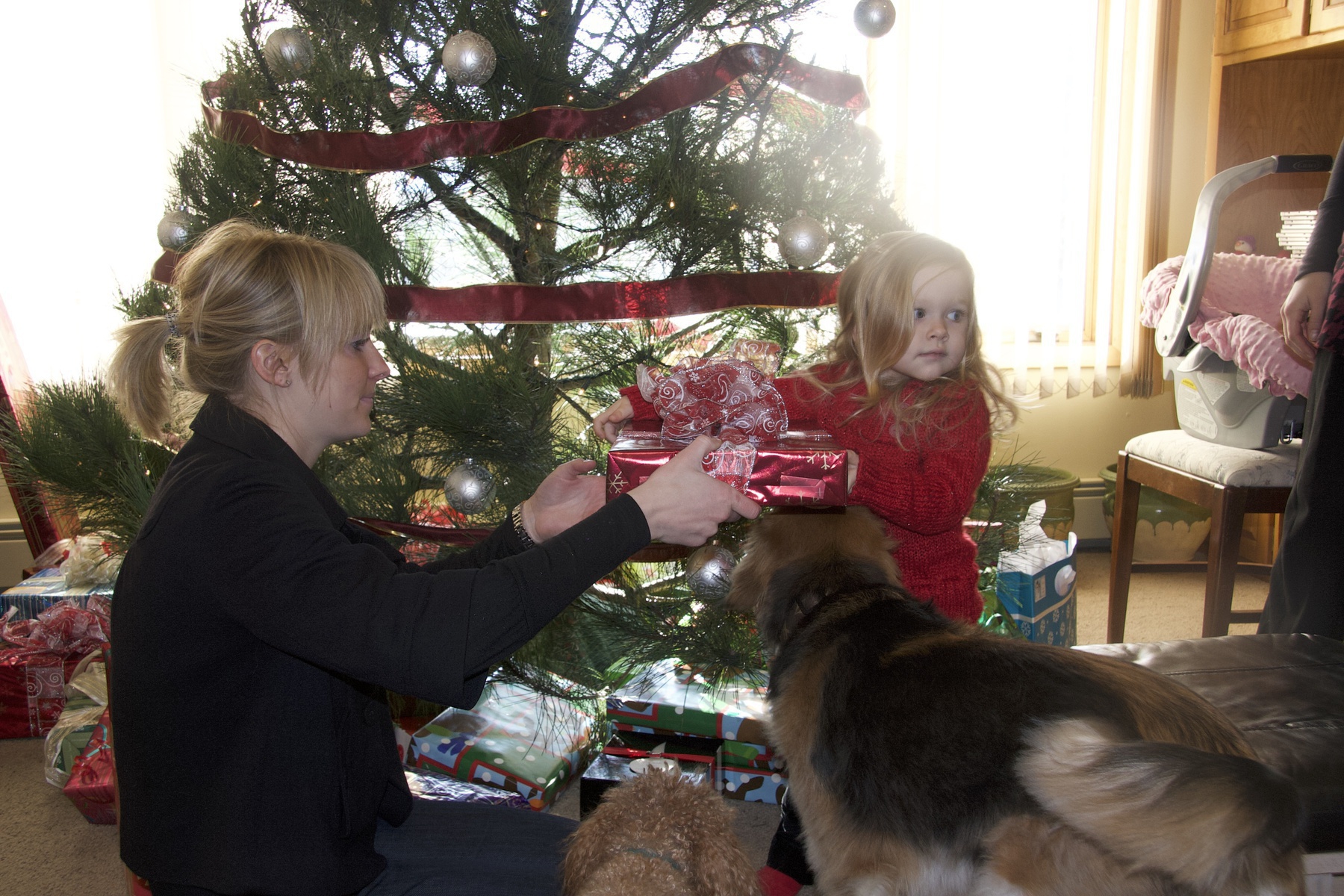
Christmas 2007 is a wrap! Great time with family. Mazie really started to grok the holiday this year and was pretty excited. She loves presents. In honor of the season and Dad traditions, here is a time lapse video of me and Grandpa Don assembling Mazie’s new doll house. She’s totally digging it.
Awesome Bluetooth Headset Dude!
I got my brother-in-law Denny a new Bluetooth headset for Christmas and my brother-in-law Hector showed up after putting in a mandatory morning at the office and just loved his new headset. Words cannot do his reaction justice. This short movie attempts to capture the moment.
2007 Holiday Letter
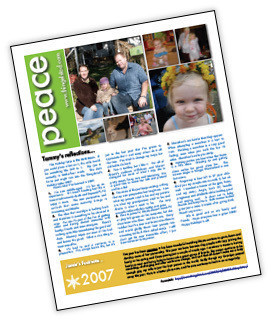
Tammy and I are both pretty shocked that we got a holiday letter out this year. It just sort of happened. Tammy started writing something and it just appeared. After a night of tweaking, adding some photos and an online printing order to Kinkos we had ourselves a letter! A bunch of these went out in the mail, but I wouldn’t dare deprive the dedicated blog reader of this great content as well. Read the 2007 Holiday Letter right here.
As a special bonus for the web I’m going to highlight a selected set of blog posts from this year as well.
2007 Highlights from thingelstad.com
- Red Glasses Make Water Taste Wrong
- I got Obsessed with Twitter, and then Abandoned Twitter.
- We took our first weekend away from Mazie in Chicago.
- I started my Apple TV obsession and got an iPhone.
- Tammy went away for a trip and I was Mr. Mom!
- I started playing with time-lapsed video: Drive to Work, Table Assembly, Christmas Tree.
- We had a great 2007 Olson Family Weekend.
- We had a great time at the Winnipeg Folk Festival.
- I went to Canada fishing with my brother-in-laws courtesy of my father-in-law.
- We got some awesome avatars!