
Kubb
Tales of playing the Swedish lawn game Kubb with friends and colleagues. I share snapshots of pickup games, tournament stories and even how we incorporate Kubb into our TeamSPS events.
- Retrieve the RSS feed for www.thingelstad.com
- Find items in feed that are within the time period of this issue
- Convert each post to markdown and do some post processing to make it work in the newsletter better
- Detect any URL’s that are uploads into my blog, and make sure to not grab any others.
- Retrieve the image file at that URL
- Resize it to 1,200 pixels on the “long edge”
- Add to S3 bucket for files.thingelstad.com in the right directory for this issue
- Replace the original image URL with the new URL
- Add www.thingelstad.com/2023/09/2… from Sep 20, 2023 at 9:30 PM. (Count 1)
- Detected www.thingelstad.com/uploads/2…
- Resized img-7928.jpeg (1.9 MB to 518 KB)
- Replacing www.thingelstad.com/uploads/2… with files.thingelstad.com/weekly-th…
- Detected www.thingelstad.com/uploads/2…
- Resized 6334e1ac32.jpg (2.3 MB to 597 KB)
- Replacing www.thingelstad.com/uploads/2… with files.thingelstad.com/weekly-th…
- Detected www.thingelstad.com/uploads/2…
- Add www.thingelstad.com/2023/09/2… from Sep 20, 2023 at 8:09 PM. (Count 2)
- Detected www.thingelstad.com/uploads/2…
- Resized 198c1c9be7.jpg (227 KB to 219 KB)
- Replacing www.thingelstad.com/uploads/2… with files.thingelstad.com/weekly-th…
- Detected www.thingelstad.com/uploads/2…
- Resized 0b1754ade2.jpg (297 KB to 276 KB)
- Replacing www.thingelstad.com/uploads/2… with files.thingelstad.com/weekly-th…
- Detected www.thingelstad.com/uploads/2…
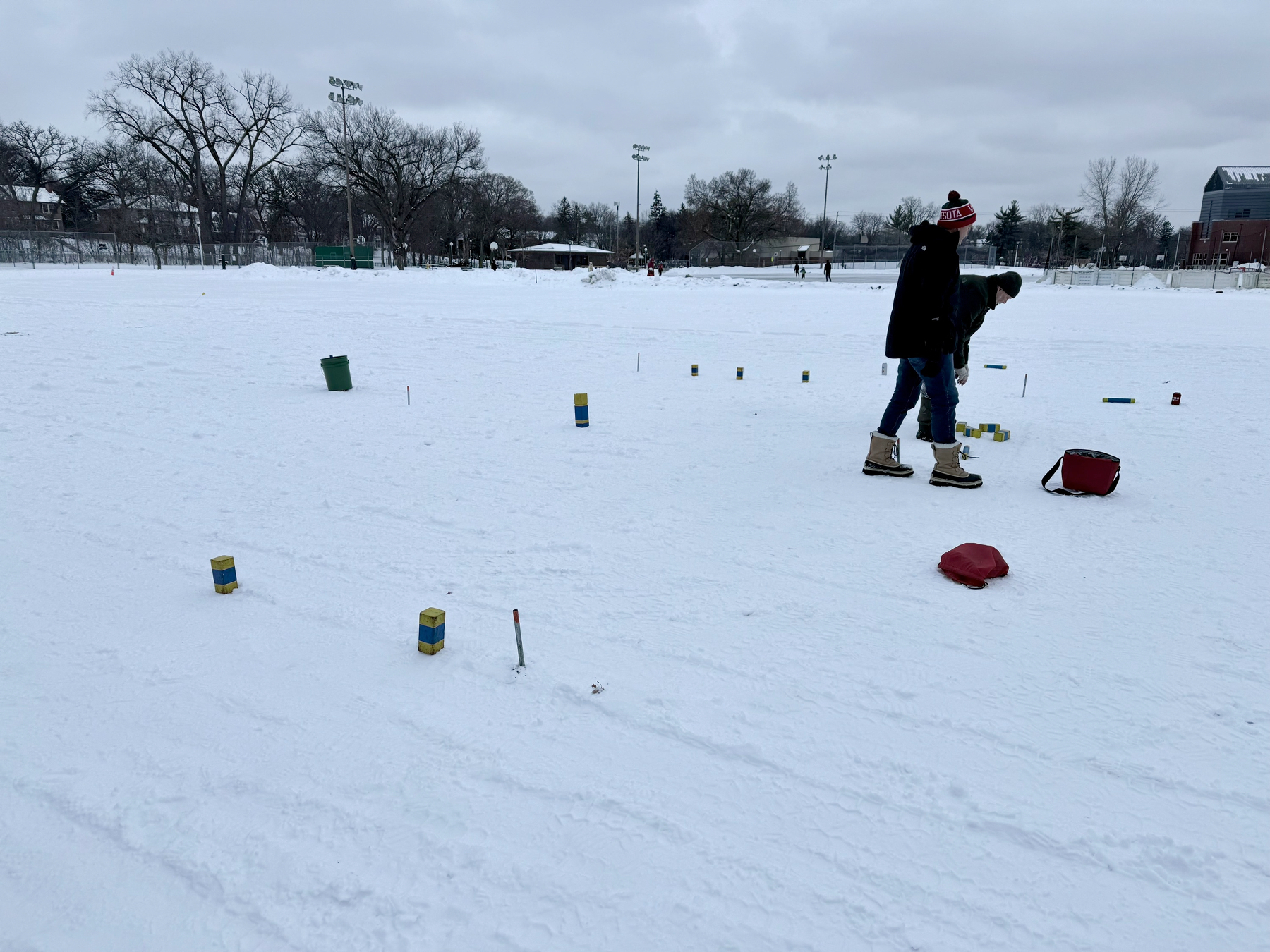
Ran into some Kubb players from LiHiKubb practicing for the Loppet Kubb Tournament in Linden Hills park on our walk today!
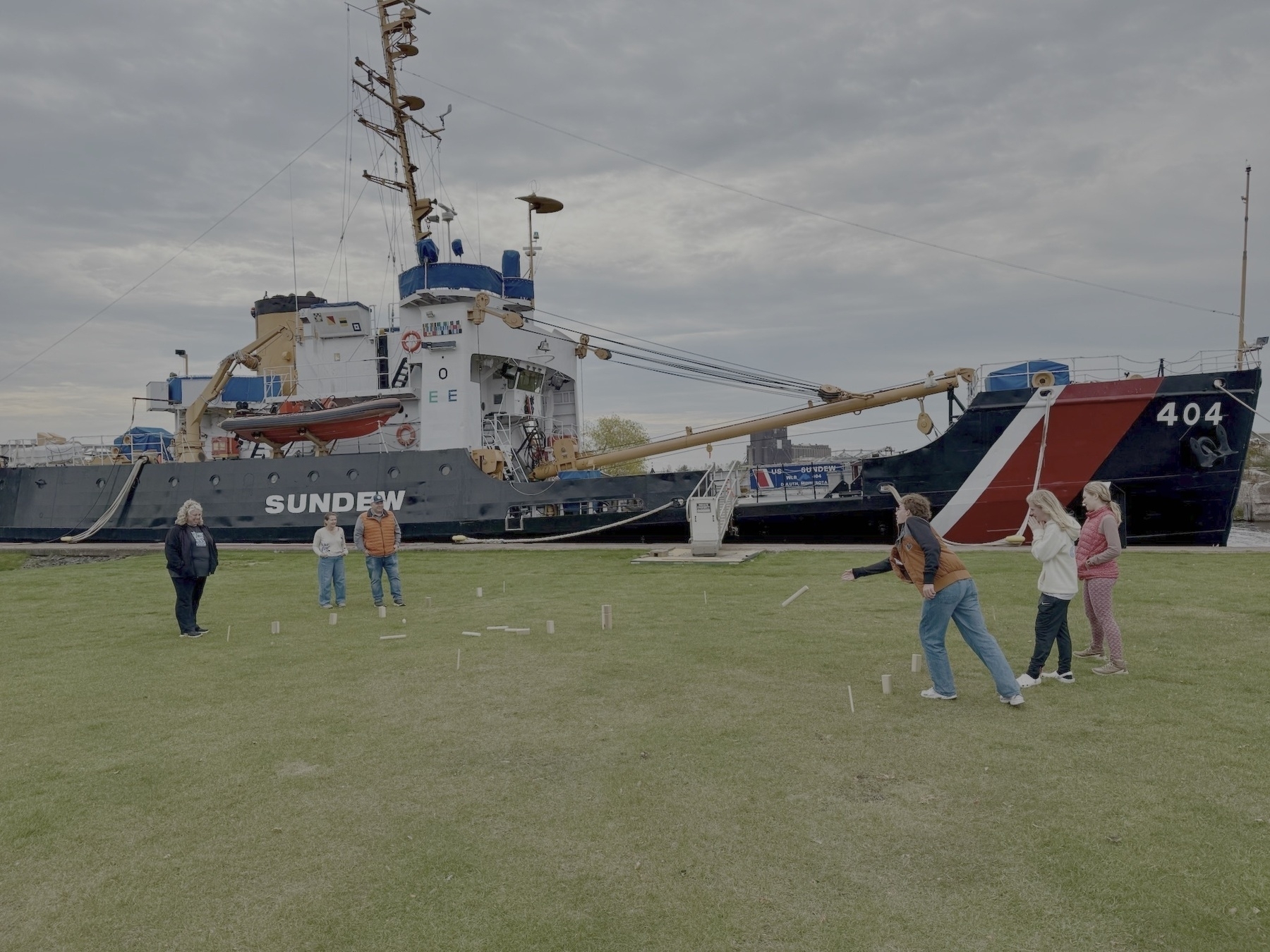
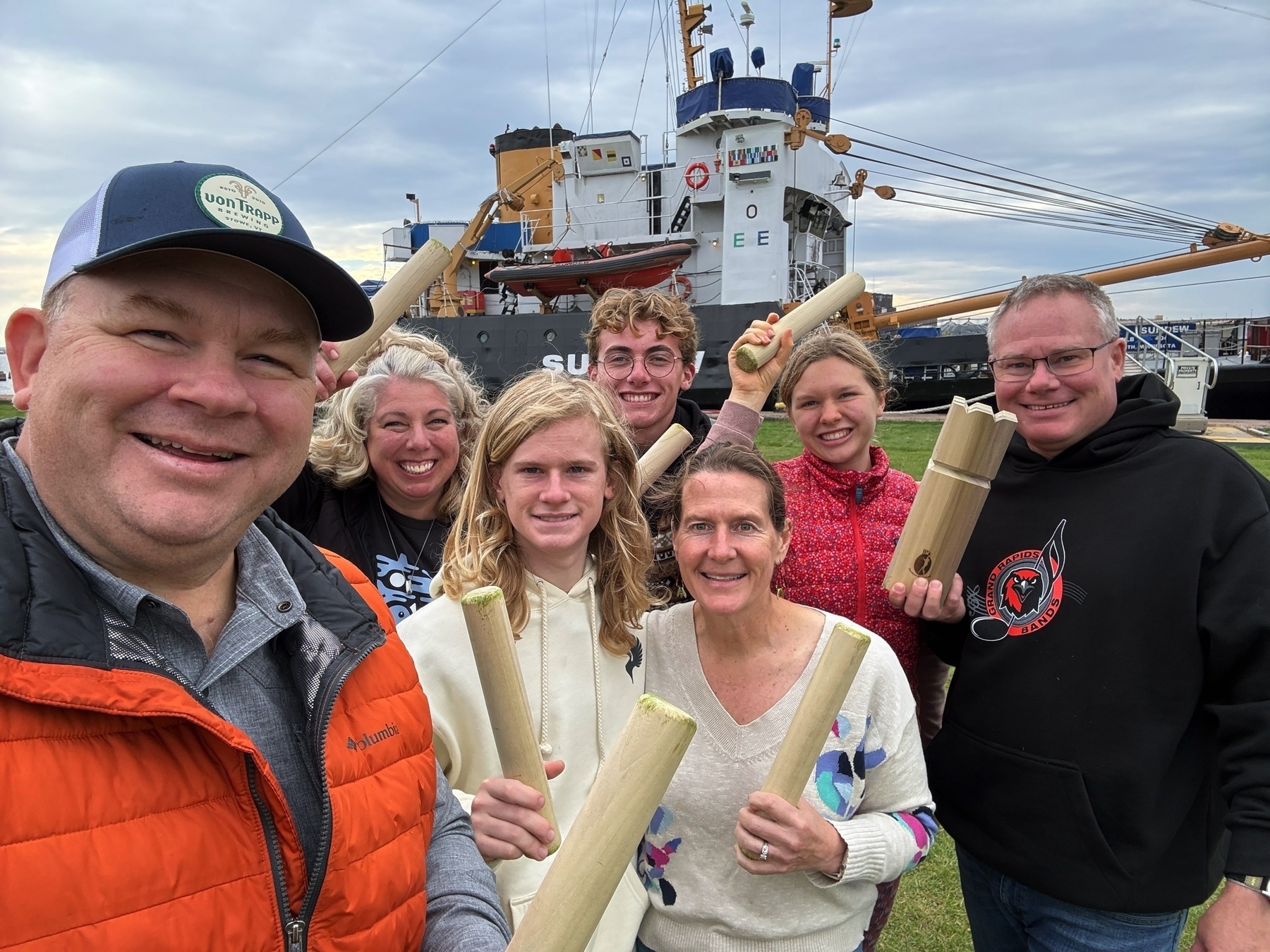
Before we departed and went our separate ways we setup the Kubb pitch by the PIer B parking lot and showed my brother and family how to play. We put the first grass stains on the new set from JP’s Backyard Games. Everyone had a great time! Kubb for the win!
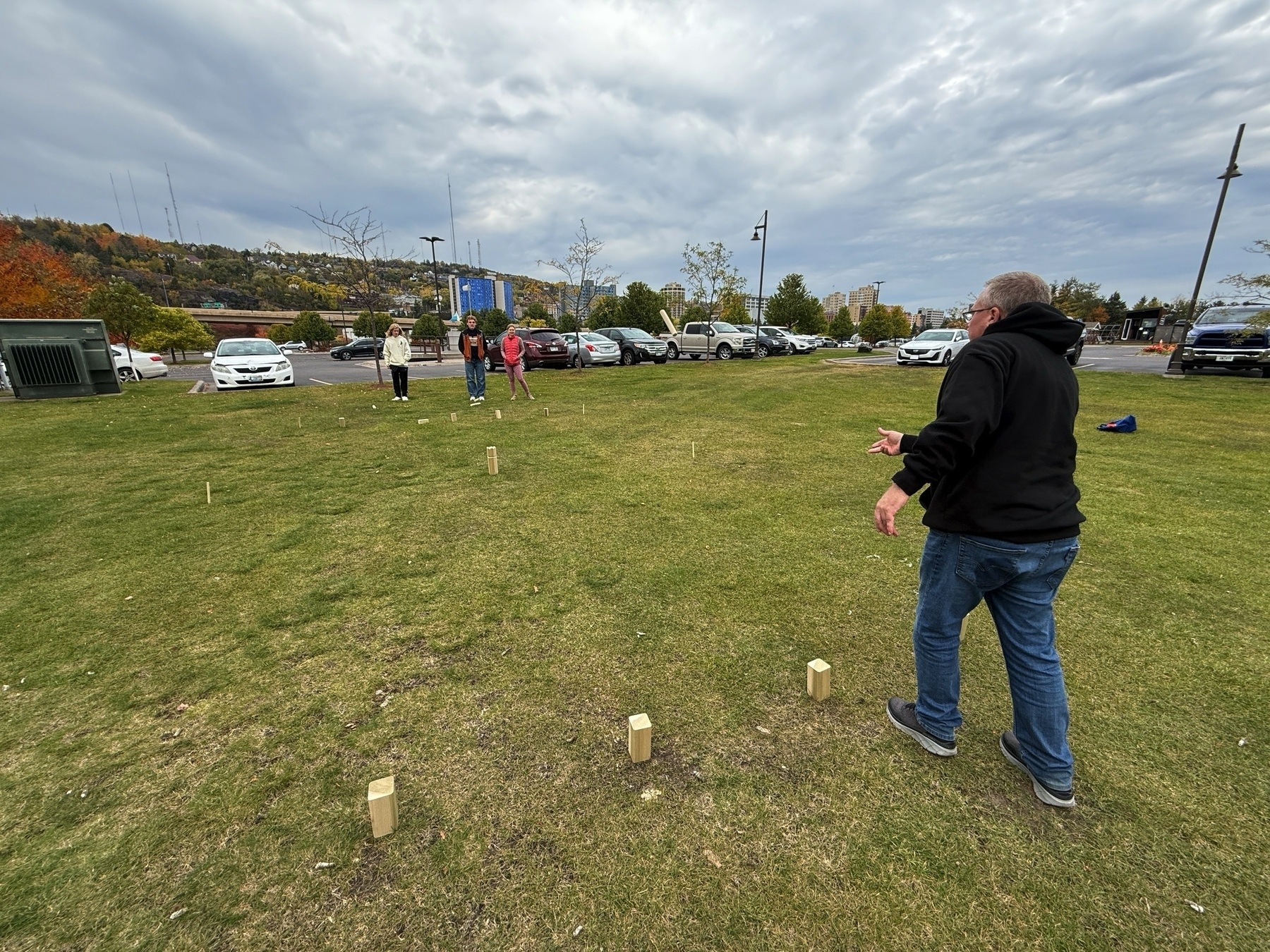
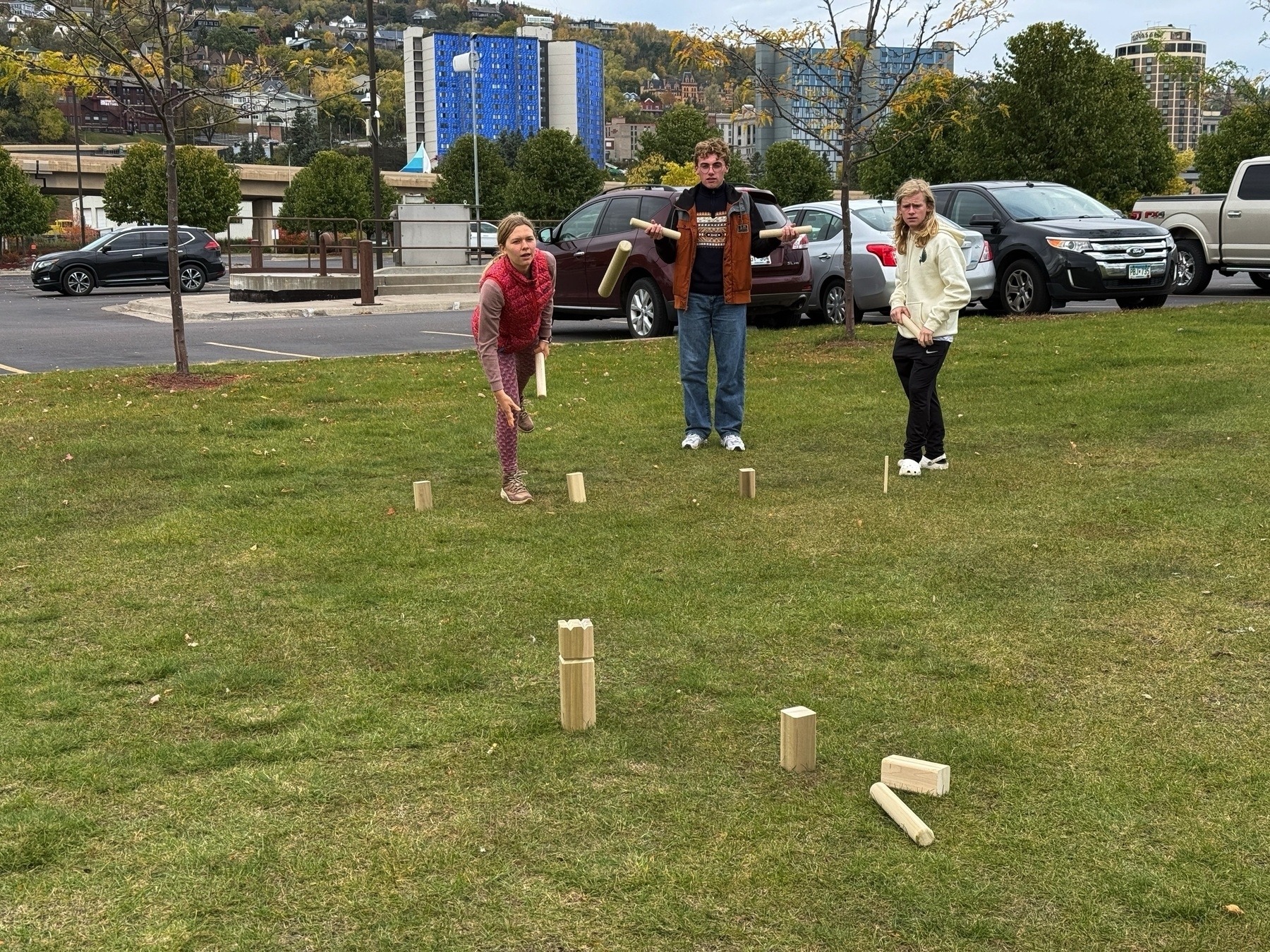
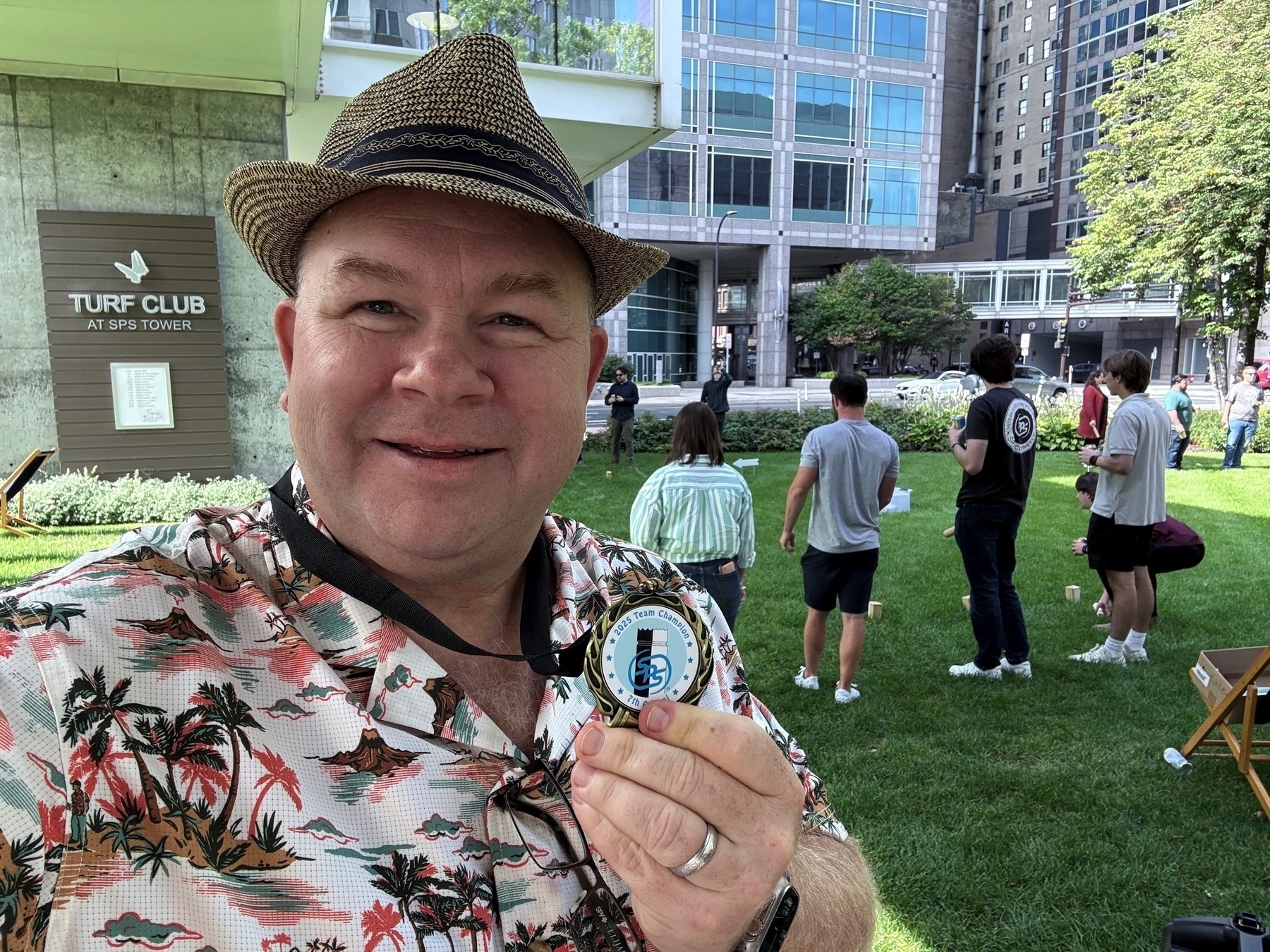
POAP 7450052 at SPS Kubb Tournament 2025.

Awesome day for the 7th Annual Team SPS Kubb Tournament! Bonus for me to fulfill my wish of being a Kubb tournament director. 
Blog Categories via LLM
After using GPT-5 to create category introductions for my website I got to thinking about the categories themselves.
With over 9,800 blog posts spanning 20+ years it is daunting to figure out an approach to categories. It is especially daunting to approach them in a way that would make sense to a visitor to my website. As a test, I gave this challenge to GPT-5 using Agent mode. It took 31 minutes to do the research. I have no idea how many web pages it hit on my site (I wasn’t watching!). It gave me a whole report and the results seem really solid.
Each one of these is also provided a description and examples posts that would fit into it. This seems like a great place to use AI.
Going through my blog and assigning posts to these categories could be done with a script and some vibe coding. Perhaps this will be a winter project for me.
All of this has me thinking that it would be nice for micro.blog to do this for me. I wouldn’t mind having micro.blog use AI to recommend categories for me. But then separately, now that we have categories with introduction text take each of my blog posts and ask the LLM to categories it into the existing structure. All the data is there. 🤔
The kids playing Kubb while we wait for our pizza. Playing with the custom set I won at the USA Kubb Championship.
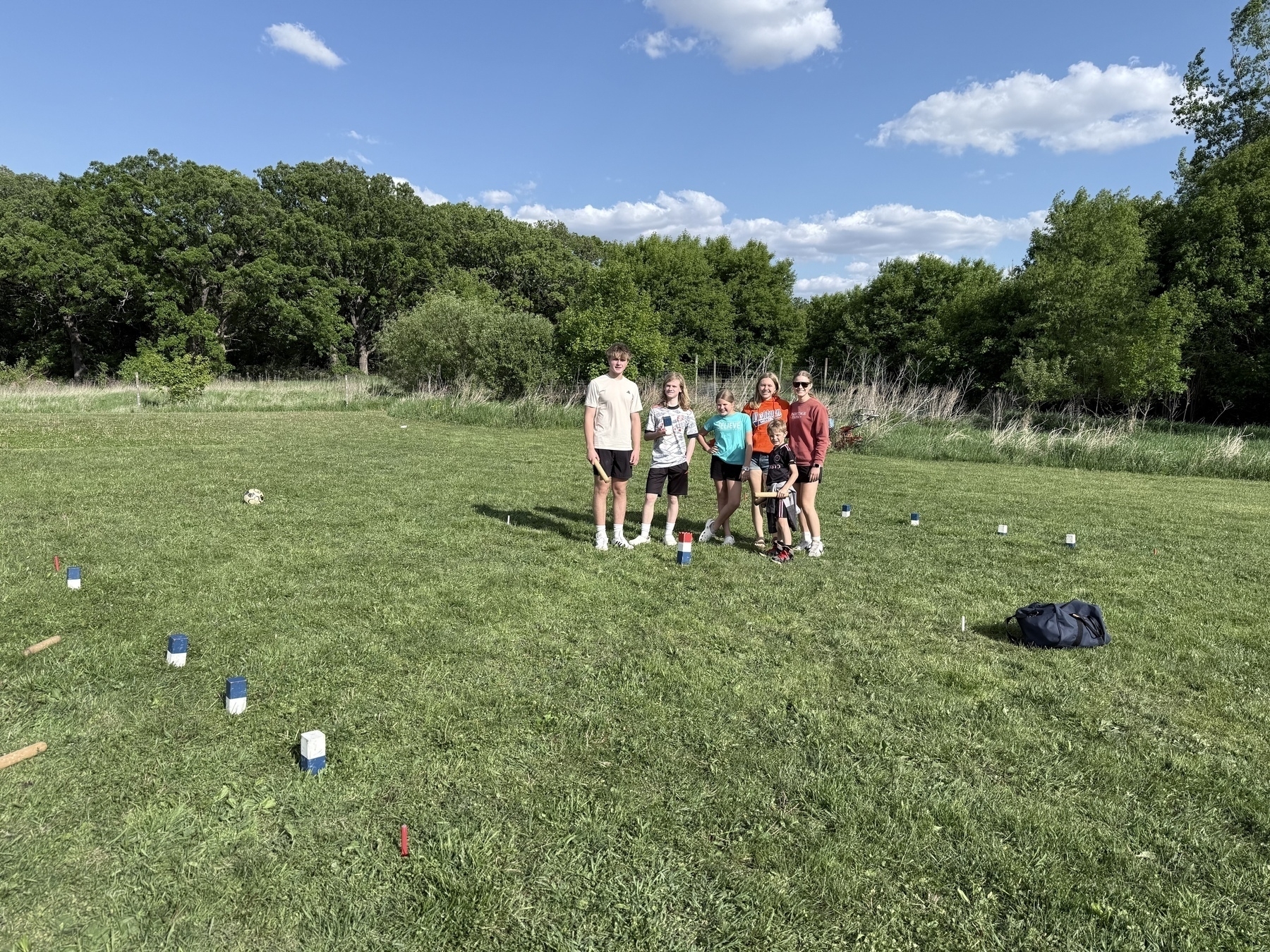
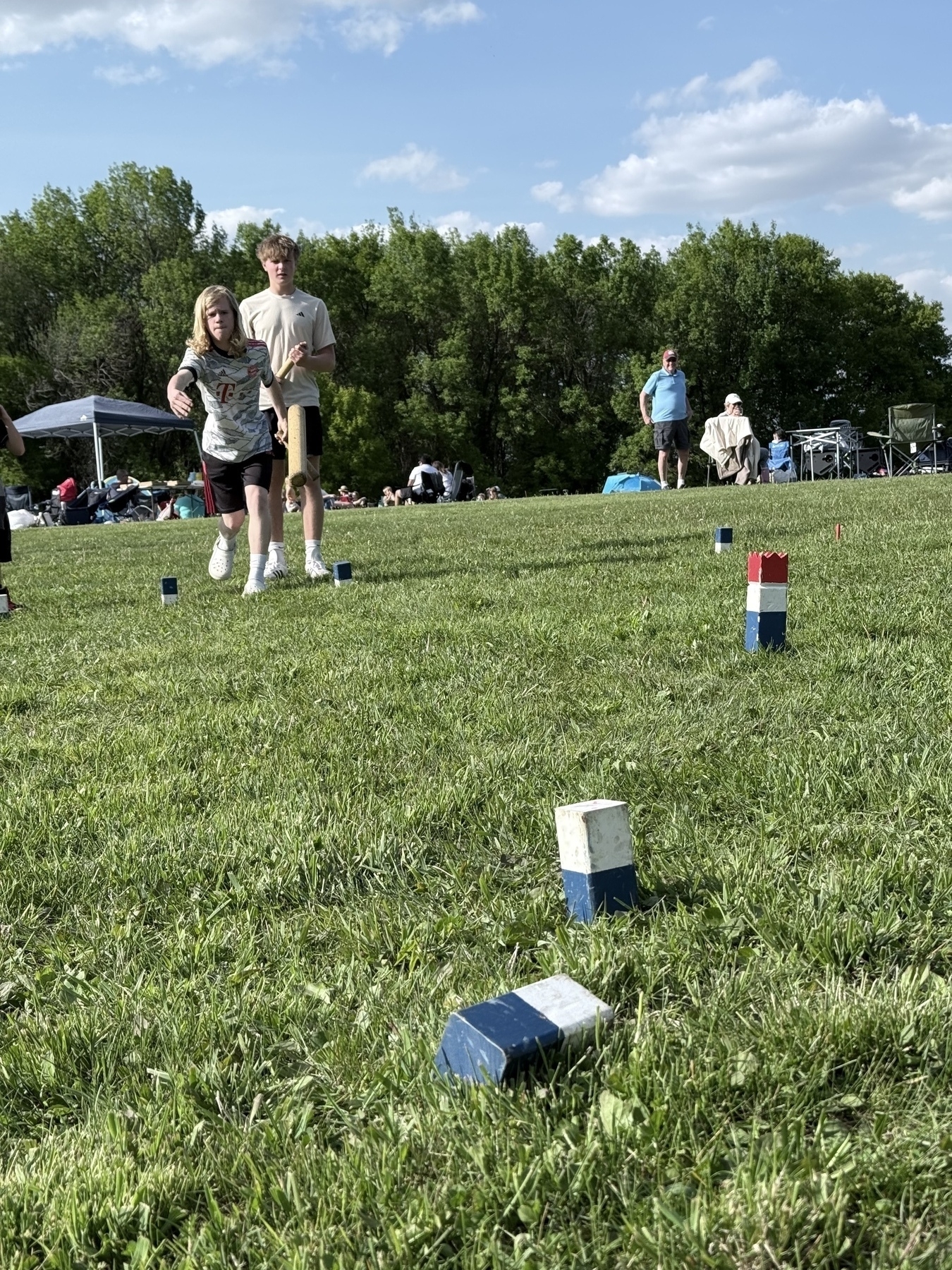
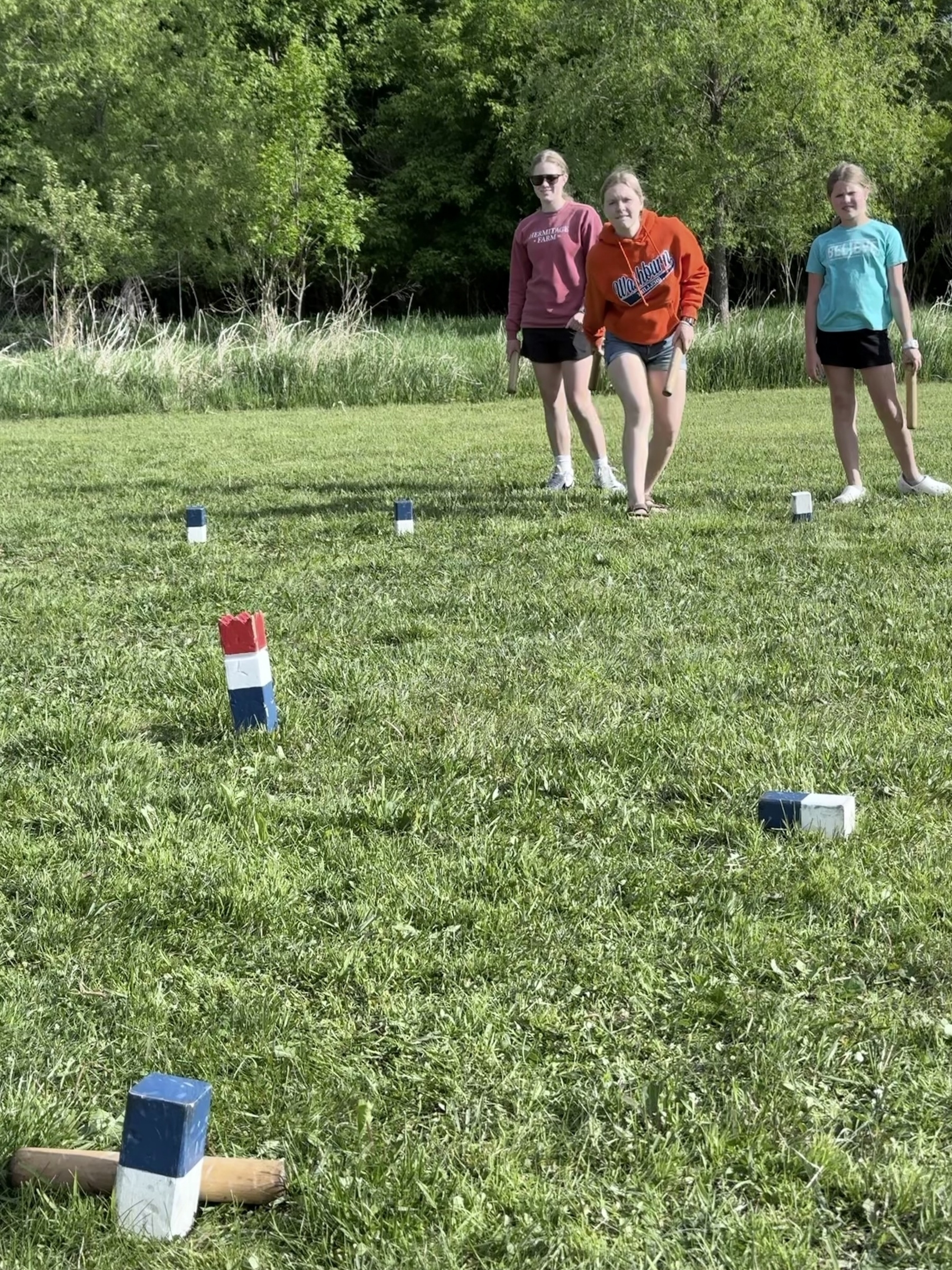
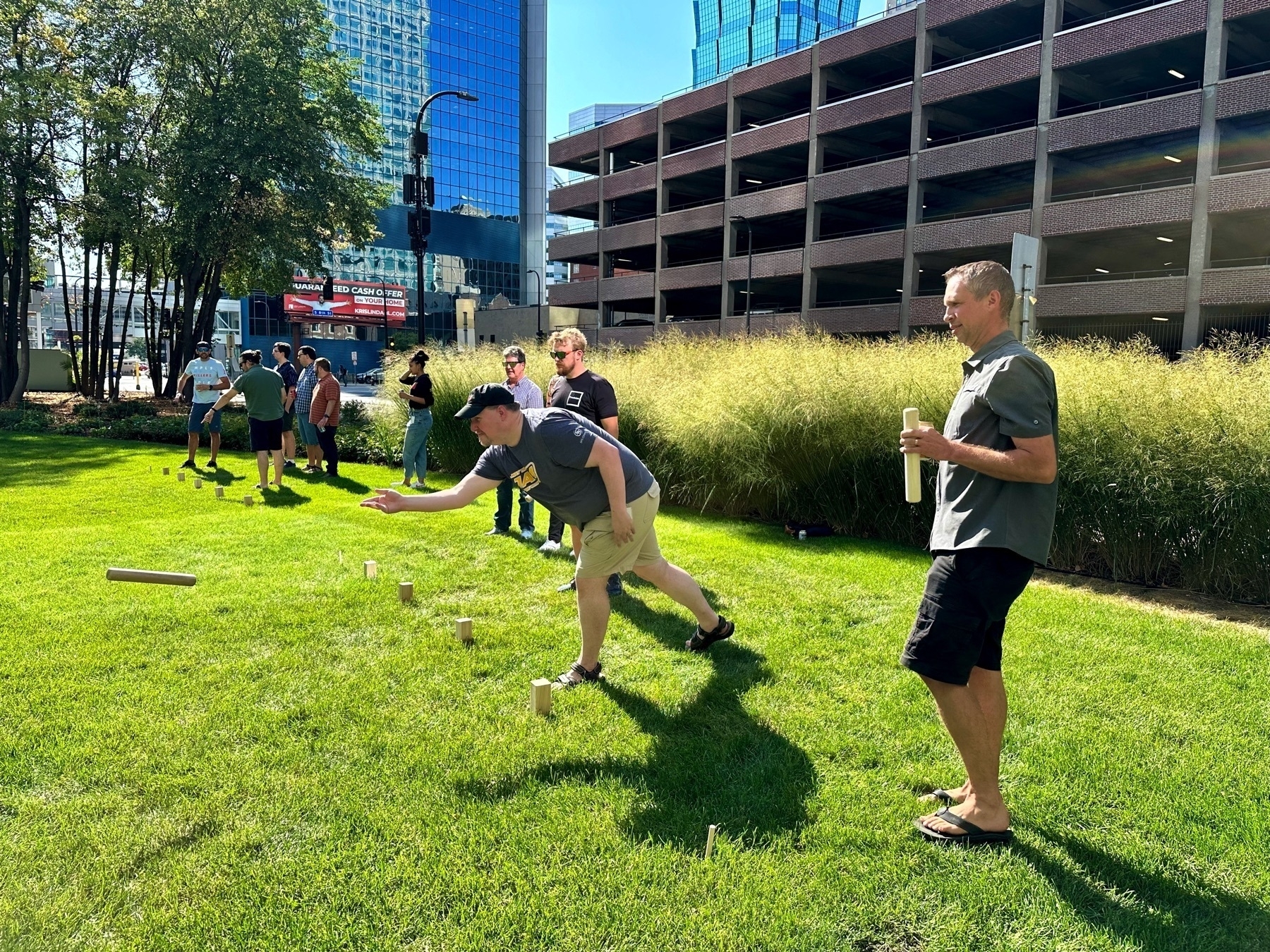
After our TeamSPS Kubb Tournament a small group of us had a pickup game that was awesome. We had all 10 kubbs in play!
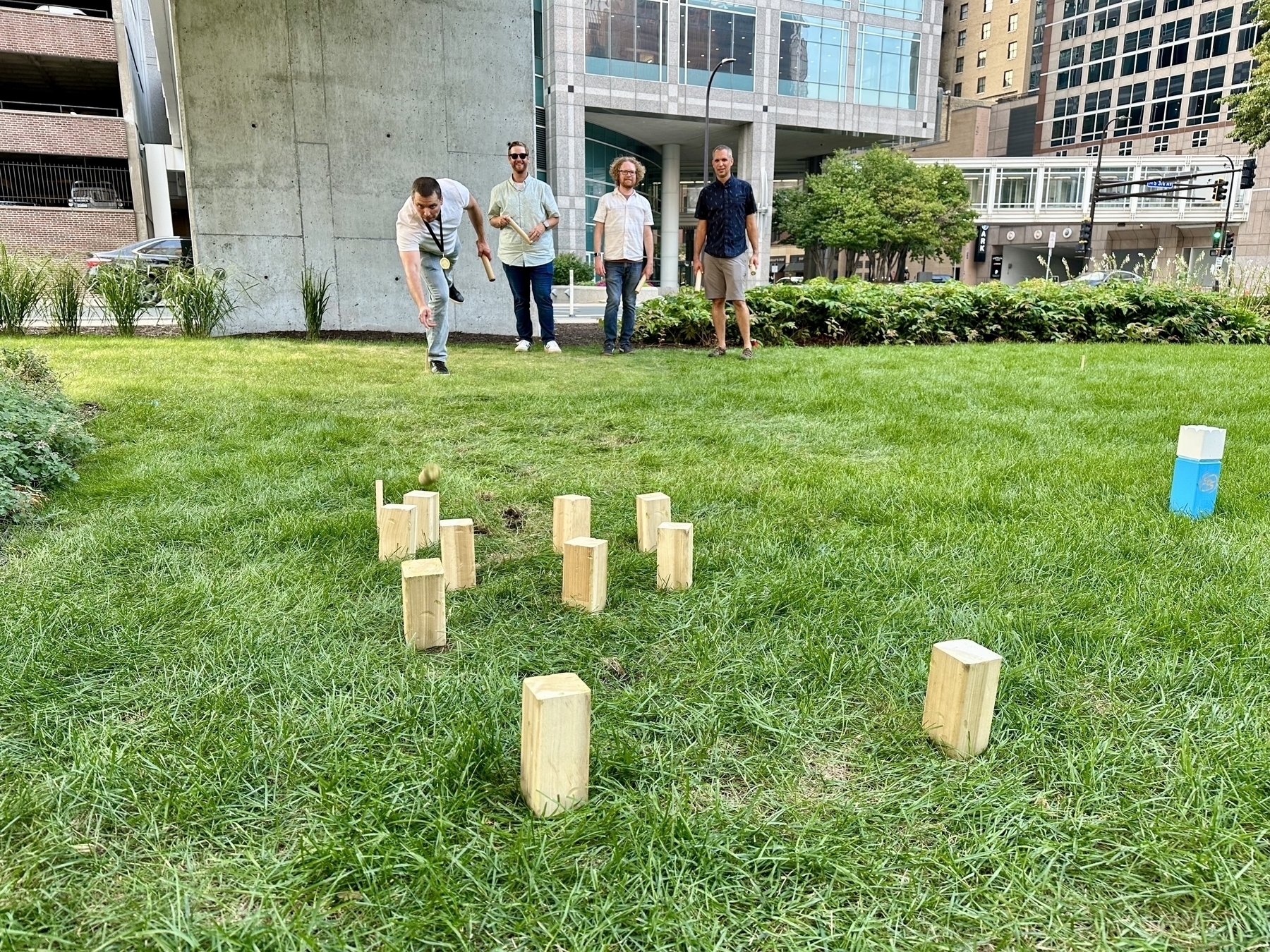
POAP 7192127 at SPS Kubb Tourney 2024.

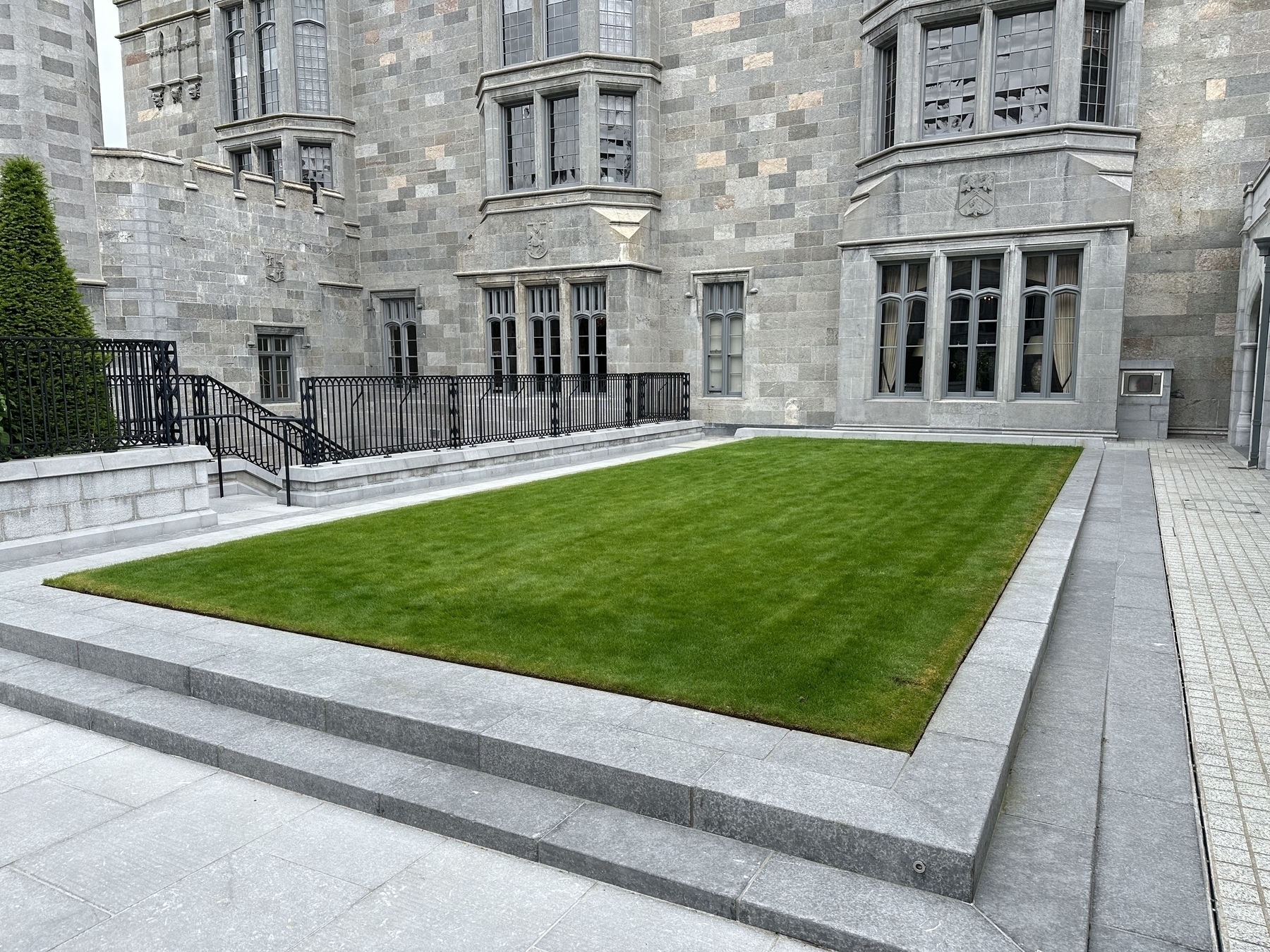
This would be the perfect spot for a Kubb pitch at Adare Manor!
Smaller Images for Weekly Thing
In the Journal section of the Weekly Thing I include any blog posts that I’ve made for that week. To keep things easy, I’ve always just linked to the same image files that are used on my blog. That has never been ideal since those images are much larger than what you would ideally include in an email.
I decided to try and solve this problem in Shortcuts and the amazing S3 Files. The basic approach I take to getting blog posts into the Weekly Thing is:
To do this I would add another step after 3 to detect my own images in the posts, and do the following:
It wasn’t too hard to make all this work. After tweaking the regular expressions, and making sure that the replacement worked right it was working great.
Here is a snippet from my logs.
.)
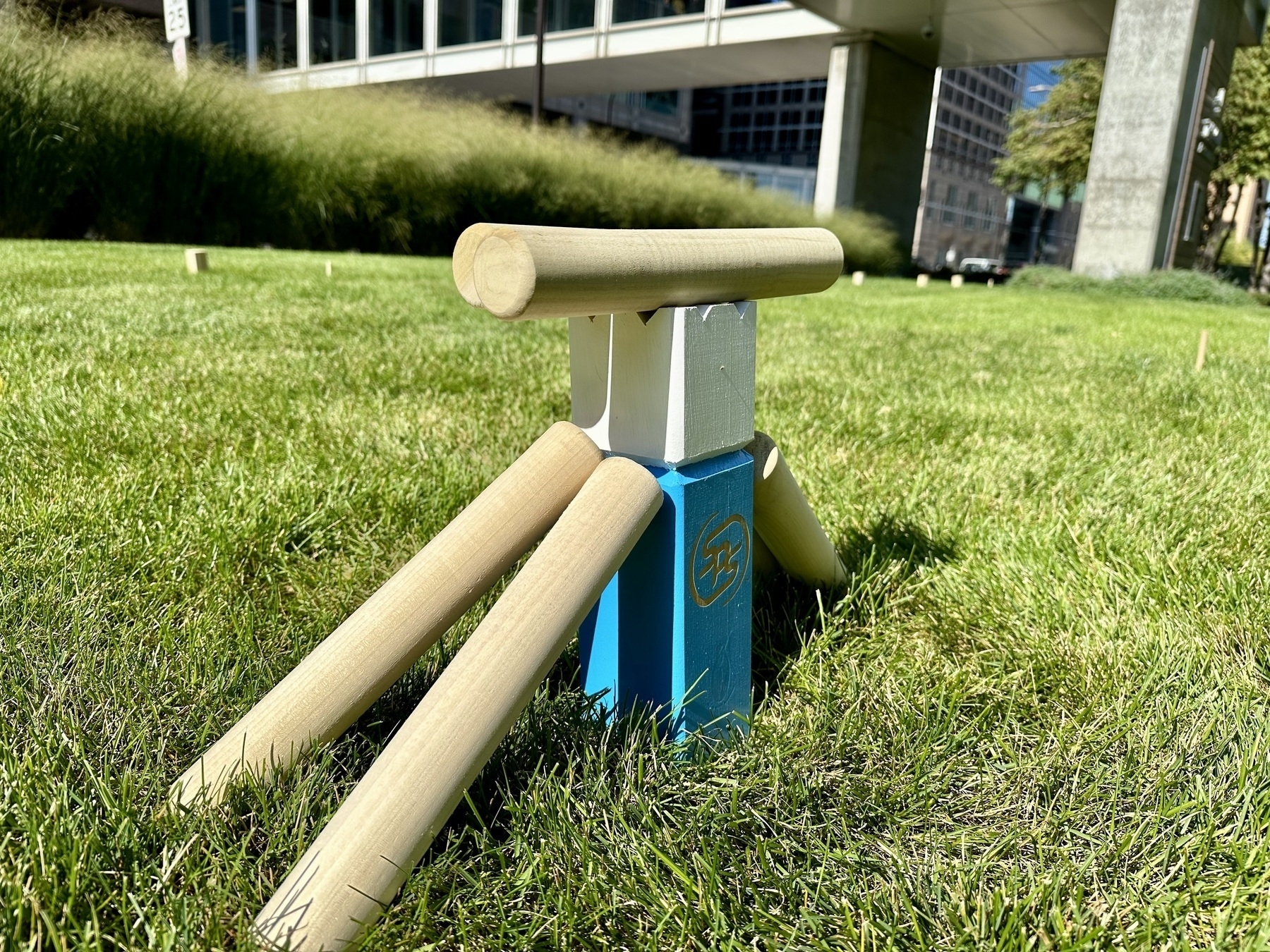

.)

.)

.)

When I ran this to the Journal images in Weekly Thing 262 it was able to resize 28 images from an original size of 43 MB to 12 MB, saving 31 MB of download data!
This is a big win in two ways. First, when you open the Weekly Thing from 263 on your device will download way less data and need to use way less memory. Also, some email services apparently dislike it if emails reference images that are longer than 1,200 pixels on the longest side. Hopefully this little efficiency will also get finicky mail servers to be nicer to my emails.
This was only possible with the revamp I’ve been doing to my automation, and the ability to add this step in was a great result of those changes.
This post is part of the Shortcuts Collection.