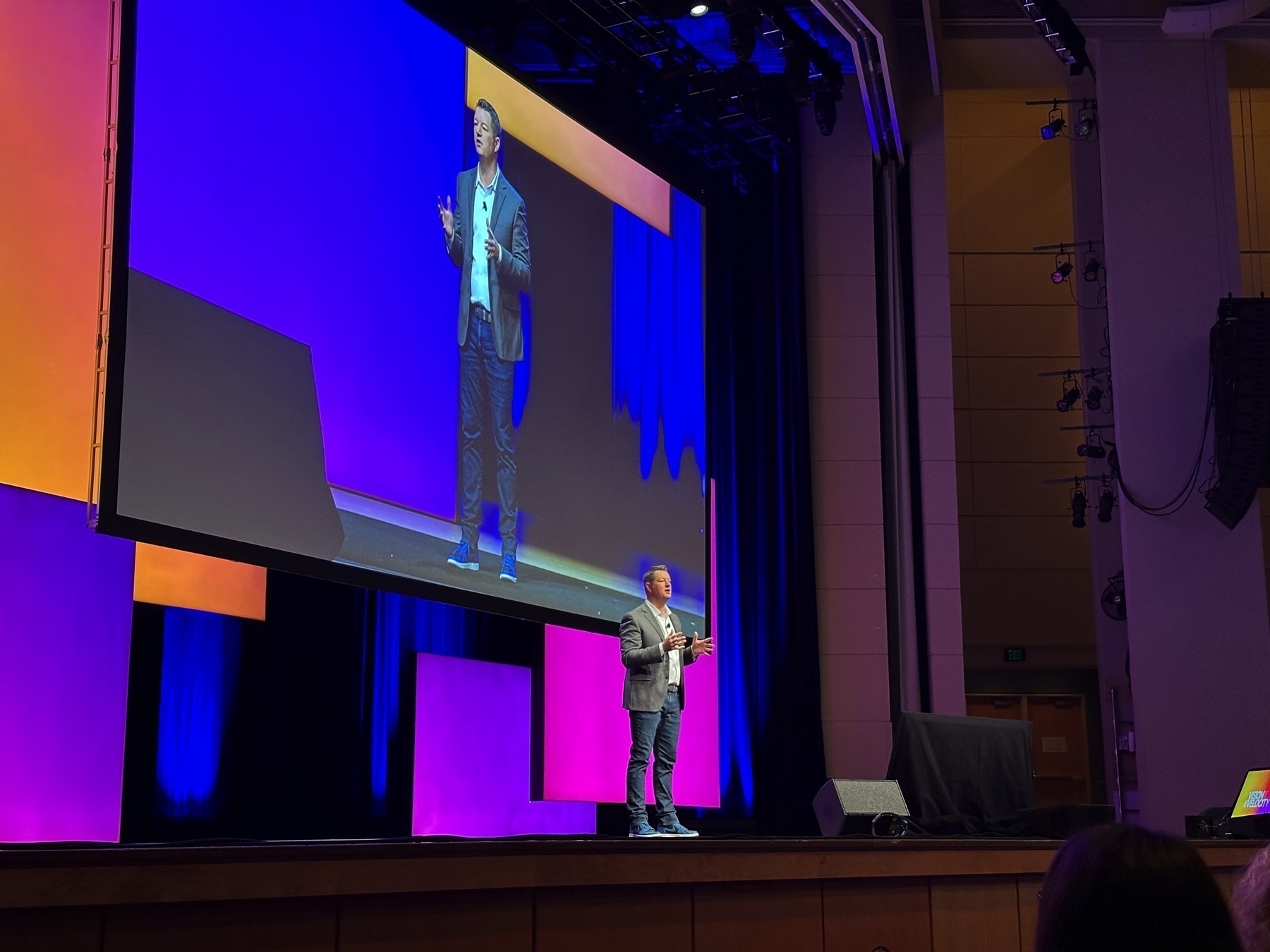
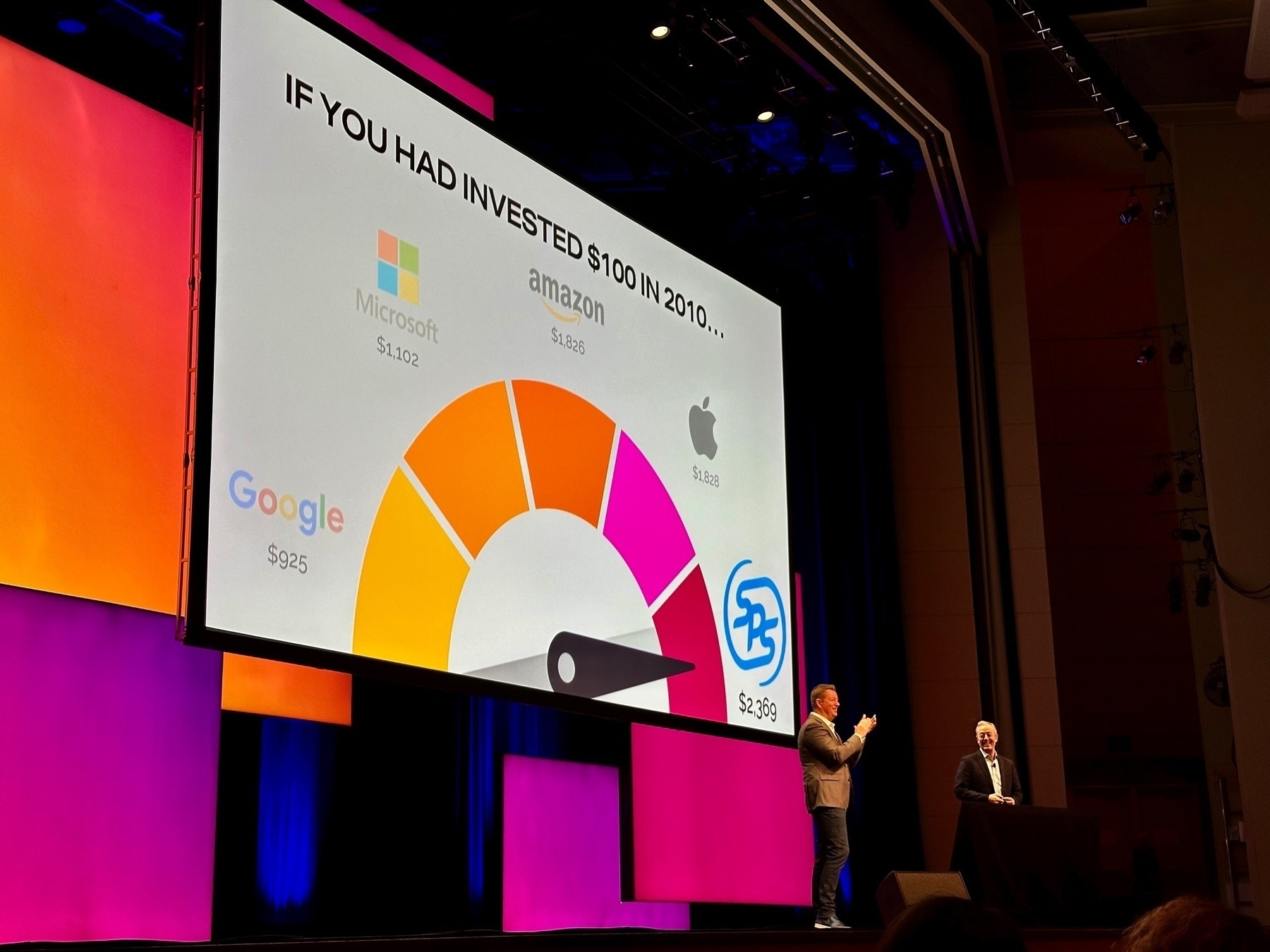
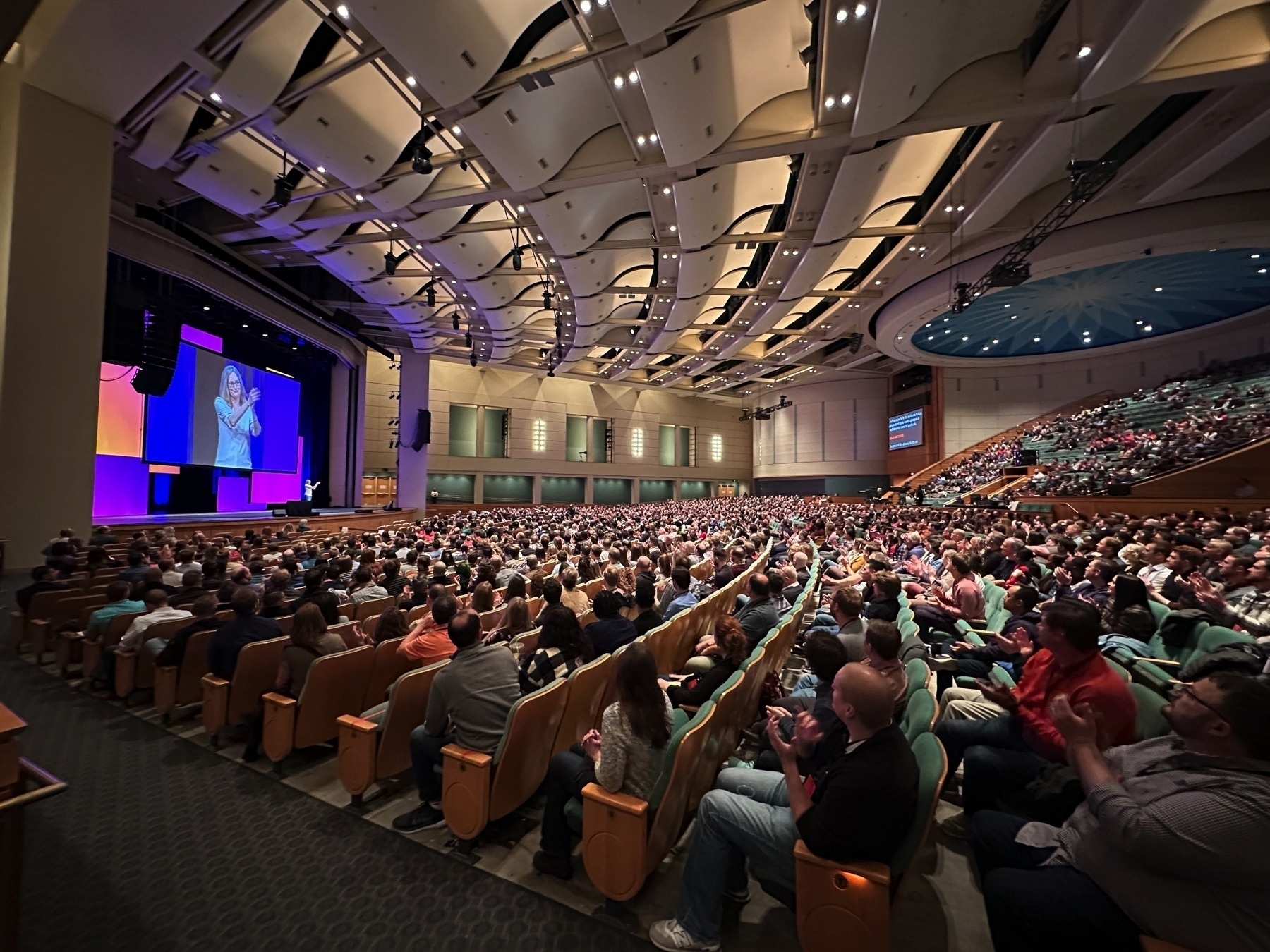
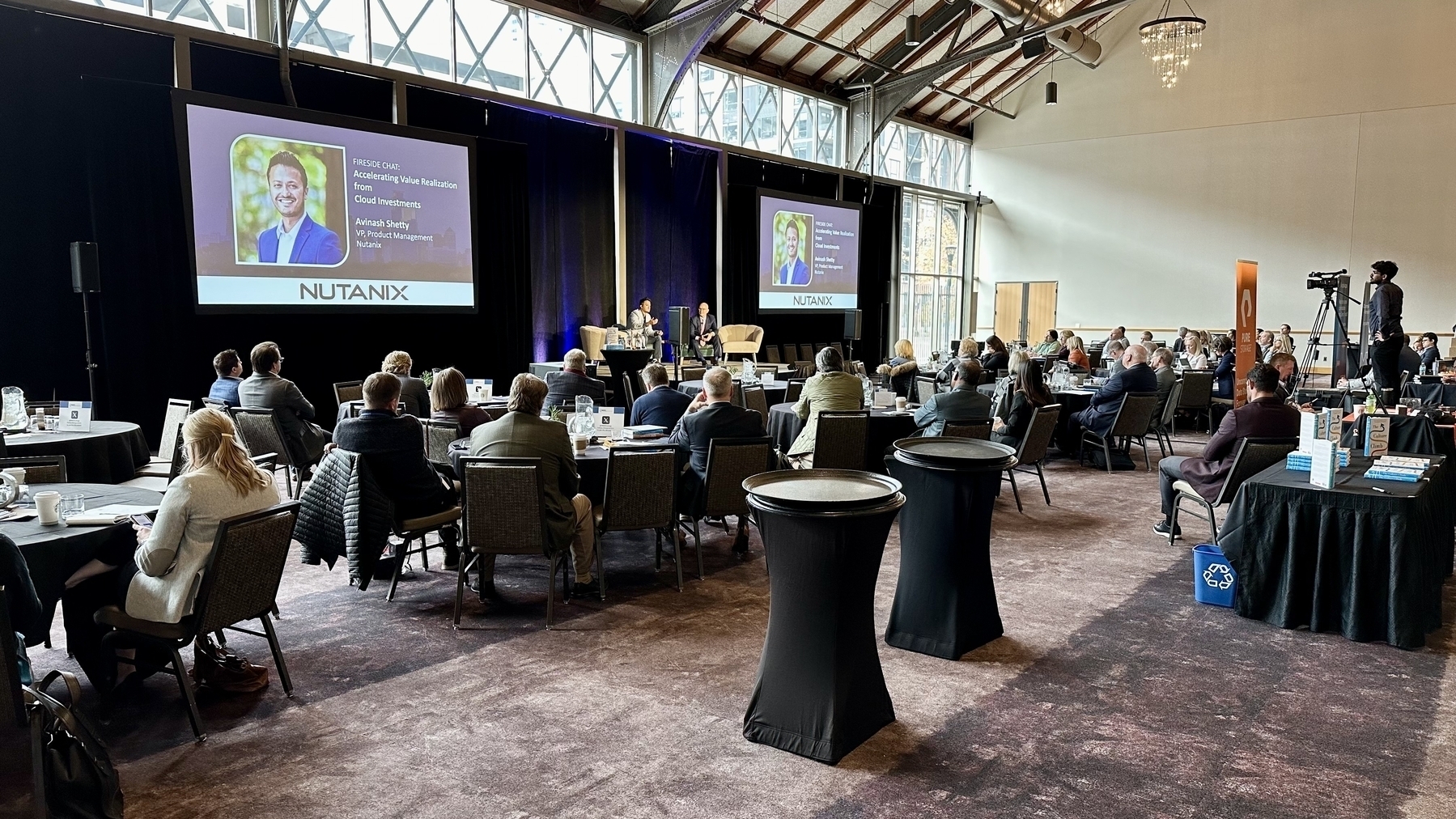
Huge thank you to Dee Thibodeau, Nick Hernandez, Ahmed Jamil for hosting the Fall CIO Wine Tasting! And thanks to Tony Peleska for hosting on their amazing patio! Lastly, Chuck Kanski of Solo Vino was an amazing guide through delightful wines.
I’ve had the ScanSnap iX500 for years and the scanner is great but the software gets worse by the day. The “Scan to the Cloud” feature fails silently! You can be scanning away thinking it’s all going to my Box account to retrieve later, but in reality the scans are going nowhere, no error message, and no file to recover!
I just realized that one of our iMacs (Retina 5K, 27-inch, 2017) isn’t able to upgrade to macOS Sonoma! I’ve been debating if it is time to update it as well as the other iMac (Retina 5K, 27-inch, 2019). Seems like it is time to put these Intel iMacs to pasture.
Seems like $4 billion is the minimum cost to Amazon for missing the LLM wave.
Amazon will invest up to $4bn in Anthropic, an American AI startup founded by former employees of OpenAI, who have built a chatbotcalled Claude. Amazon will acquire a minority stake in the company, which was valued at $5bn earlier this year, to better compete in generative AI. Anthropic will work closely with Amazon Web Services, the tech giant’s cloud-computing arm. — Economist Espresso, Sep 25, 2023
POAP 6801491 at Weekly Thing Forum Launch.
I’ve been gradually reducing my daily coffee from 24oz (4 cups) to 18oz (3 cups) and this morning starts 12 oz (2 cups). I’m trying to see if cutting caffeine in half has a positive impact on blood pressure and sleep.
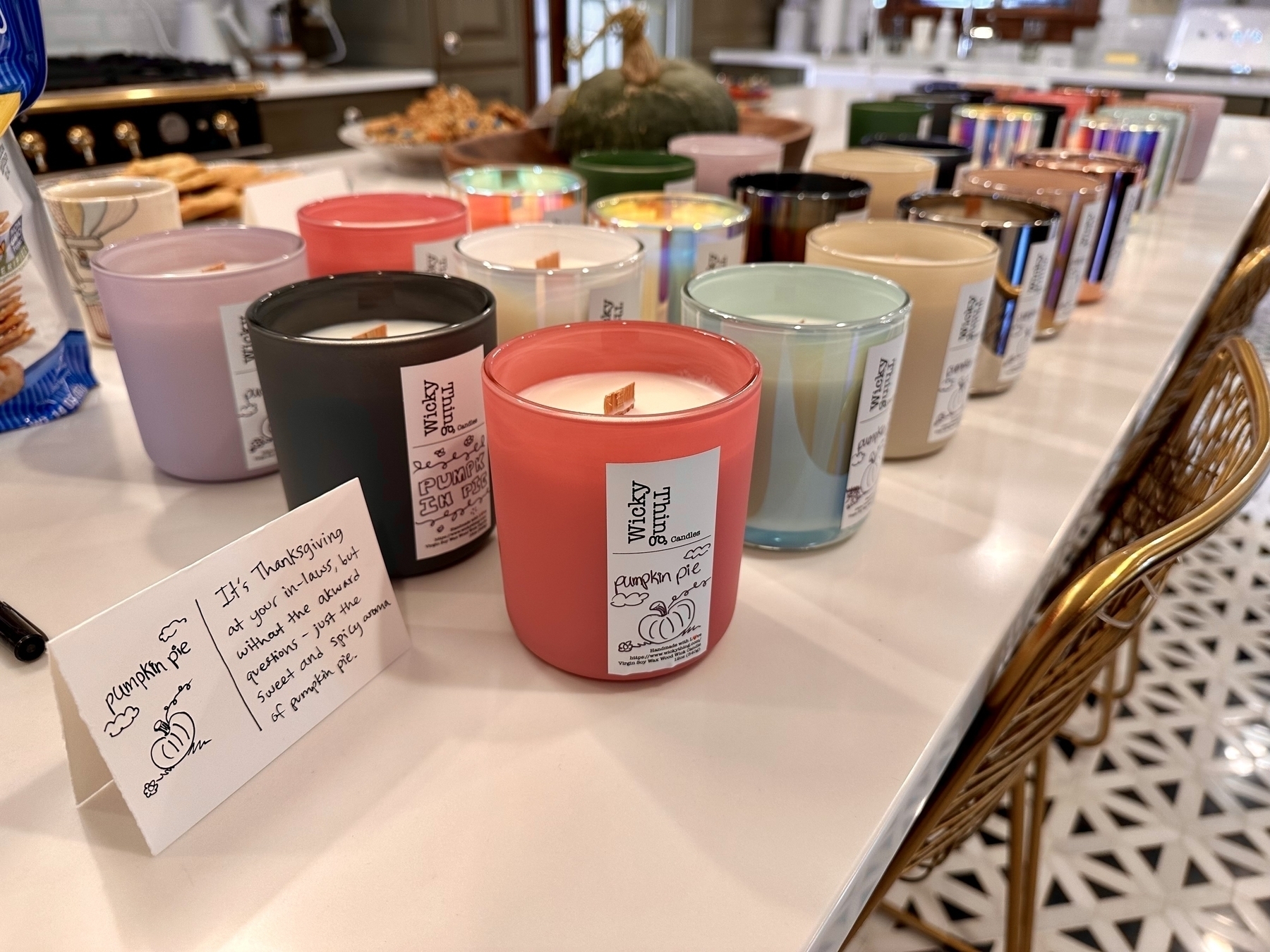
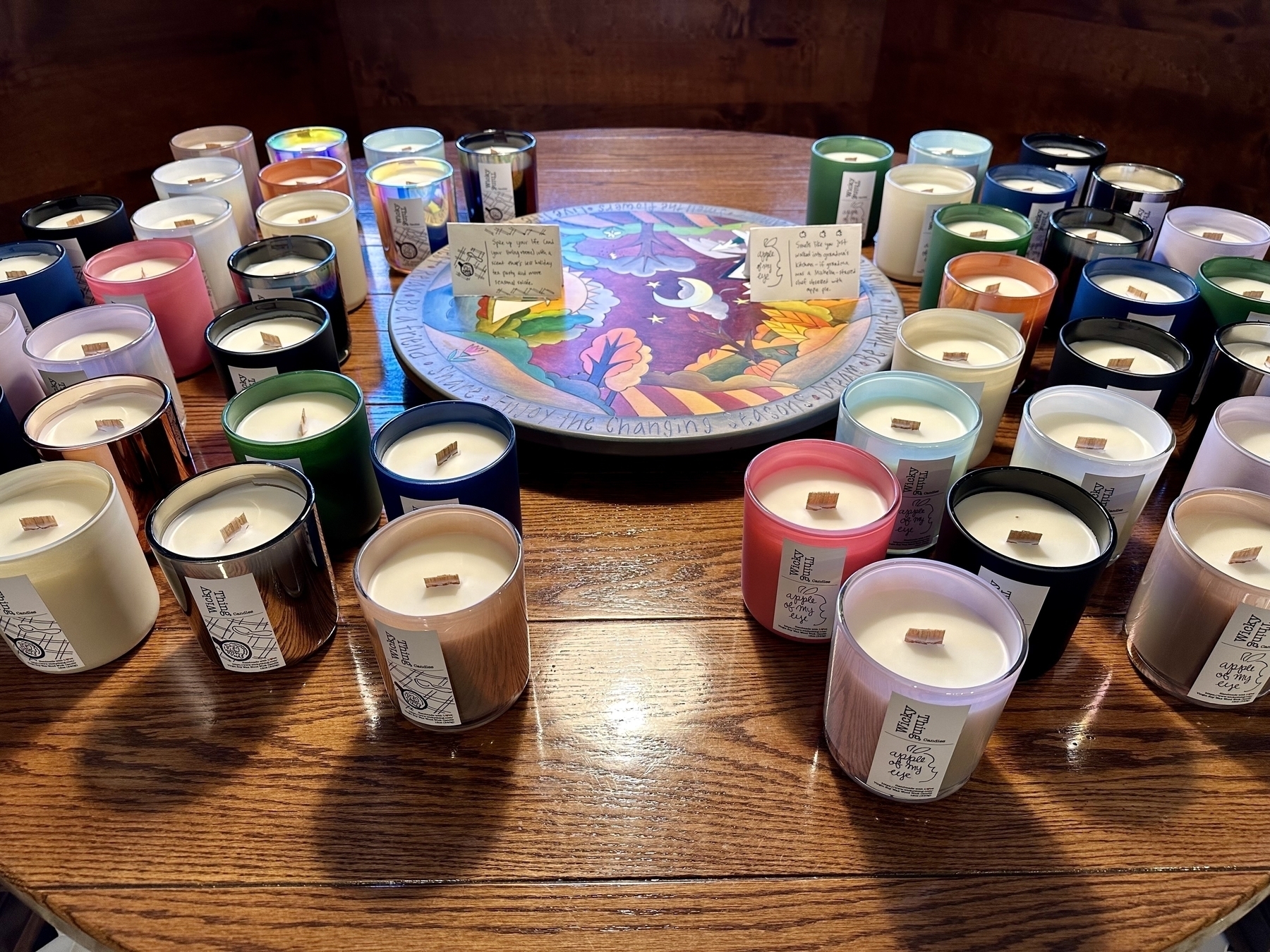
Just ordered 108 additional candle vessels, more wax, and scents to fill out inventory so we can start making candles for the 2023 Things 4 Good Candle Sale! Plan is to make 203 wooden wick candles to raise money for good causes. Sale will be Nov 4th and 5th!
How I Build the Weekly Thing
One of the common questions I’m asked is how I create the Weekly Thing. There are two flavors of this question. One is about finding content and writing, and the other is about the technical act of producing each issue. This article is an attempt to answer the second question about producing each issue.
I just finished a big revamp of the automation that I use to build each issue of the Weekly Thing so it feels like a good time to document and share how it works. I’m very happy with how this is working now, and have used automation to achieve two goals.
- Remove as much of the fiddly bits around formatting and connecting systems as possible, leaving my time for the creative part of writing and sharing.
- Allow some sections to be authored ahead of time, so I can create in small chunks of time.
The revamp had some additional goals, or things to fix that I badly needed to address.
- It should run on any platform. Some of my steps required software that only worked on iOS so I oddly couldn’t run my automation on my Mac.
- No Python scripts, all native Shortcuts. I had some steps that involved Python and that was harder to maintain and change.
- Durability, better error handling, and logging. When my automation didn’t work it was hard to know why. Not good when your on deadline!
- Automation for all sections. For 6 years the photo section has never been supported with automation.
I’m happy to report that my new automation does all of the above, and even pulls in an additional big feature of reducing image sizes.
Overall Solution
Let’s start with an overall view of the whole process. This diagram shows how the various parts are connected. Green boxes are Shortcuts, and grey boxes are Apps or Services. The people represent where I author and interact to create content. This isn’t 100% of everything, but covers the important parts.
The easiest way to think of this is that the Build Issue shortcut has a list of other Shortcuts. It iterates through that list calling each shortcut. Those shortcuts in turn return a block of Markdown text. Once all shortcuts have been called, they are then combined into one Markdown block for final review and editing.
This approach is fundamentally the same as I have used since 2017. The biggest change since then is I call many more Shortcuts, and back then I pulled HTML since MailChimp required that.
The huge change that I’ve been making is that each section Shortcut is much more durable, and uses Data Jar to cache and manage data.
Software Manifest
Core technologies that are used for this include.
- Shortcuts: This is the heart of the solution and where everything starts.
- Drafts: I use Drafts for a ton of things, including writing this blog post. Drafts has incredible support for Shortcuts and automation. Any sections of the Weekly Thing that are just writing I do in Drafts. These are then put into Workspaces in Drafts to interact with Shortcuts. For example, the Currently section is a Workspace in Drafts that is pulled in via a Shortcut.
- Data Jar: This is like a simple database that allows me to cache and store content for each Shortcut.
- S3 App: Great app that was a huge unlock for me since it allowed me to finally automate the Photo section, and in general makes it super simple to get files on the web from Shortcuts.
- Pinboard API: All the links in Featured, Notable, and Briefly come from Pinboard, and I author the blurbs about them in Pinboard as well. They end up in the respective section because I add a “_featured” or “_briefly” tag to them. If no tag, they are in Notable. The reason this works well is that I can author in Markdown in Pinboard, even though Pinboard has no idea what Markdown is.
- thingelstad.com RSS Feed: RSS is how I pull my blog posts into the Journal section. This is a little weird since I author my blog in Markdown, and then pull it via RSS in HTML, and then convert the HTML back to Markdown. That process seems weird but I will likely keep it since the conversion does a couple of nice things to insure the Markdown is well formatted.
Shortcuts is where the majority of the work for this occurs and here is my current set.
The “Build Issue” Shortcut is the one that collects markdown from all the sections and assembles it. You will see a lot of “Section:Name” shortcuts, those are the ones that are responsible for returning a section. Mostly the names make sense for a number of other utility shortcuts.
Data Jar
The other very important component is Data Jar, which you can think of like a database or cache for Shortcuts. Data Jar is a game changer for Shortcuts as it allows you to share and keep state between various Shortcuts. Here is what the Data Jar dictionary for issue 262 looks like.
As much as possible the section Shortcuts use Data Jar to store anything they need. I’ll use a simple example with Section:Fortune. Each issue of the Weekly Thing has a Fortune that I set. The basic flow is:
- See if “Weekly Thing.«Current Issue».Fortune” exists in Data Jar, if it does return markdown and you are done.
- If “Weekly Thing.«Current Issue».Fortune” does not exist present random Fortunes to user until one is selected.
- Once Fortune is selected, store it at “Weekly Thing.«Current Issue».Fortune” and return markdown.
By using this approach I can run this anytime I want to get that section final, and when I build it at publishing time it will not require any input from me. This makes things very durable as well since I can re-run the automation easily.
Summary
One of the takeaways I hope you have from reading this is that while Shortcuts seem pretty trivial, you can assemble them in interesting way with additional software to create very powerful solutions. Especially with add-ons like Data Jar and S3 Files you can do some incredible stuff.
I also think this is a good example of how you can apply automation to personal workflows. I try to use as much automation as possible to remove mundane components from my week. It is worth investing the time in Shortcuts or similar tools to see where you might personally benefit.
See discussion on Weekly Thing Forum.
This post is part of the Shortcuts Collection.
Smaller Images for Weekly Thing
In the Journal section of the Weekly Thing I include any blog posts that I’ve made for that week. To keep things easy, I’ve always just linked to the same image files that are used on my blog. That has never been ideal since those images are much larger than what you would ideally include in an email.
I decided to try and solve this problem in Shortcuts and the amazing S3 Files. The basic approach I take to getting blog posts into the Weekly Thing is:
- Retrieve the RSS feed for www.thingelstad.com
- Find items in feed that are within the time period of this issue
- Convert each post to markdown and do some post processing to make it work in the newsletter better
To do this I would add another step after 3 to detect my own images in the posts, and do the following:
- Detect any URL’s that are uploads into my blog, and make sure to not grab any others.
- Retrieve the image file at that URL
- Resize it to 1,200 pixels on the “long edge”
- Add to S3 bucket for files.thingelstad.com in the right directory for this issue
- Replace the original image URL with the new URL
It wasn’t too hard to make all this work. After tweaking the regular expressions, and making sure that the replacement worked right it was working great.
Here is a snippet from my logs.
- Add www.thingelstad.com/2023/09/2… from Sep 20, 2023 at 9:30 PM. (Count 1)
- Detected www.thingelstad.com/uploads/2…
- Resized img-7928.jpeg (1.9 MB to 518 KB)
- Replacing www.thingelstad.com/uploads/2… with files.thingelstad.com/weekly-th…
- Detected www.thingelstad.com/uploads/2…
- Resized 6334e1ac32.jpg (2.3 MB to 597 KB)
- Replacing www.thingelstad.com/uploads/2… with files.thingelstad.com/weekly-th…
- Detected www.thingelstad.com/uploads/2…
- Add www.thingelstad.com/2023/09/2… from Sep 20, 2023 at 8:09 PM. (Count 2)
- Detected www.thingelstad.com/uploads/2…
- Resized 198c1c9be7.jpg (227 KB to 219 KB)
- Replacing www.thingelstad.com/uploads/2… with files.thingelstad.com/weekly-th…
- Detected www.thingelstad.com/uploads/2…
- Resized 0b1754ade2.jpg (297 KB to 276 KB)
- Replacing www.thingelstad.com/uploads/2… with files.thingelstad.com/weekly-th…
- Detected www.thingelstad.com/uploads/2…
When I ran this to the Journal images in Weekly Thing 262 it was able to resize 28 images from an original size of 43 MB to 12 MB, saving 31 MB of download data!
This is a big win in two ways. First, when you open the Weekly Thing from 263 on your device will download way less data and need to use way less memory. Also, some email services apparently dislike it if emails reference images that are longer than 1,200 pixels on the longest side. Hopefully this little efficiency will also get finicky mail servers to be nicer to my emails.
This was only possible with the revamp I’ve been doing to my automation, and the ability to add this step in was a great result of those changes.
This post is part of the Shortcuts Collection.