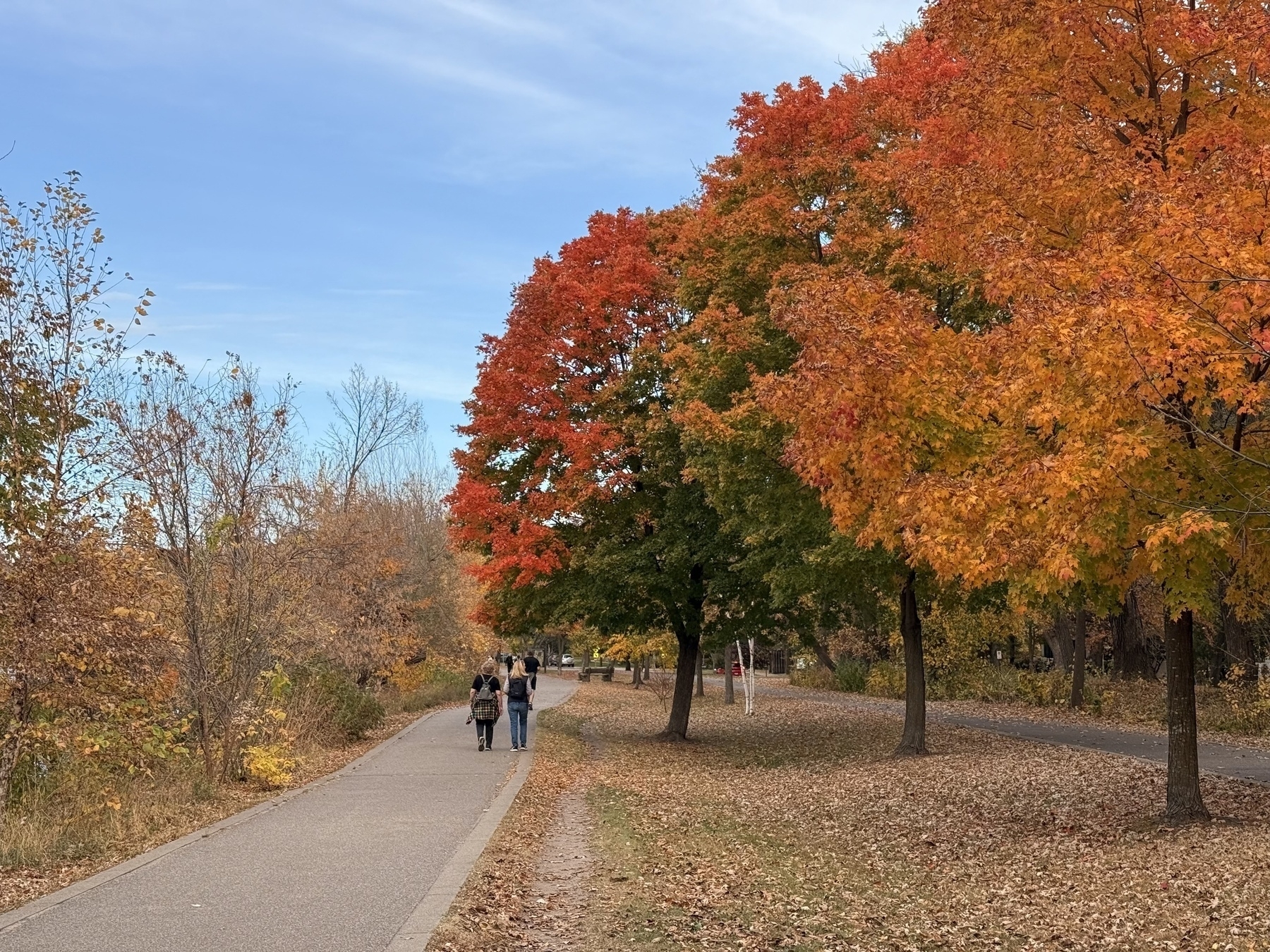
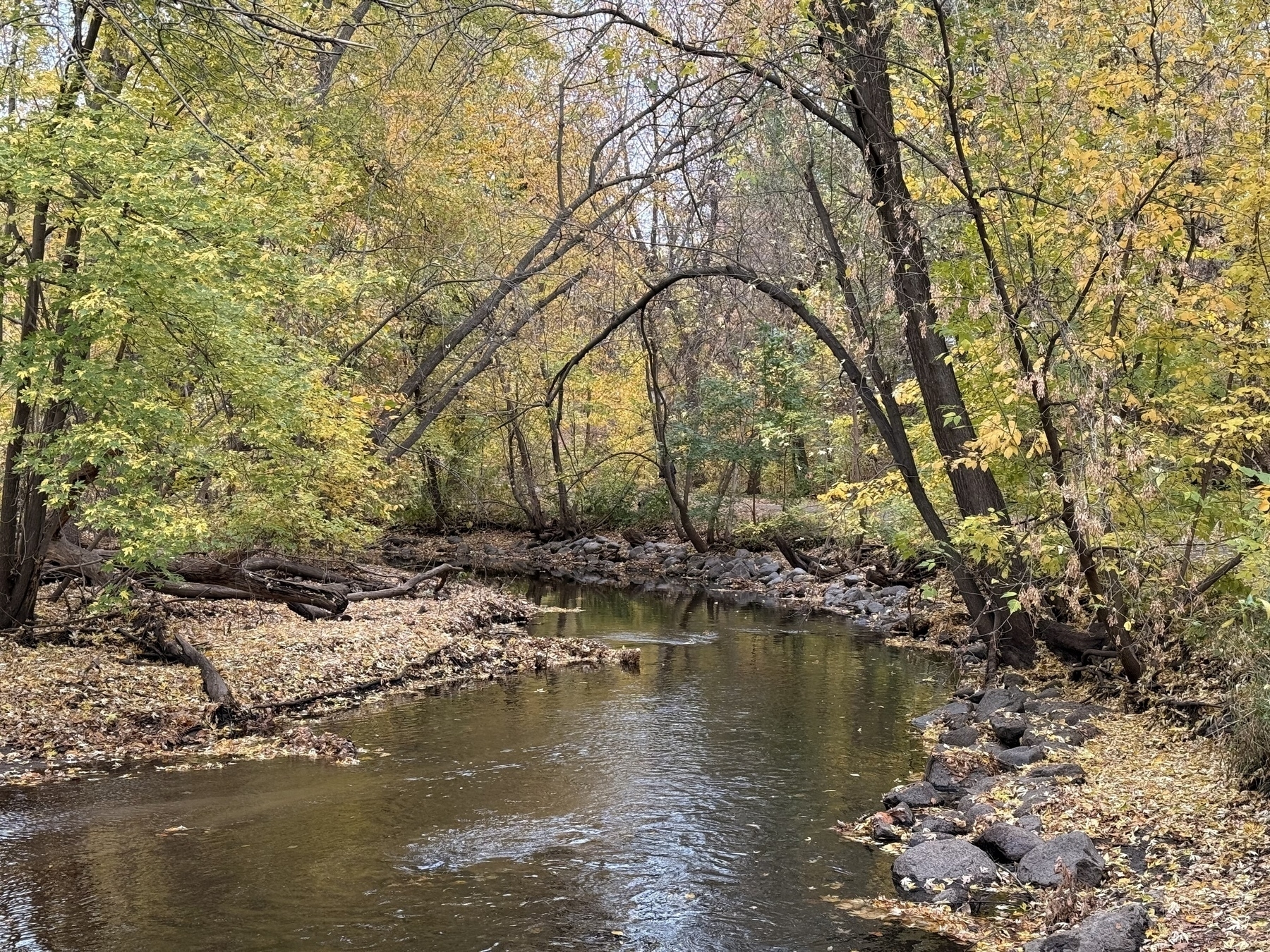
Lovely stroll with Lucky this evening. A blooming Northern Catalpa, Minnehaha Creek brimming with water, and Asiatic Lilies.

Ledger Stax Arrived

This weekend I received my Ledger Stax crypto wallet! I pre-ordered this in December 2022 because I loved hearing how Tony Fadell, who designed the original iPod, approached designing this. The device is meant to look like a book and you can customize the spine and cover however you wish to help see what is “inside” the wallet. I unboxed it tonight.

The packaging is well done but very big for such a small device. The box it comes in is the same book shape as the Stax itself, and then the Stax is simply tucked away inside. Very nicely done and all simple cardboard so very recyclable.

I didn’t set it up yet, but I did power the Stax up and it makes a nice twinkle sound and the screen comes to life. It is a touch sensitive screen and is surprisingly responsive when you touch it. Very cool.

I have a Ledger Nano X already so I’m going to need to sit down and figure out how I want to configure and setup the Stax. I actually pre-ordered two of these so am expecting another one to show up soon.

A sleek, purple-and-black rectangular package featuring a small, reflective metal card with inscriptions is lying on a smooth white surface.A sleek, black open case with a minimalist design holds a compact rectangular device, surrounded by a smooth surface.A black hardcover book is placed next to a small black cardholder on a smooth, light-colored surface.A hand is holding a sleek, black electronic device with the words TRUST YOURSELF displayed on its screen.A Ledger Stax device is resting on a closed black laptop on a reflective white surface.

Summer Challenge: Create a Counter using Shortcuts

This post is part of the Summer Challenge Collection, a collection of tasks or projects for our kids to do over the summer.

For this challenge you will create a simple counter to keep track of any number of events that you might want to track. You could use this to keep track of the number of books you’ve read, the number of times you did a certain activity, or how many summer challenges you’ve completed.

The counter must be created using Shortcuts and Data Jar. The shortcut should have at least these functions:

  • Increment a counter
  • Decrement a counter
  • Create a counter
  • Remove a counter

Once you have created the Shortcut then write a post about how you created it, and include a link to install the shortcut via the share sheet.

Completed!

Summer Challenge: Write about a book

This post is part of the Summer Challenge Collection, a collection of tasks or projects for our kids to do over the summer.

For this challenge you can write about any book that you’ve read. A book report style post is fine, but you could also share something different about the book. The post should include an image of the cover. Preferably it would also include some text quoted from the book as well.

You can redeem this challenge up to five times.

Summer Challenge: Write about a video game

This post is part of the Summer Challenge Collection, a collection of tasks or projects for our kids to do over the summer.

For this challenge write about a video game that you have played. It doesn’t necessarily need to be a review of the game. It could be about how you approached the game or any other aspect of it. The post should include screenshots to help share your message.

You can redeem this challenge up to three times.

Summer Challenge: Do a photo walk

This post is part of the Summer Challenge Collection, a collection of tasks or projects for our kids to do over the summer.

This challenge is about expressing your creativity through images. First, identify a topic or theme that you want to focus on. It could be something like flowers, or water as a topic. For themes it could be movement, warmth, wind. Then take a walk with your phones camera at the ready and capture five to ten photos that express the topic or theme that you picked. Share the photos along with the topic or theme on your blog.

You can redeem this challenge up to three times.

Completed:

Raccoons v Webcam

With Cannon Lake flooded I had repositioned one of the UniFi G4 Instant cameras so it was pointing right at the boat.

I’ve also been battling with raccoons at our place. This summer I had 6 of them trapped and taken away. But there are still more.

And on the very first night of having this camera in position the raccoons decided to play with it.

Thankfully later in the day the lawn care folks showed up and amazingly one of them put the camera back in place for me. Thank you! We’ll see if the raccoons leave it alone.

I received my Rabbit R1 tonight! I only had time to get it out of the box, do the basic setup, and get it updated. Will play more later.