Scene from Potluck MN Food Hall.

I minted Cat #2230 of the Ukraine Cats Division. This NFT project is raising funds to help Ukraine defend itself. I think I’ll mint a few more and get a Ukraine Cat Platoon going. 😸🇺🇦
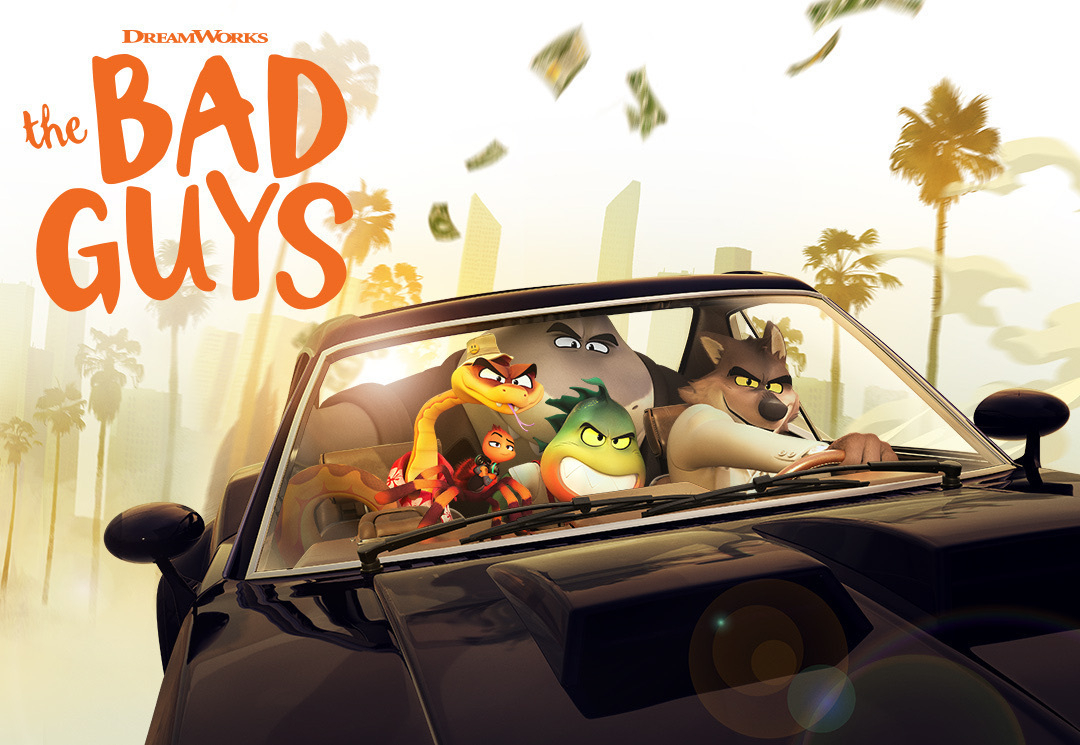
The Bad Guys
We finished our “snowpocalypse” movie series tonight with The Bad Guys. We watched three movies in three nights! That is a very rare thing for the Thingelstad family. This was a fun movie with multiple callbacks to other heist movies like Oceans 11. I may have nodded off a couple of times. 🥱
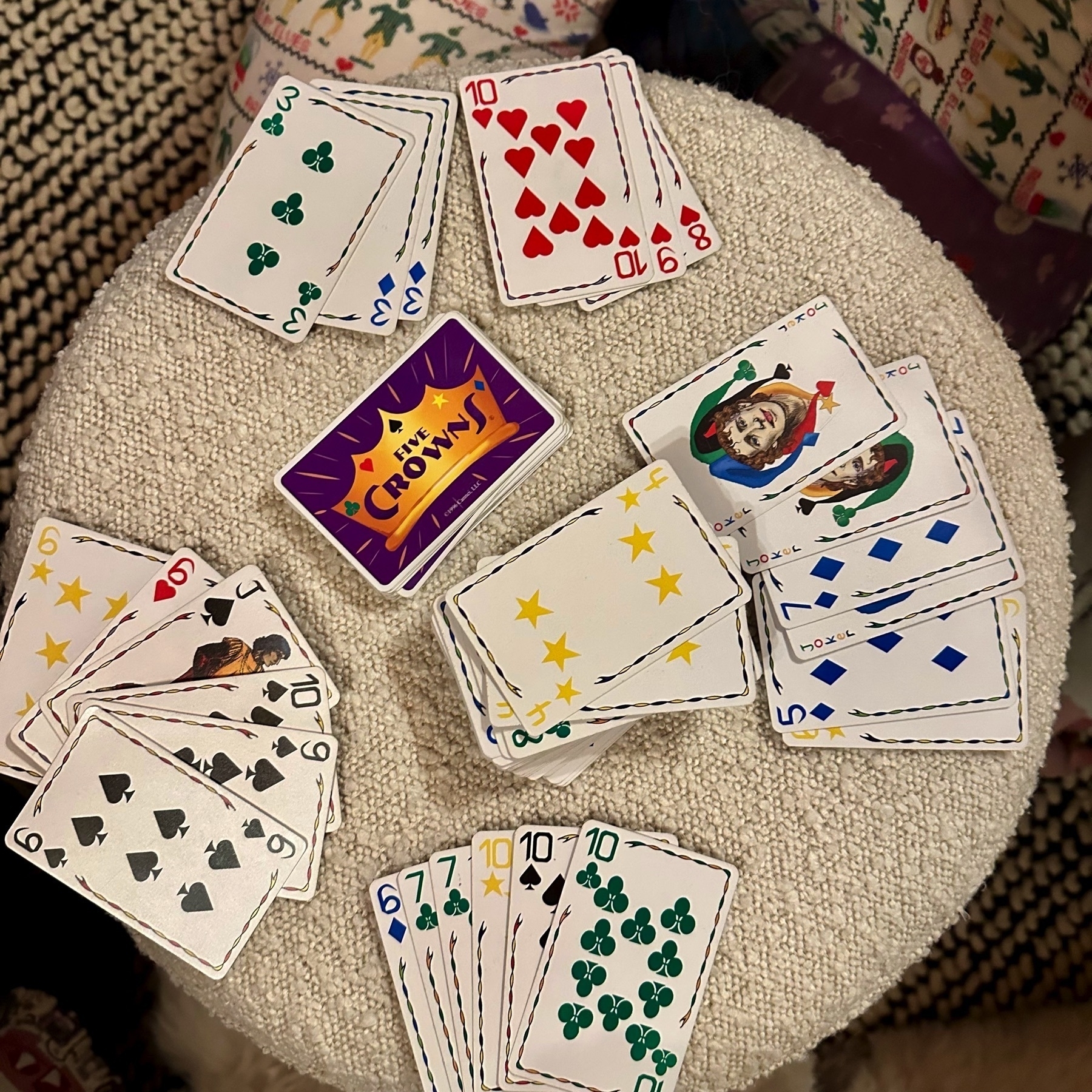
Family game of Five Crowns tonight. Tyler won with just 66 points! Tammy had 86, Jamie with 108, and Mazie with 178.
From The Economist, World in Brief, February 24 2023.
Sam Bankman-Fried, a former billionaire and founder of FTX, a collapsed crypto exchange, was charged with four new criminal offenses, including conspiracy to commit bank fraud and securities fraud. Prosecutors allege that Mr Bankman-Fried developed a “series of systems and schemes” through which he could “access and steal” billions of dollars of customer deposits. Mr Bankman-Fried has pled not guilty to all of the eight original charges against him.
Bankman-Fried was a criminal mastermind more than any crypto mastermind.
Who Invited Charlie?
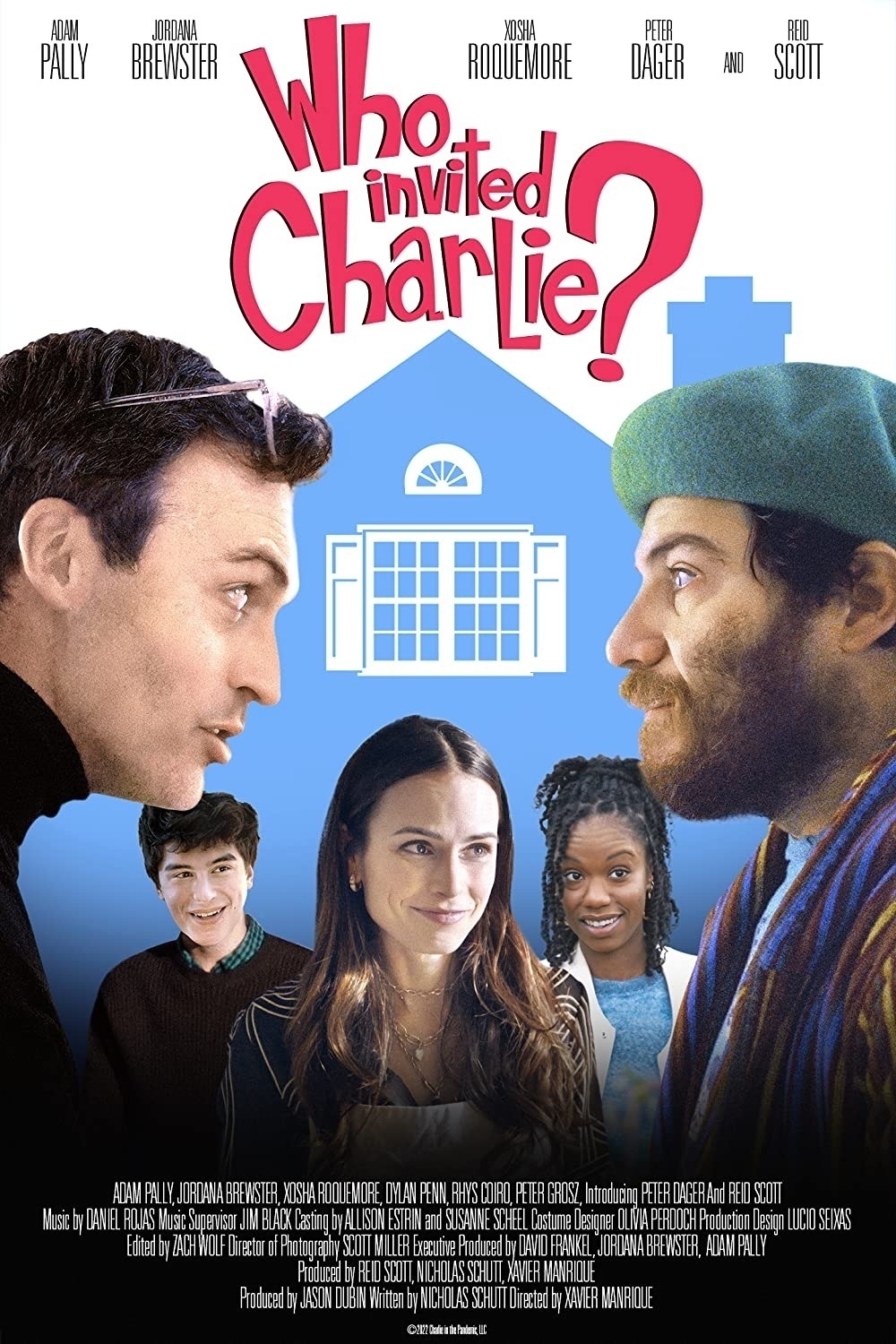
We continued our “snowpocalypse” movie series tonight. This evening a bit more justified with over a foot of fresh snow on the ground. We watched Who Invited Charlie?. The movie revisits the COVID-19 lockdowns following a wealthy family as they escape New York City to the Hamptons, and their visitor Charlie joins them.
MnTech Leadership Forum: Generative AI
Today I hosted the MnTech Q1 2023 Tech Leadership Forum. The organization is changing the format of this event to have technology leaders run these quarterly forums. I thought it would be fun to focus on the topic that is making so much press lately — Generative AI: Harnessing Disruption into Innovation.
I was lucky enough to get three others to join in the dialog:
- Todd Van Nurden, Principal Developer Cloud Architect and Mad Scientist, Microsoft Technology Center’s
- Sam Pierson, Chief Technology Officer, Talend
- Tammylynne Jonas, Global CIOGlobal CIO, Donaldson

Some of the topics discussed:
- Why now? AI has been in the works for a long time. Has there been a technological breakthrough recently?
- How does Generative AI affect how we build software.
- How does Generative AI benefit from these early releases.
- Opportunities technologists see to use this capability in their organizations.
- What are some of the risks to keep an eye on?
- AI as a coach or mentor?
Since it was an invite only event for members there isn’t a video to share. 😕
Of course there is a POAP for the event! And even more exciting, the POAP is also held by POAP.MnTech.eth which is the first POAP that MnTech is officially producing.
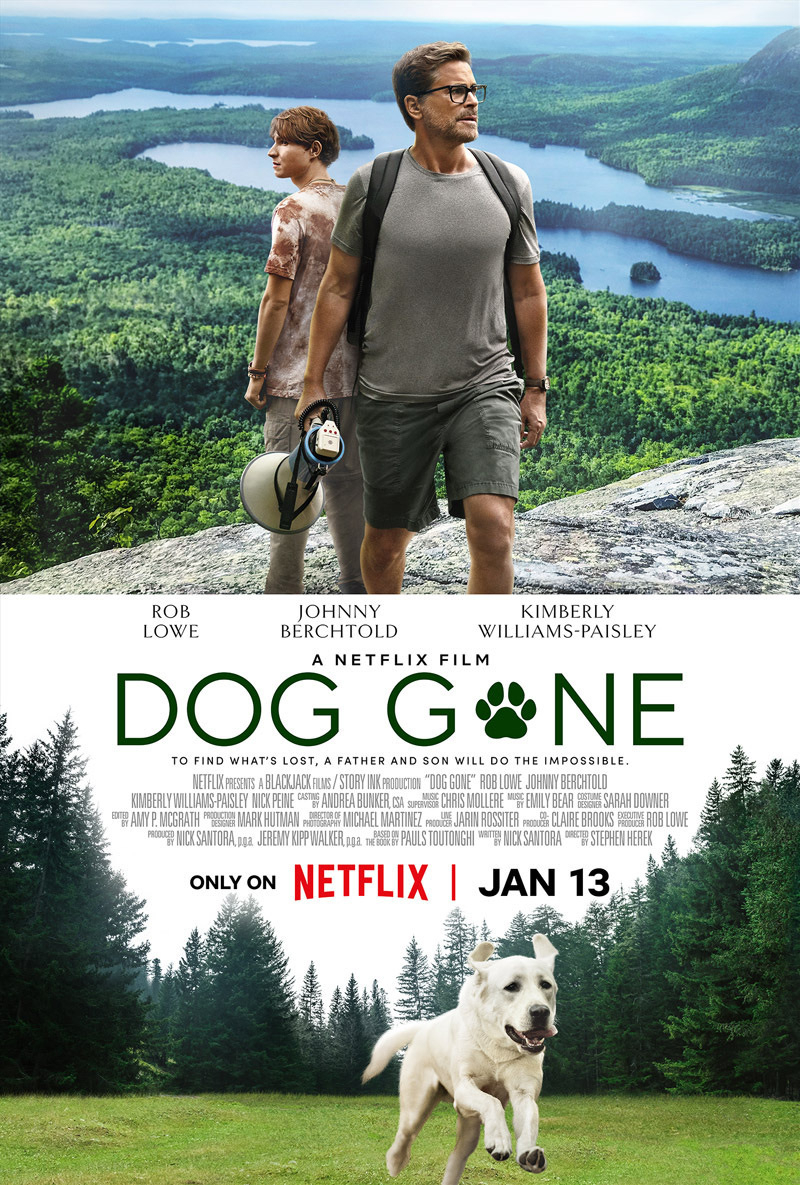
Dog Gone
With the “snowpocalypse” bearing down on us we decided to make it a movie night. We all love movies about dogs, especially Tyler. Tammy had Dog Gone on her “to watch” list for a while. Then I saw the Walker family had watched it and suggested we would like it.
Good movie about growing up and the, the relationship between parents and their kids, and of course about a great dog.
We had fun watching Amazing Race S34 E11 as they raced through Iceland and visited so many places that we were at this summer! 🇮🇸

Ukraine Stamps
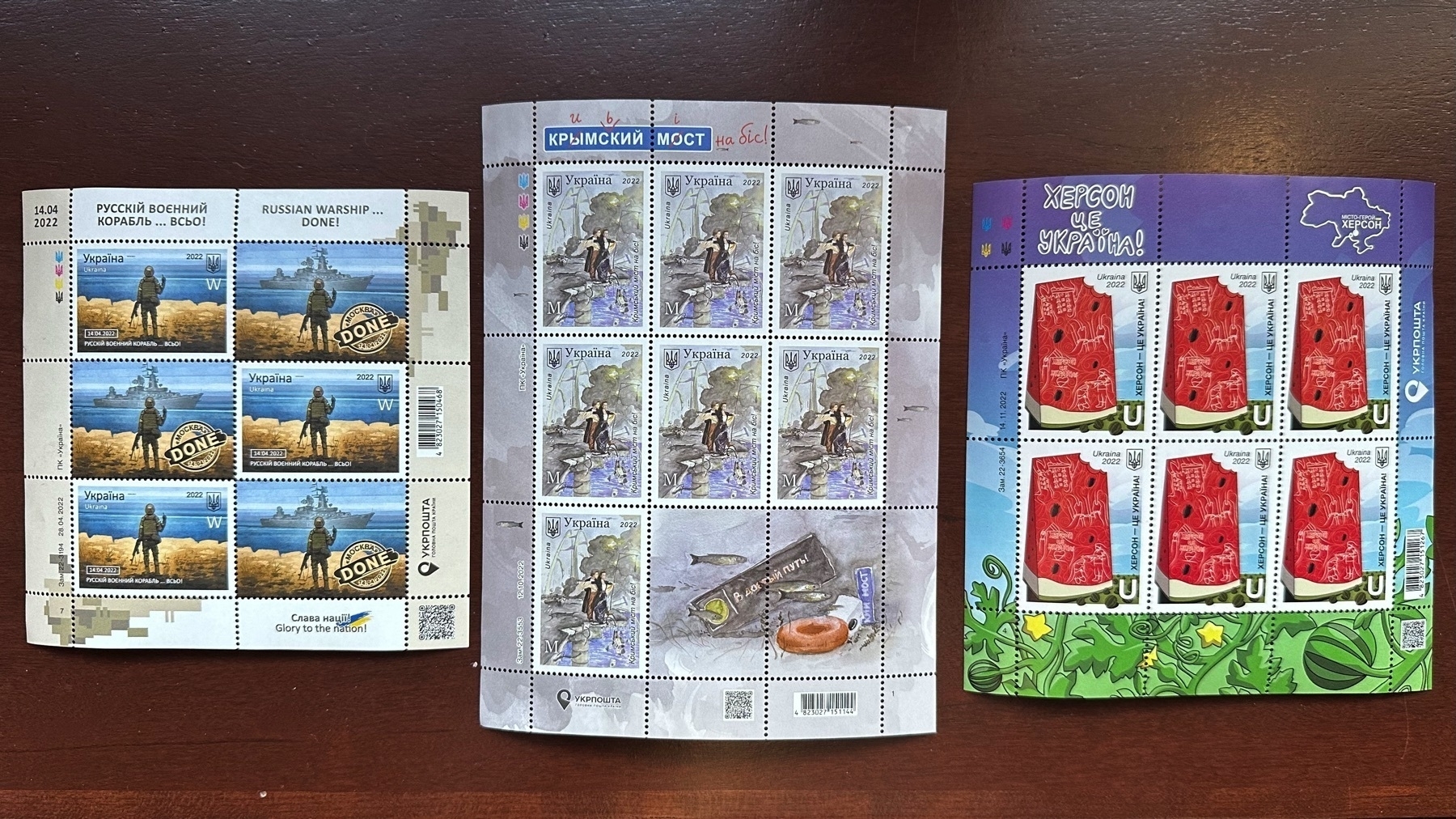
One of our team members from Ukraine was able to visit us here in Minneapolis for the first time since before the pandemic. The team sent three of the Ukrainian postage stamps as a gift. I have these safely stored away until I can get them framed. 💙💛
The events from left to right in the image are: Russian Warship on Snake Island, the Crimean Bridge blast, and “Kherson is Ukraine!”. 🇺🇦
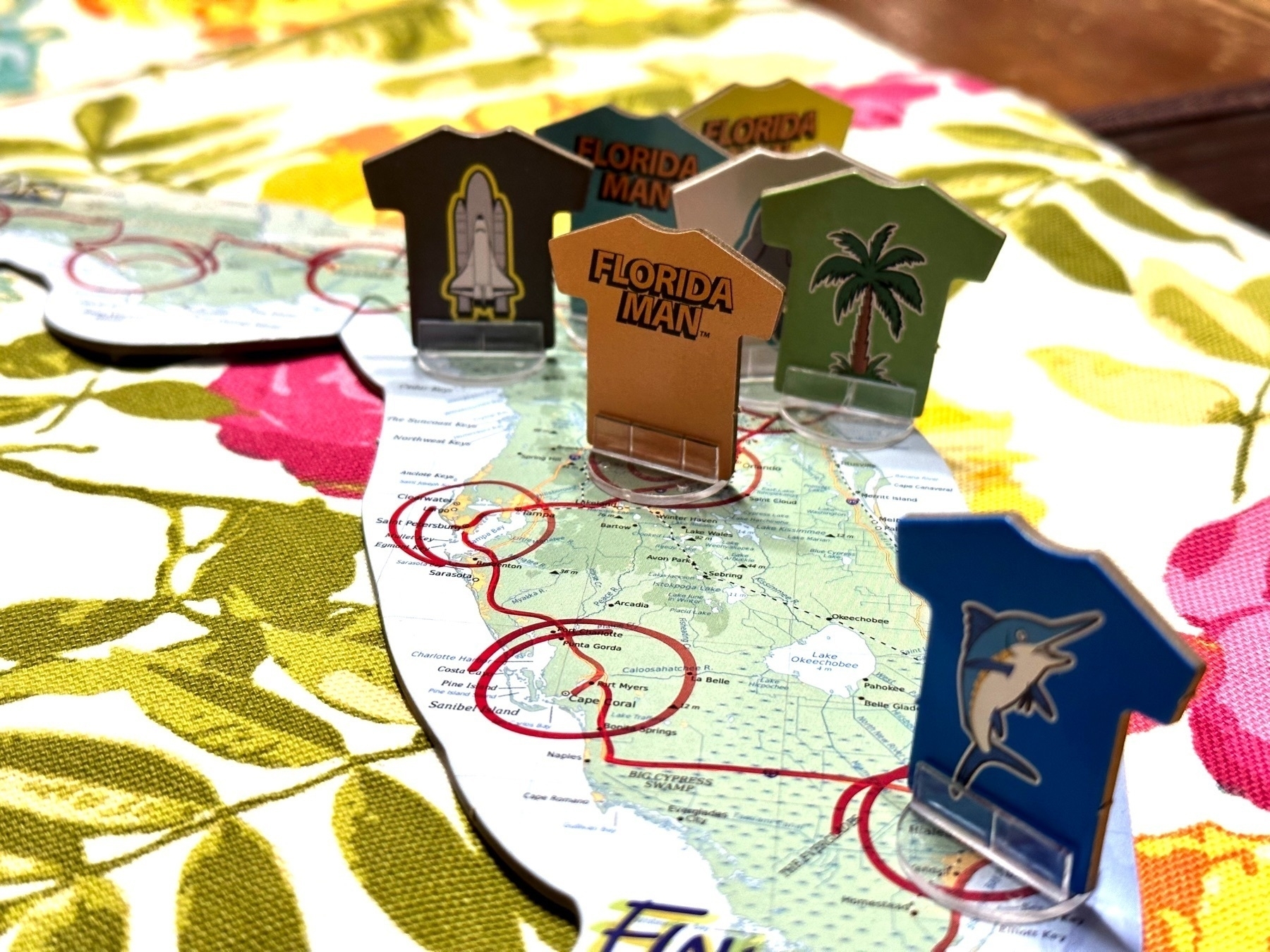
Florida Man may be the strangest board game I’ve ever played. With that said, a large group of adults having a few beverages would have a lot of fun with this somewhat silly game.
I Adopted Thinking Face Emoji
I ran across this Adopt a Character campaign from the Unicode Consortium and felt like a donation made sense. But what emoji to pick? After thinking through a few I decided Thinking Face. 🤔

This is fun, but I think it would be so much cooler if this program worked by selling NFTs. It has all the right characteristics with Gold and Silver levels being limited, and Bronze being “open editions.” It would be really fun to have this in my wallet as proof of participation.
Macaron Class
We drove an hour out to Buffalo, MN this morning to take a macaron class at Abundant Kitchen led by owner Becki Melvie.
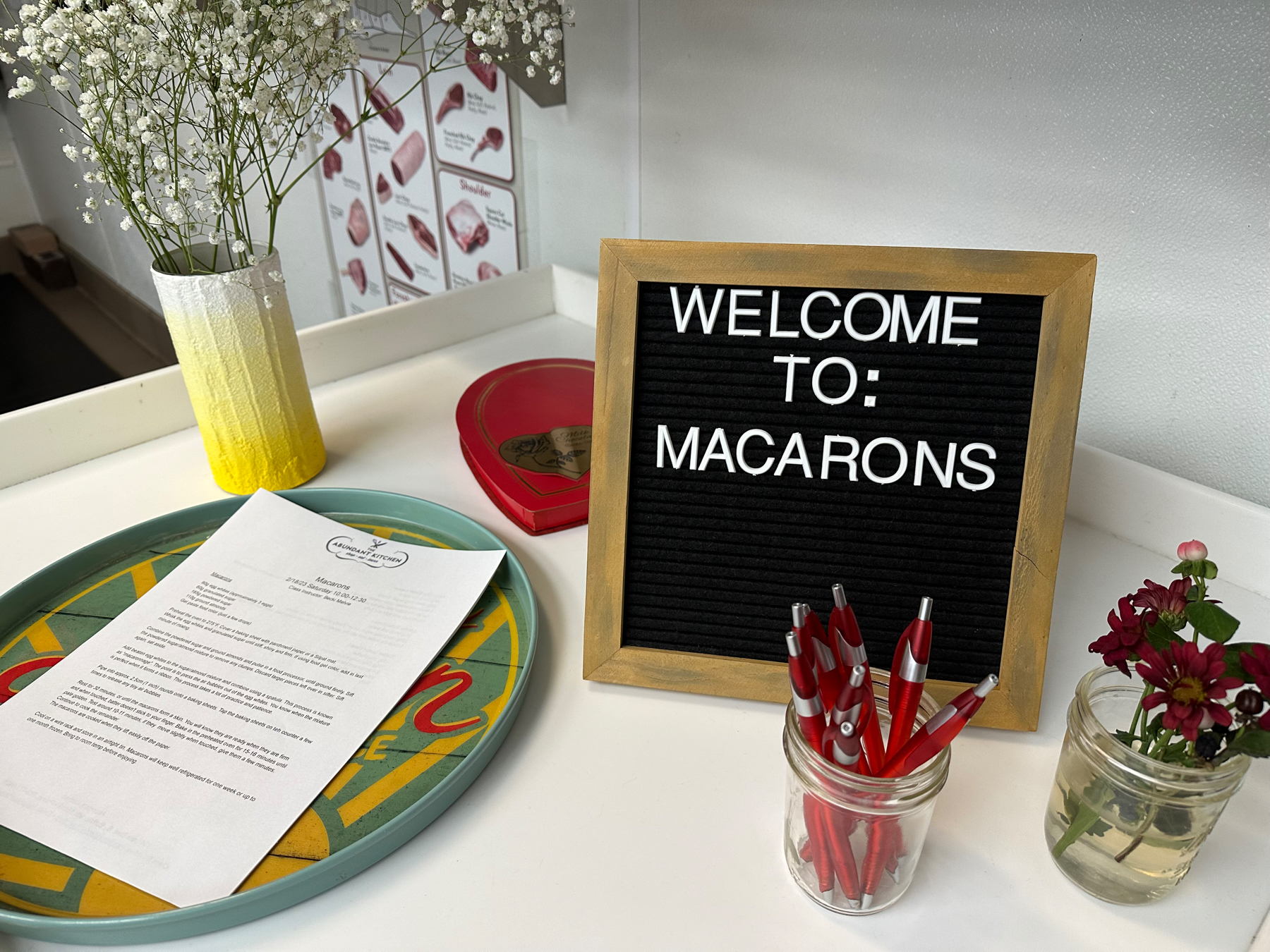
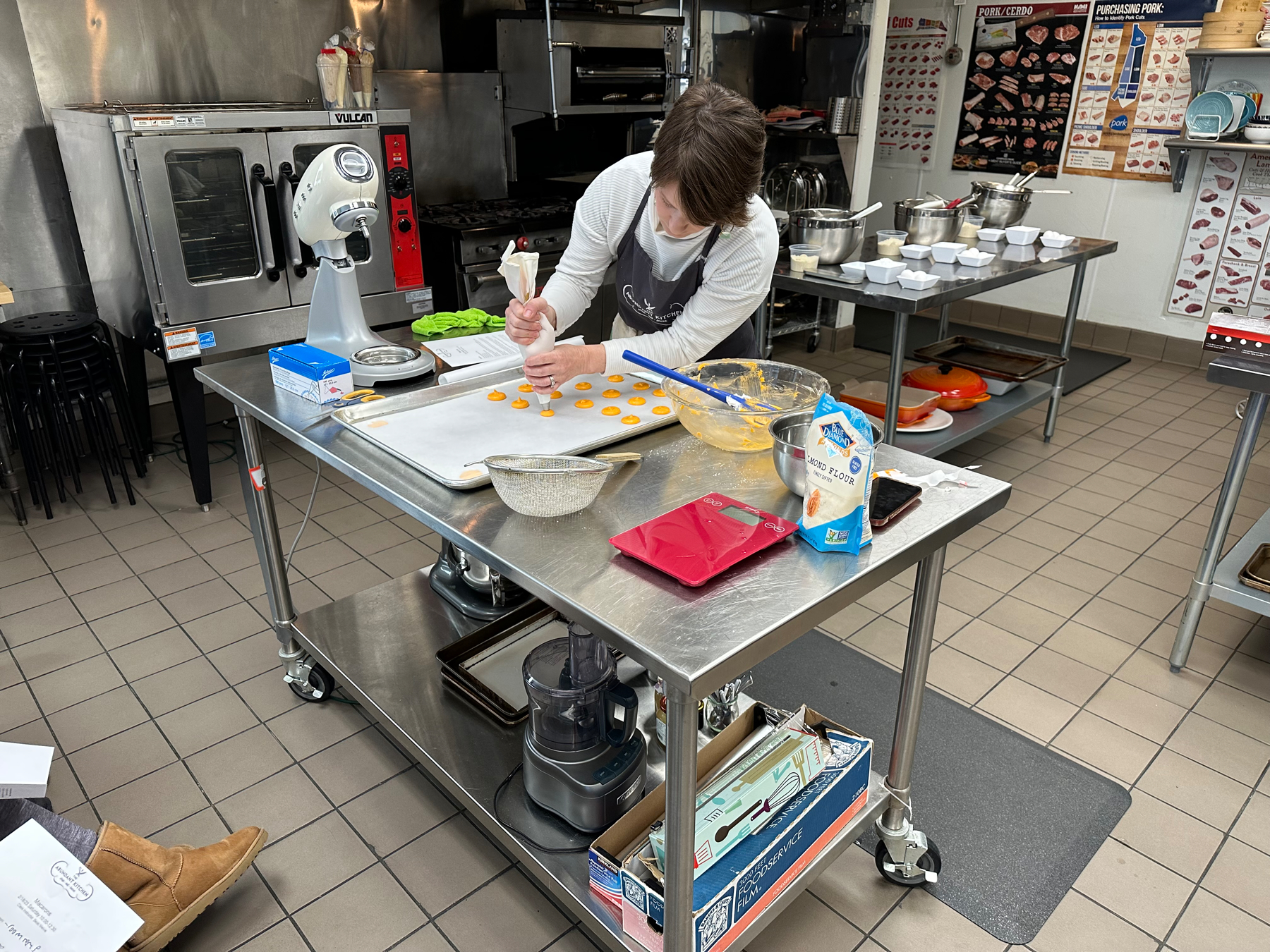
Melvie shared that the recipe was taught to her by Nikkolette of Nikkolette’s Macarons, which we have had before and thought were amazing! The recipe had a lot of precision with all ingredients in grams. I didn’t find the macarons that complicated, but they are definitely very fussy. I tend to like things that are fussy, like fancy coffee. 😁
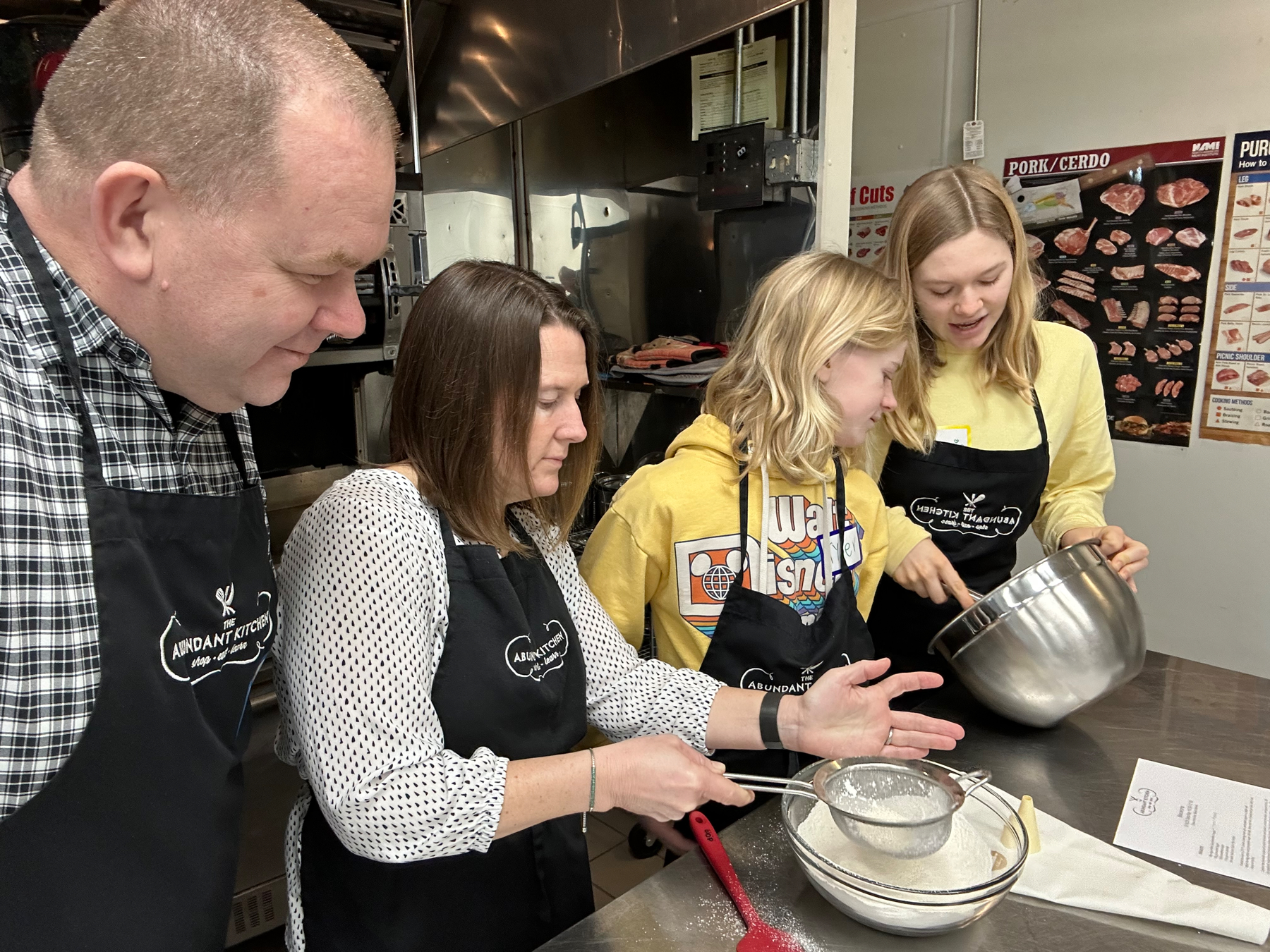
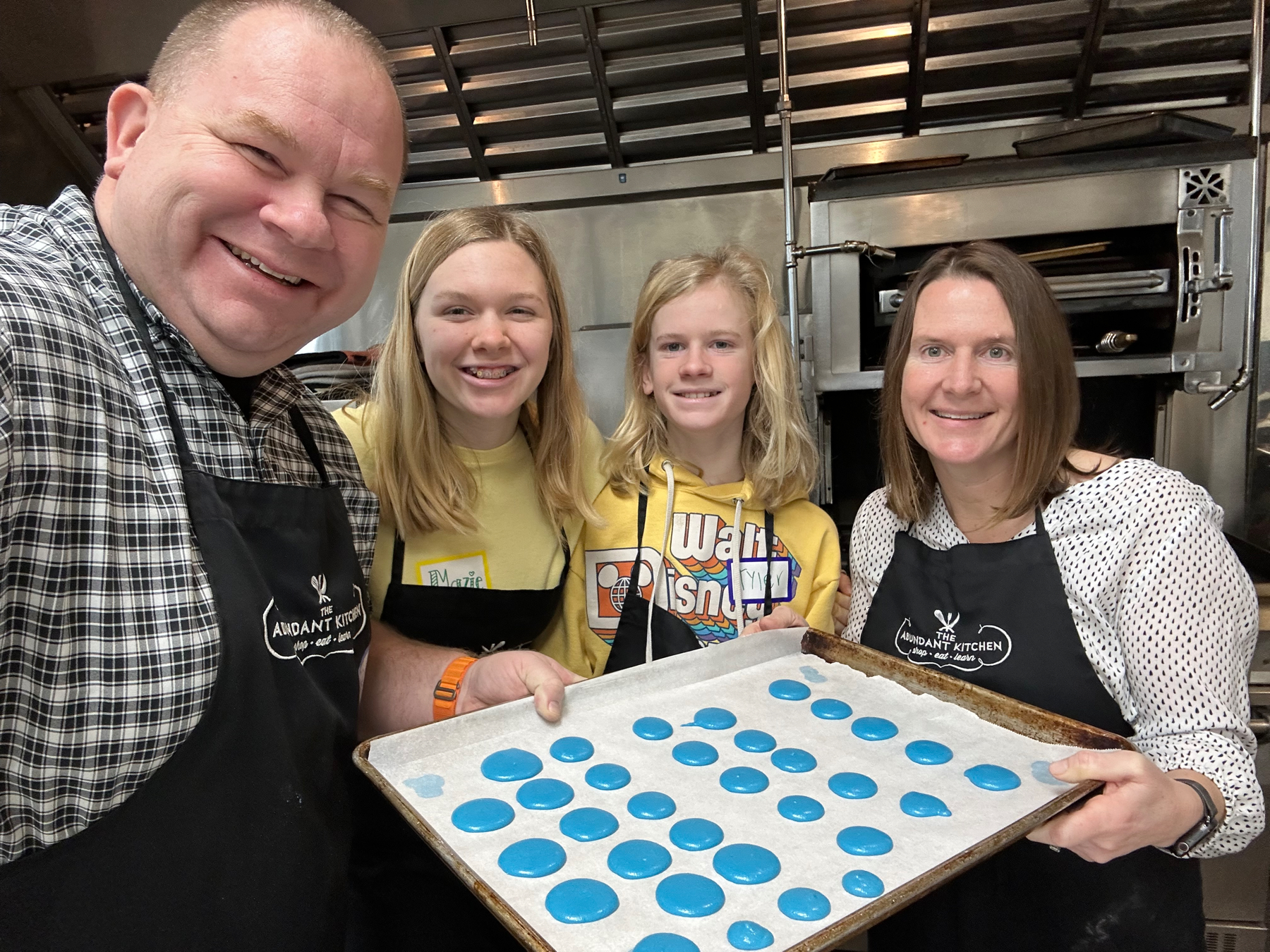
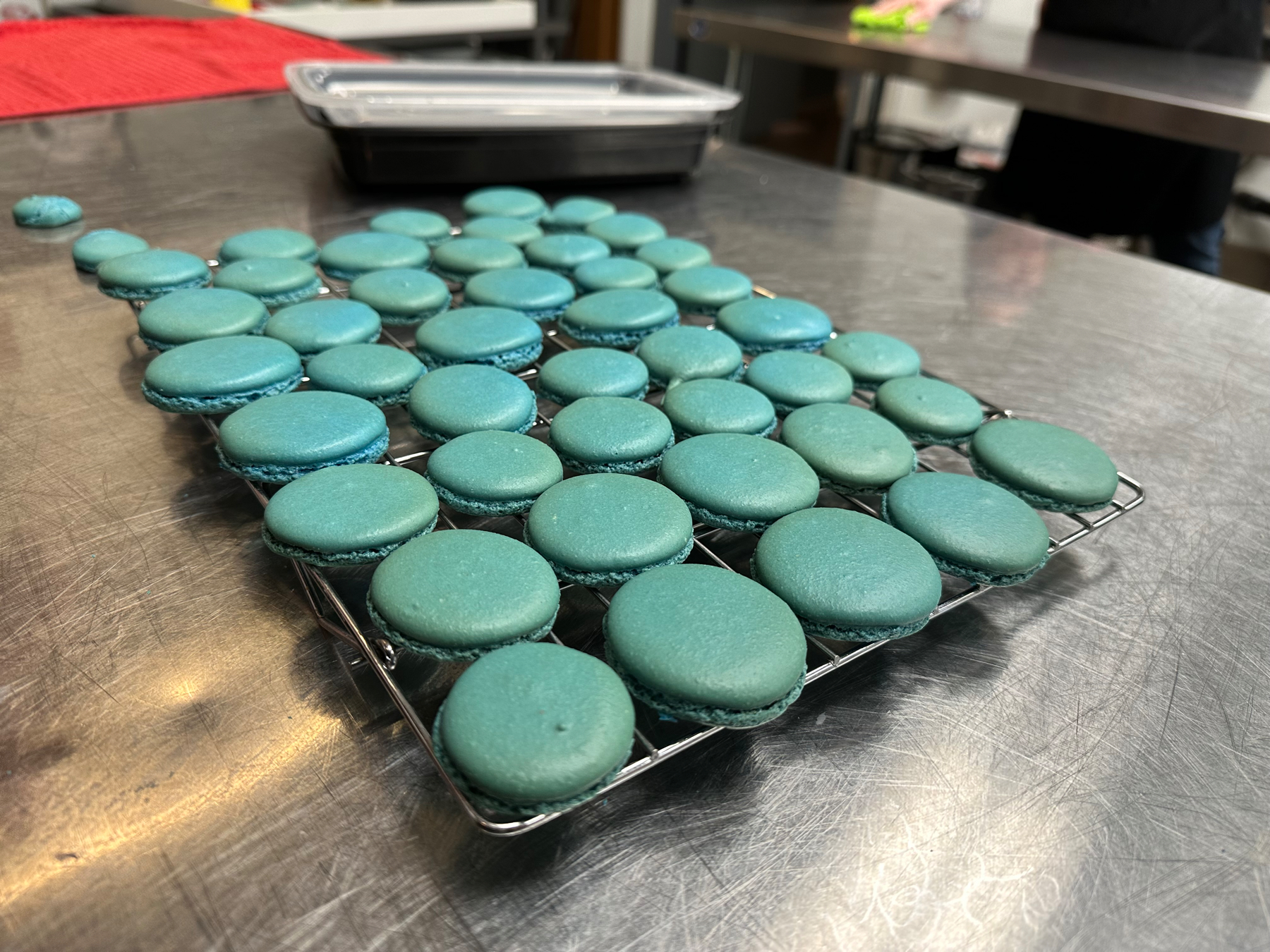
Our blue macaron shells came out well but had a pretty wide variety of sizes. Not bad though for our first try!
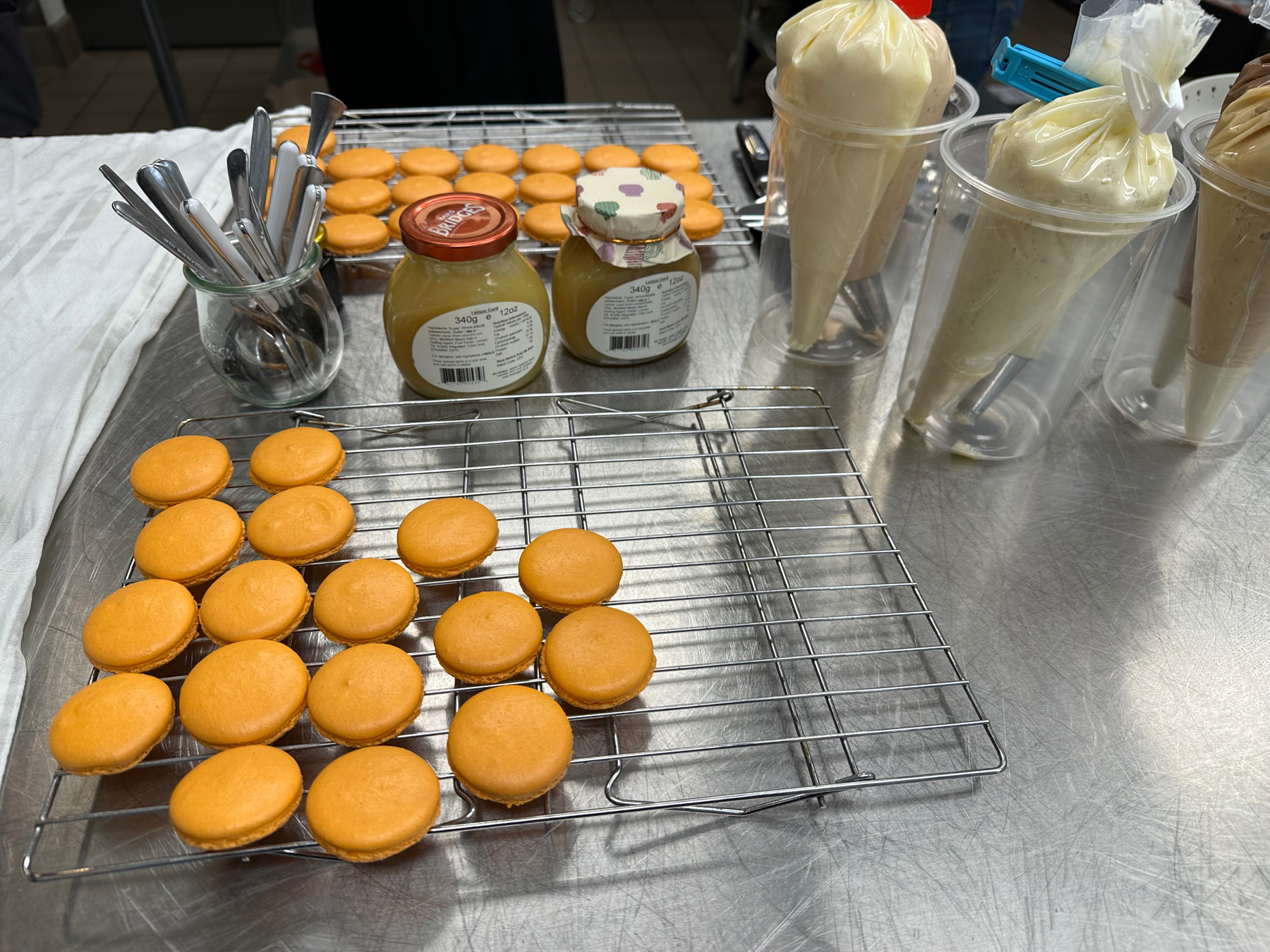

The orange shells were made by the instructor and we filled them. This was my very first macaron that I made, and it was all gone in just two bites. 🤤
To Kill a Mockingbird
We went to the Orpheum to see To Kill a Mockingbird with new screenplay by Aaron Sorkin and directed by Bartlett Sher. It was an incredible and powerful performance. Richard Thomas was so engaging as Atticus Finch. Some may remember him as “John-Boy” from The Waltons.


POAP 6315996 at Thingelstad Valentines Day 2023.


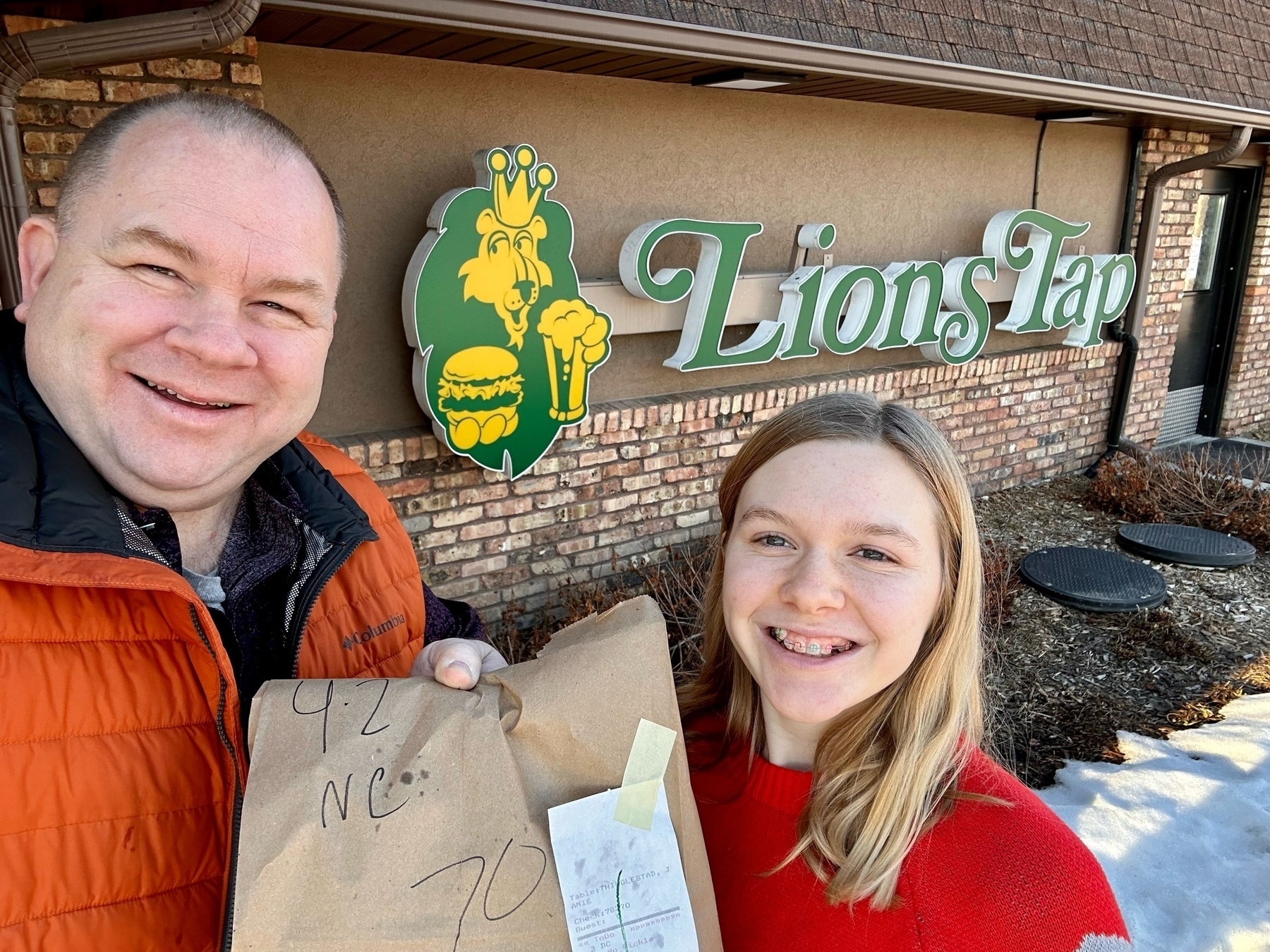
Tyler wanted his favorite cheeseburger from Lions Tap for his birthday dinner 🍔 and to eat in the Tesla while watching Abbott Elementary. ✅ Eating in the car was something he found fun during the pandemic.