Hack the Gap 2019
Hack the Gap hosted their 5th annual Hackathon for women and non-binary individuals this weekend. I was able to attend the demo event today where each team showcased what they created. There were cool ideas, with a lot of progress in such a short period of time.
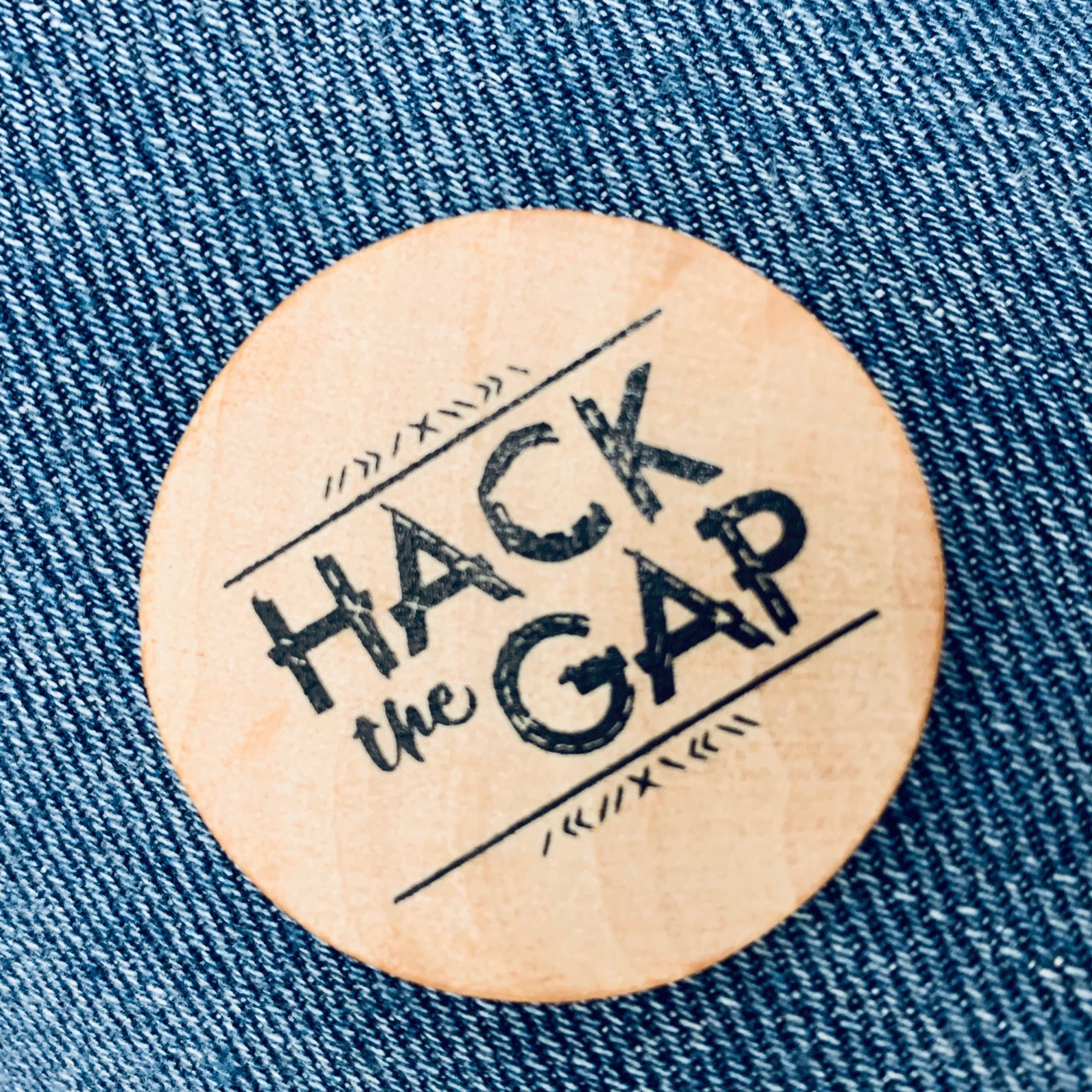
The organizers kicked the demos off.

Securiosity!
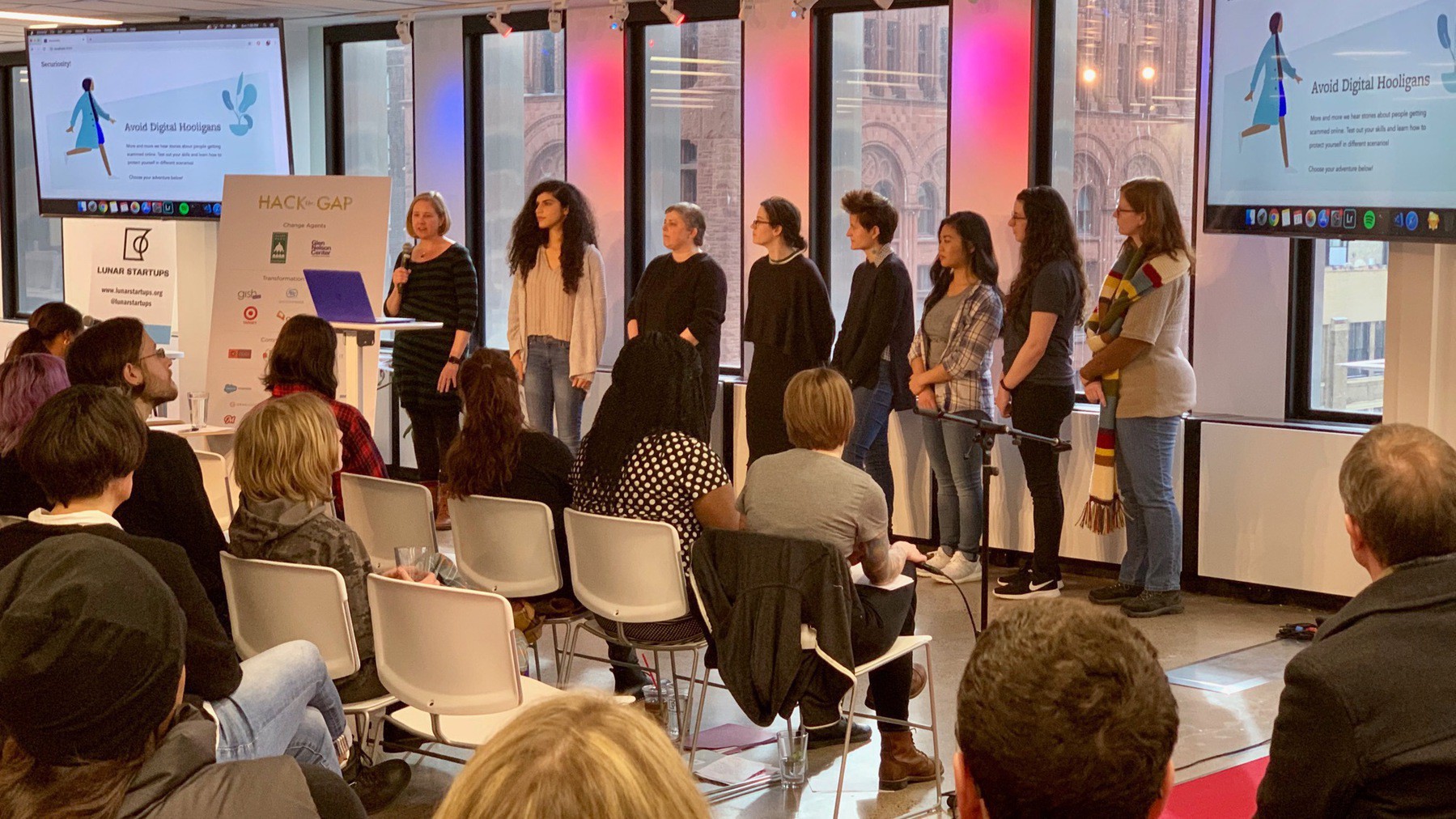
Security education for non-technical people. Built with React. They worked as a group to get the initial things running, then split into feature teams. Design friendly focus. Humaaans free and inclusive image library. Accessibility focused.
🏆 I put my voting coin in for this team. I liked their design and approach to security education.
whenIneedU
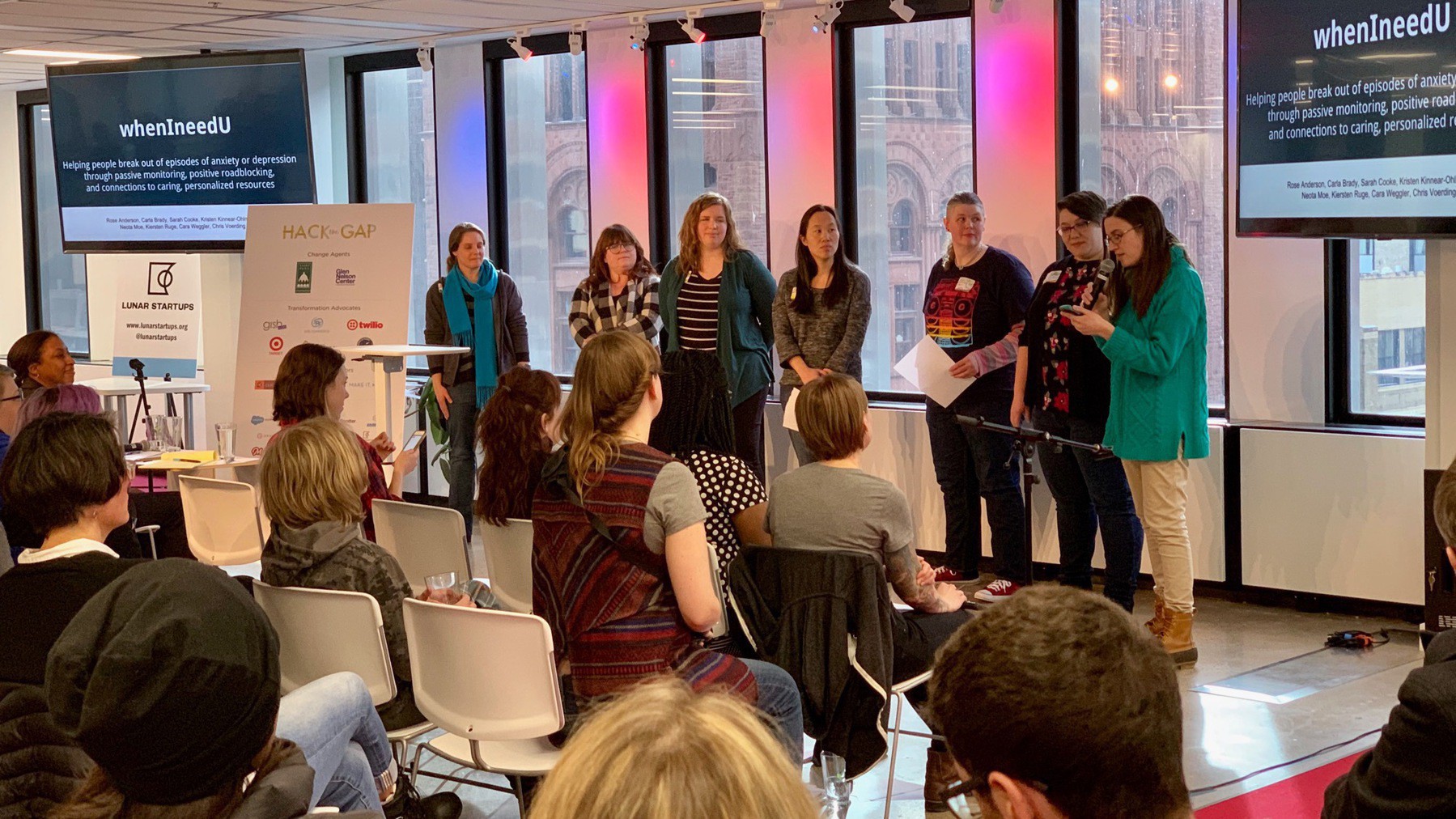
Helping people break out of episodes of anxiety or depression. Used JavaScript, Java, Android, Twilio. Sends personalized affirmations, relaxing activities, and helps you connect with friends and family. Watches your location and detect if you haven’t gone anywhere for a long time. Uses text messages to reach out and request connections on your behalf.
Ready Play
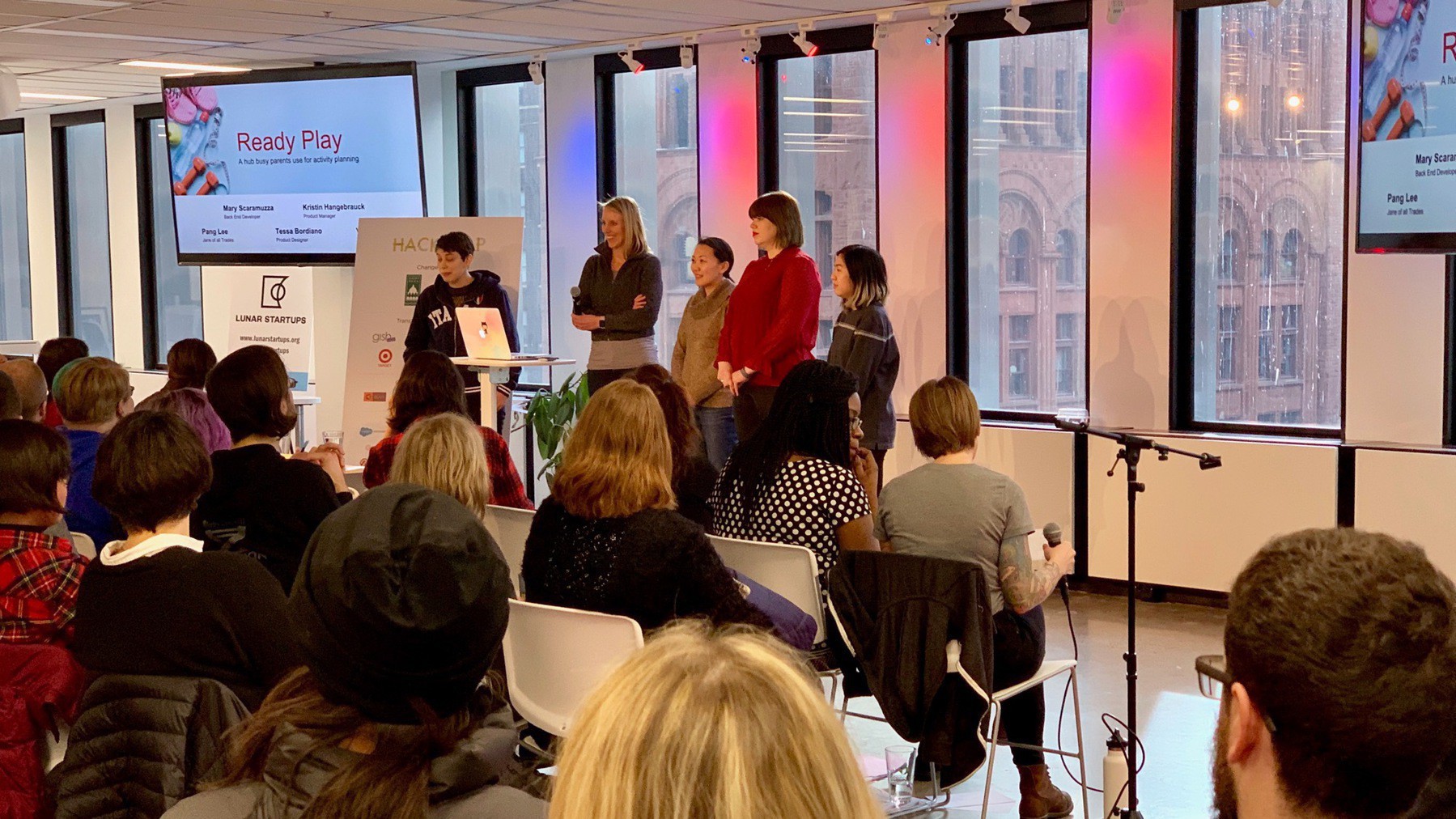
Help navigate family daycare, activities and camps for kids, focused on summer activities. Complexity around logistics, themes, and costs. Built using React.js and Elastic Search backend. Framework provided fast mocking, and allowed easy acquisition of real data.
Hack the Bra
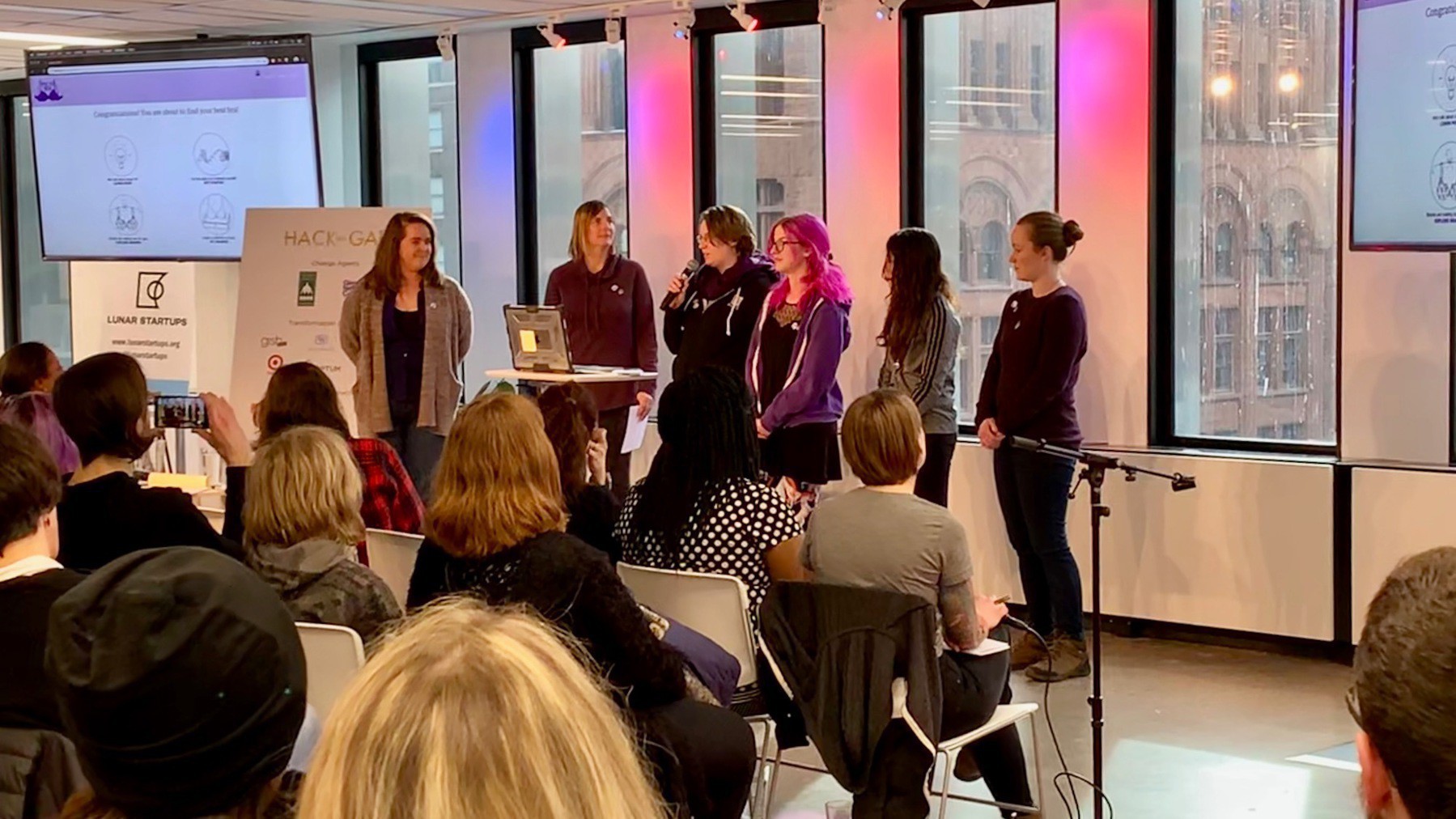
Help with sizing and determining best fit for bras. Focusing on measurement for fit. Built with React.js. The “BRA-culator” with video walk-through to guide you through measurement. Discovery, rapid prototyping and co-creation were the focus for the team. Not focusing on e-commerce, but instead education.
Make Friends Minnesota
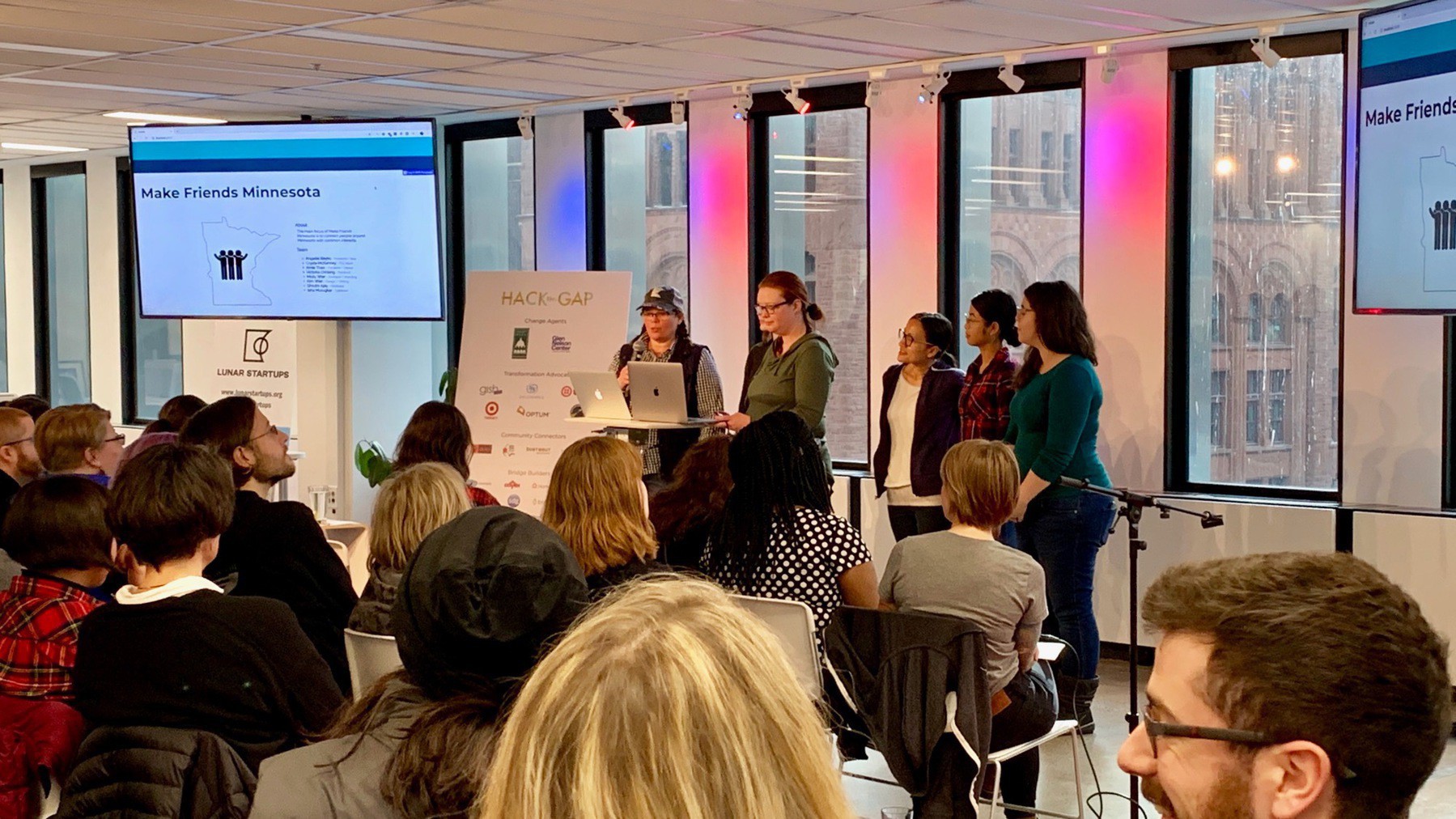
Connect the 5.6 million people in Minnesota. Meet people, make friends, and have fun. Recommends friends. Focused on starting connections safe and easy. Uses Facebook for login. Builds a profile using an interest survey. Built using Node and Express with EJS templating engine.
Seshat Swap
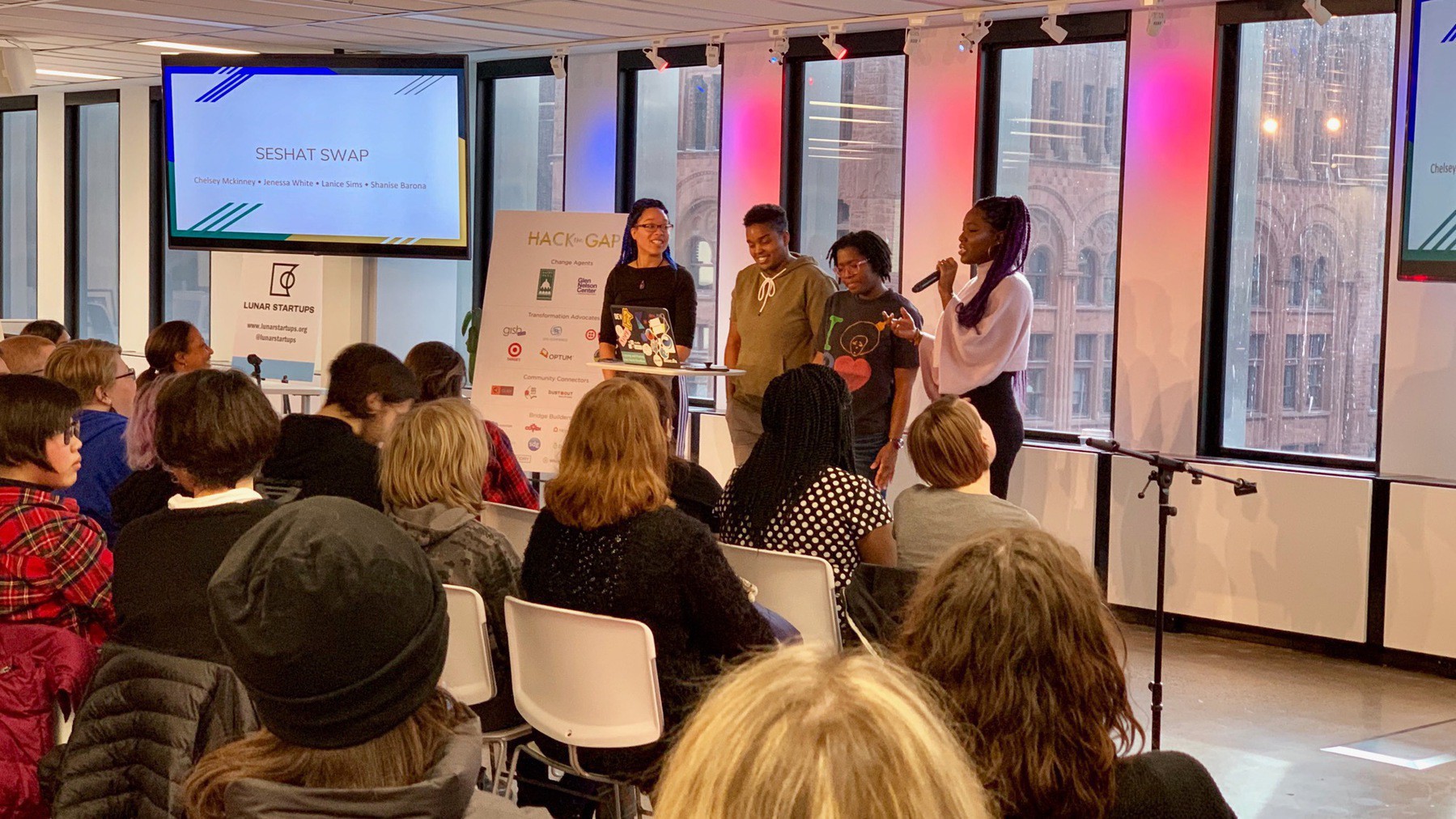
Making access to books written by people of color more accessible, focusing on very long hold times at the library. Try to get more access without having to purchase the book. Allow users to exchange, or indicate wish lists of books, in marginalized communities. Built with React with Firebase. Non-profit effort to pay for shipping costs. Sort of a virtual, crowd funded library.
Cat Flat
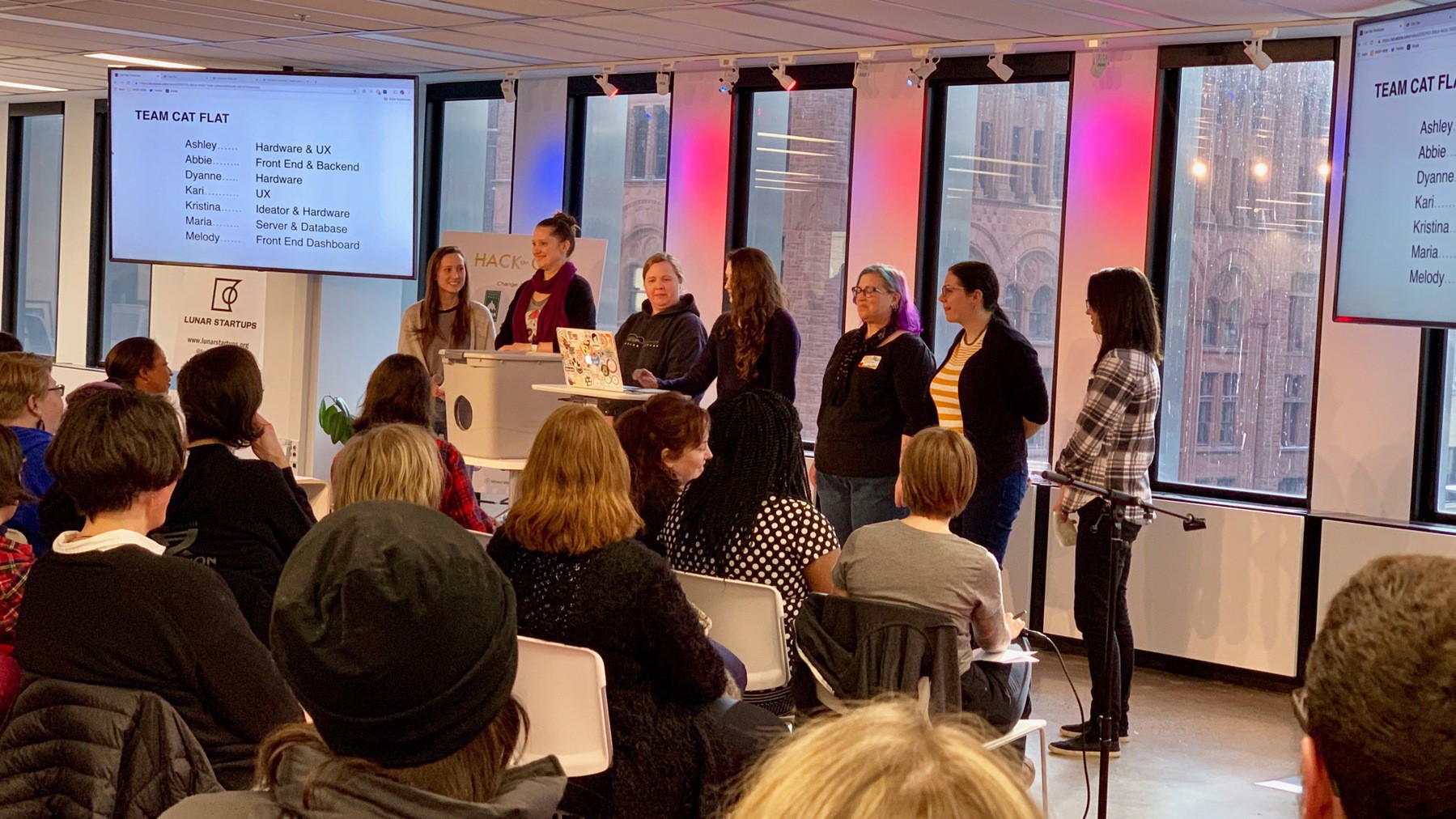
Small, connected DIY cat shelter that detects health of the cat and provides shelter, warmth and a place for stray cats to stay safe. React app with Express server and SQL database. Particle Photon and Particle Cloud in cat shelter to run sensors. Node server to send data to the server. Revenue by selling the flats pre-made.
A bit to my surprise, I almost voted for this team. I really liked how they used the IoT stuff to make this a smart device.
Little Free Library

Leveraging the existing library of micro-libraries. Largest predictor of kids reading levels is the quantity of books in the home. Goal is to make it possible to get 100 books in every home. Card catalog of free libraries close to you, with inventory capabilities to check out or indicate that you are going to keep it. Allow steward to manage their inventory.
Sweat Connect
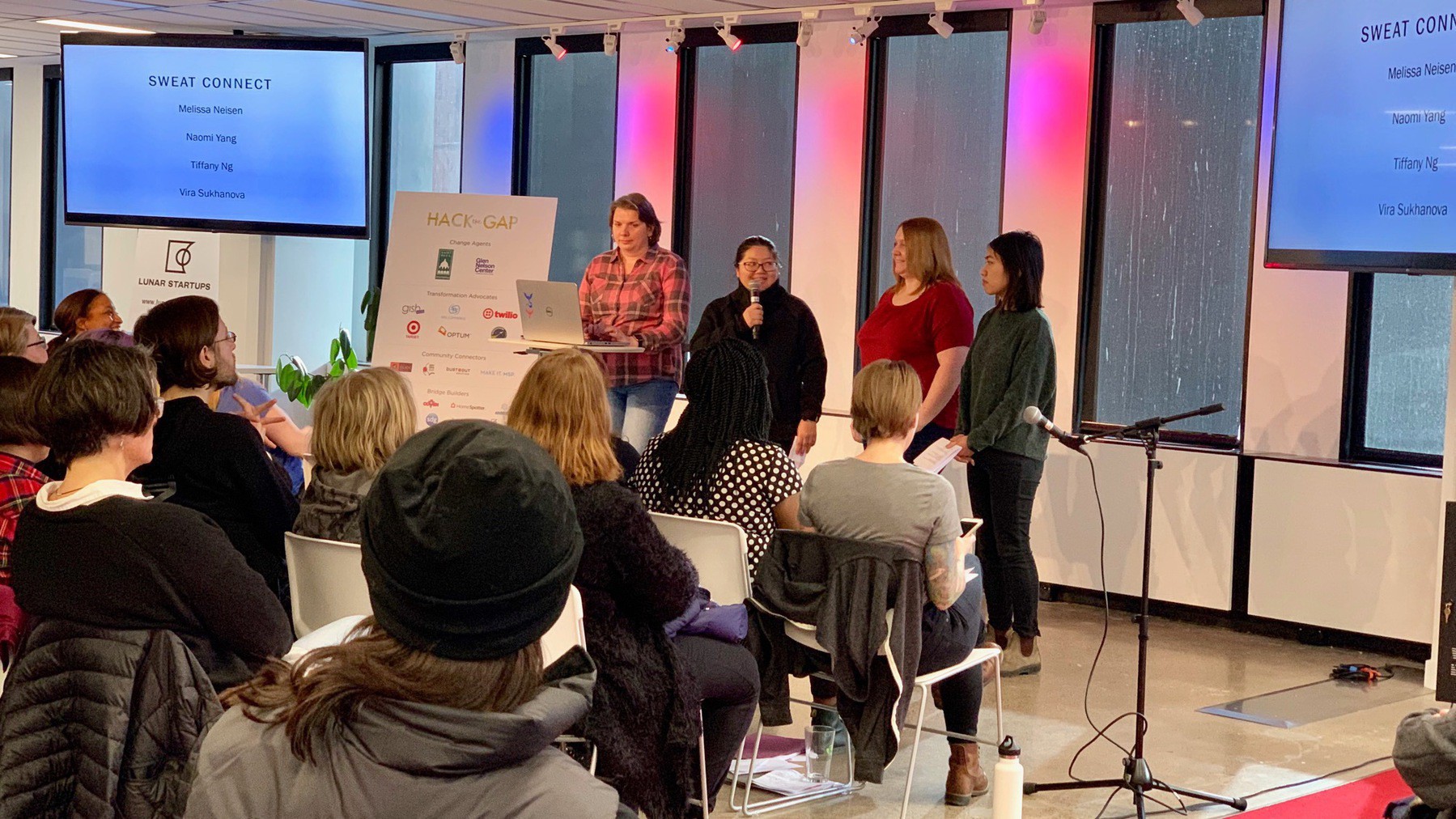
Need a workout friend? Increase frequency and help friends with anxiety about going to the gym. Create profile and facilitate connecting with others to workout. Built with Angular 7, to allow for desktop and mobile. Gather specific data around your gym, time preferences and goals.
I think this team could have put a go-to-market strategy of partnering with gyms and offering a white-label version of their service.
Planet
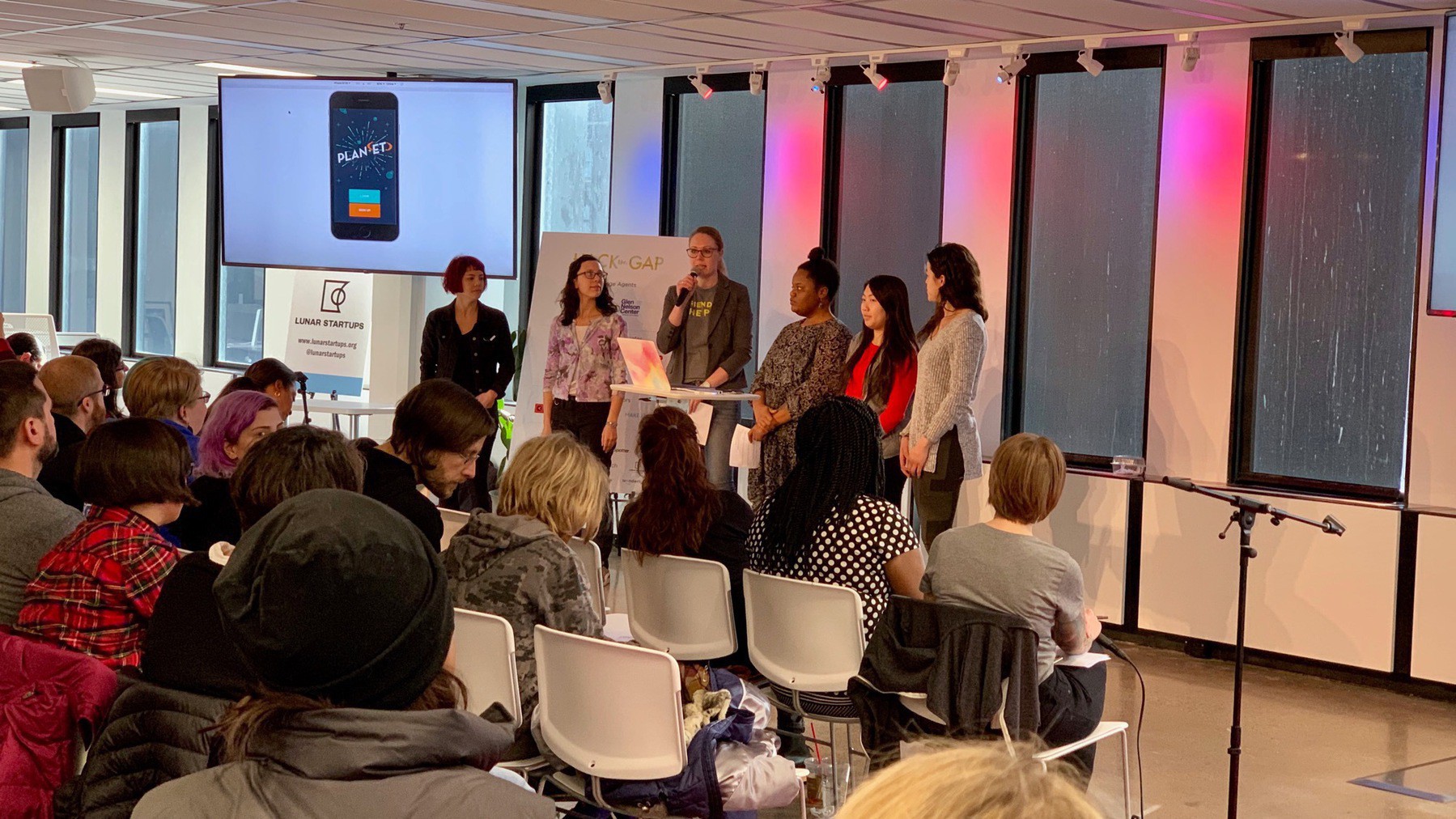
Planning tools for coordinating gatherings. Event planning templates, collaborate on tasks, and good for discovery. Built React and Node. Google Maps for location.
Give Back
It makes me happy that we at SPS Commerce have been able to support Hack the Gap for a number of years now!




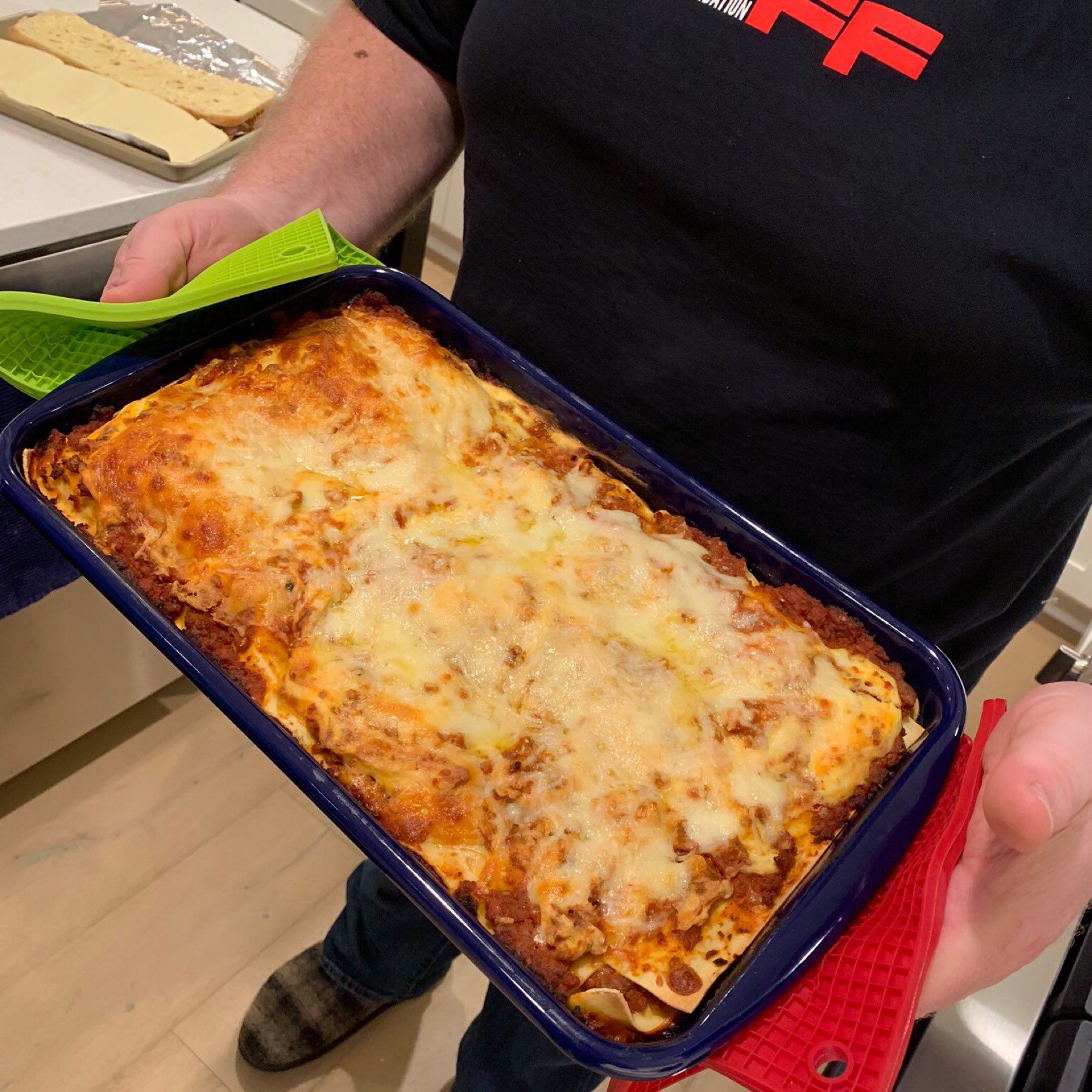
Made my signature lasagna tonight. Delicious. 🤤🍽
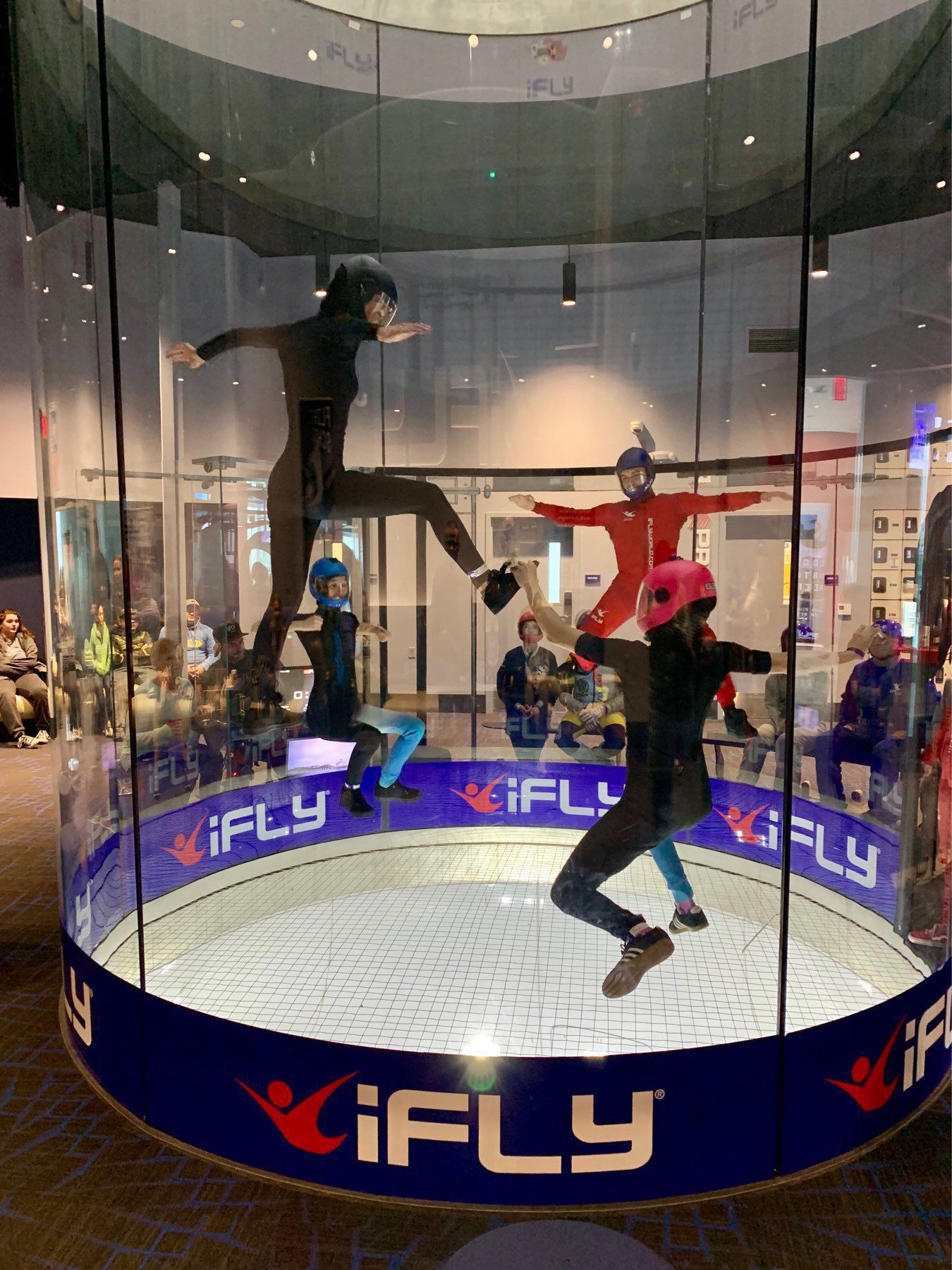
Checking out iFly Indoor Skydiving. Wow!

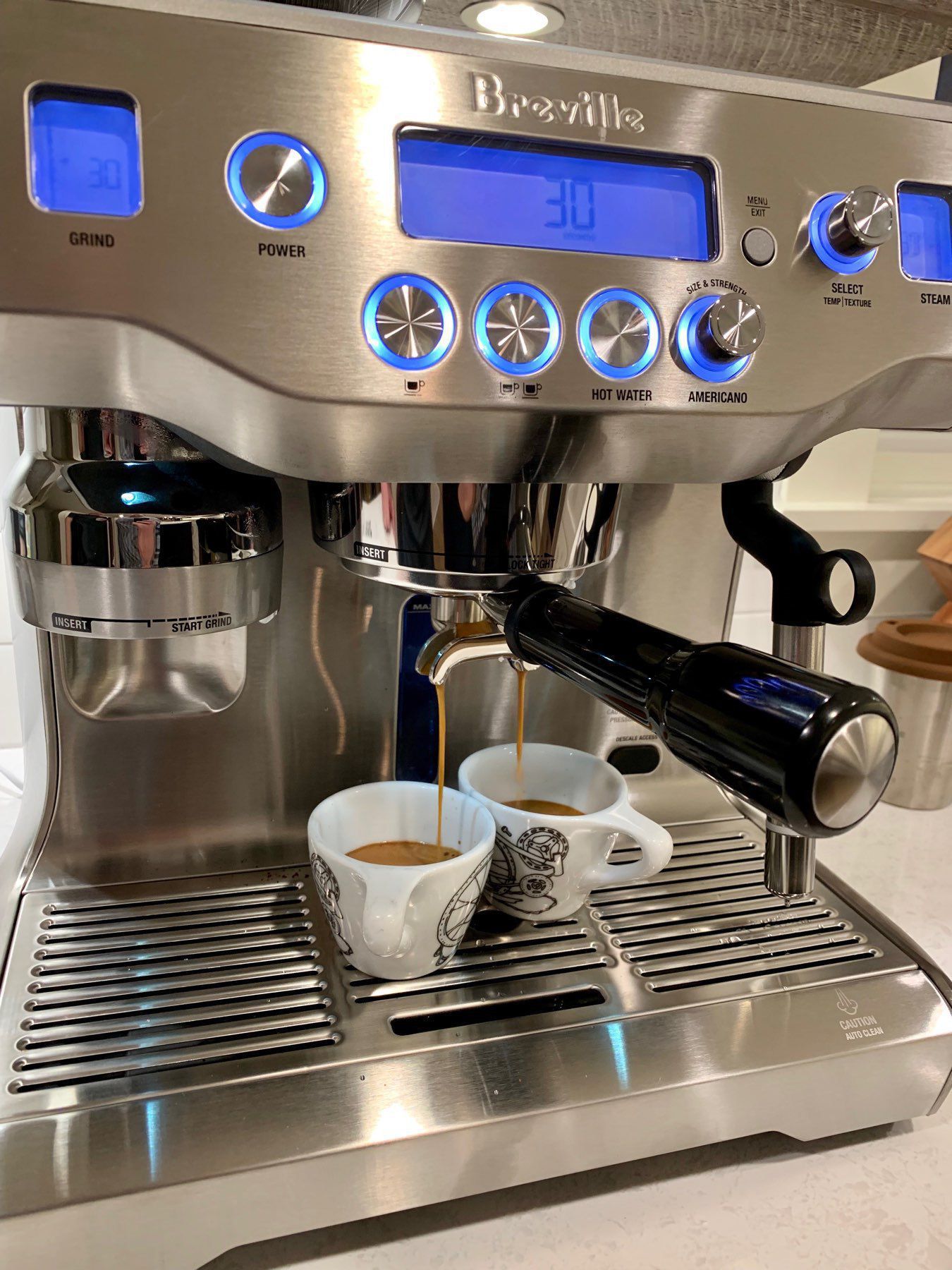
Very first espresso from my new Breville Oracle espresso machine. I’m impressed with the capabilities and the quality of the espresso. ☕️
Ordered End of Trust, McSweeney’s Issue 54 done in collaboration with the EFF! 💜
Just signed up for a 4th site on Blot. This one will be to finally get a decent site for my Book Club.
Using API Credentials in Shortcuts
Shortcuts on iOS can do incredibly powerful things, and with a little bit of extra magic you can connect to most API’s as well. Pulling data from API’s, manipulating it, and extending your shortcuts is really powerful. However, you need to have a good way to manage the authentication tokens and secrets for those APIs.
Most Shortcuts I have seen use a Text variable and put the token in that variable. It’s then used throughout the Shortcut. This works, but it exposes problems if you share that Shortcut. It also has issues if you use the same API in multiple Shortcuts. You are now copying that token in numerous places.
Another approach that I prefer is to create Shortcuts that do nothing but return those tokens. You can then call those Shortcuts from another Shortcut to get the token. I prefix these Shortcuts with the prefix “Secret”.
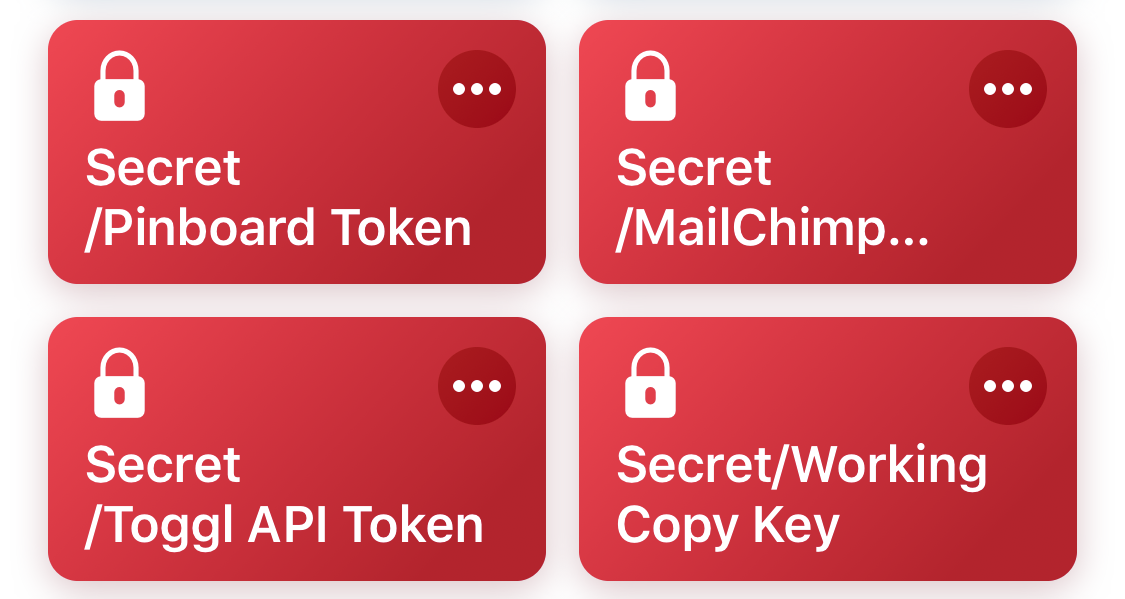
Then when I need to use an token for an API I call the Shortcut and then reference the magic variable returned from it. You can even hide the execution of that second Shortcut.
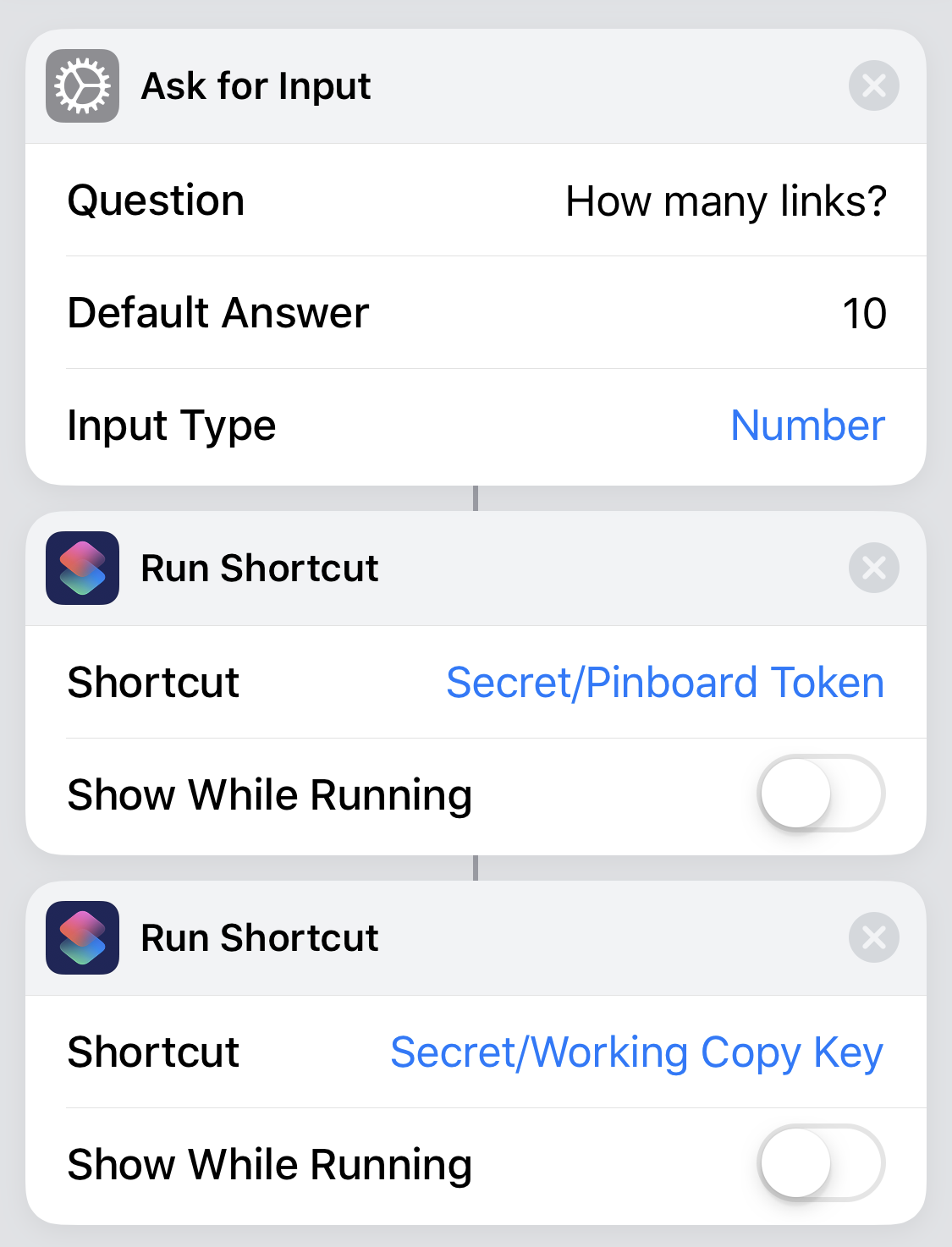
In addition to reuse, you also get other benefits from this approach. Your Secret Shortcut can have some logic. For example, I access Working Copy from Shortcuts and it does so with a local URL call, protected with a random key. That key is specific to each iOS device. So, rather than try to synchronize the keys I have the Secret shortcut return whatever key is right for the device that is running.
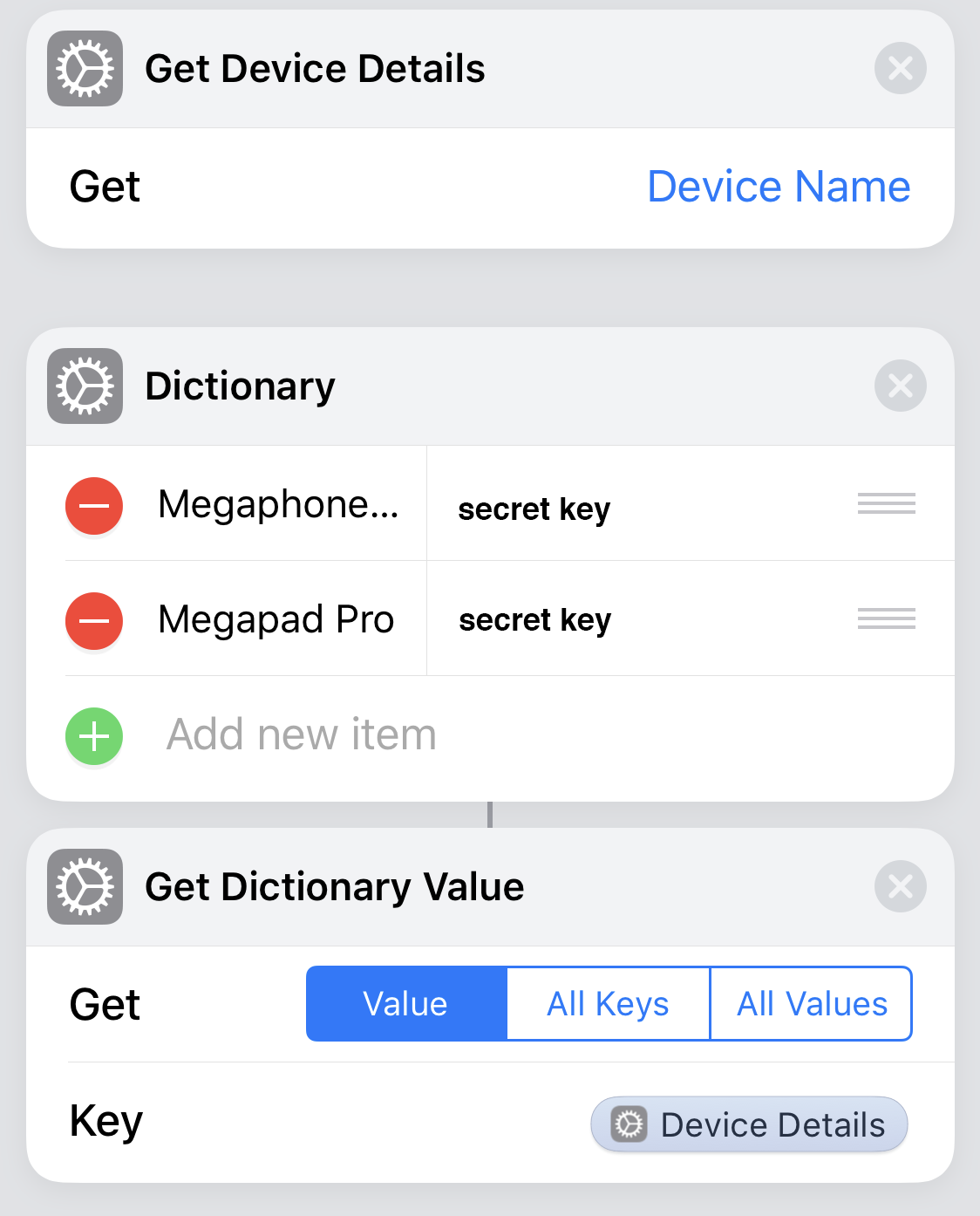
I do a similar thing with MailChimp’s API token that requires some encoding be applied to it.
I find this a better way to manage these secret tokens, get reuse, and make it easier to change them. 👍
This post is part of the Shortcuts Collection.