Bookmarking with Semantic MediaWiki
I have been doing a lot of exploration using MediaWiki and the Semantic MediaWiki suite of extensions. I’ve deployed a number of wikis doing a wide variety of things. For a few months I had been pondering the idea of hosting my own bookmarking site using Semantic MediaWiki. I decided to give it a try and put together links_thing.
First a quick primer. Semantic MediaWiki is an extension that lets you store and query data in wiki pages. Wikis have been awesome at dealing with documents and text for a long time. But if you wanted to put a table of data in a wiki that didn’t work very well. And if you wanted to query that table of data? Well, that was just crazy. Semantic MediaWiki gives you the ability to associate properties with pages and then query them. So, for my bookmarks each wiki page in the category bookmark is a bookmark and has a number of properties, including things like Has URL, Created at, Has excerpt. You get the idea. You put all this logic into the Templates that the wiki uses, making them into Semantic Templates and even the data entry can be made user friendly using Semantic Forms to create fancy forms with a variety of standard controls.
Making it
Building this wiki was pretty easy. I mostly just thought for a while about the properties that a bookmark has. I wanted to get it right since I could use the scaffolding that Semantic MediaWiki has to create a “class” and template out all the basic stuff. It’s easy enough to add after the fact too. After making the class for Bookmarks there was only one real thing I needed to prove. I had to be able to have a Bookmarklet that would automatically populate the URL, Title and Excerpt for a bookmark. Of course the timestamp needed to be done to but I knew how to do that.
After some digging I figured out how to pass parameters into the Forms to pre-populate fields and also how to tell Semantic Forms to name the page based on a field in the form (namely, the TItle of the bookmark). After proving that out I was ready to go.
Importing
I wasn’t willing to lose any data, and I knew it was just a matter of shoveling. I used Pinboard’s JSON export and then whipped up a little Python program to turn that into a CSV that could be imported using the Data Transfer extension. I easily imported just under 4,000 links and had all my data there.
Fun Stuff
I’ve been using my new Bookmark wiki exclusively for the last few weeks and I’m absolutely loving it. Here are just some of the reasons why:
- It is mine. Put simply, I don’t need to rely on anyone else to keep it working of me. For an archive, this feels reassuring.
- This seems simple, but it’s so helpful to be able to do regular expression driven find and replace through all my bookmarks. I’ve probably done 50 of these cleaning things up. For example, I didn’t like that a lot of bookmarks had a title that ended in " - Home" or " - My Super Cool Blog". A quick search and replace and they are gone.
- I thought it would be interesting to see my bookmarks on a calendar. Seems like a simple thing but I don’t think any bookmarking service does it. So I made a calendar view.
- Wouldn’t it be nice to be able to see YouTube and Vimeo videos I bookmark without having to go to the video pages one at a time? I made a video view.
- I really want my bookmarking tool to have URL Checking. I hate short URL’s because I suspect they will go away. I also don’t like analytics tags being bugged into my URLs. I have a Check URL Template that checks for these in my wiki, and a bot that cleans them up.
- I thought it would be cool to see statistics on my bookmarks so I created a Bookmark Statistics view.
This is just the beginning. I’m sure I’ll be adding a lot of other tweaks over time.
What’s next?
I’ve now building a little Python application called LinkBot. LinkBot runs on a schedule and validates URL’s for me. I’ll write up about that application separately.
I would love to share this suite of templates and properties with anyone else. It’s easy to export the pages off of my wiki and import them into your own. If you are interested I have cloning information and feel free to connect.
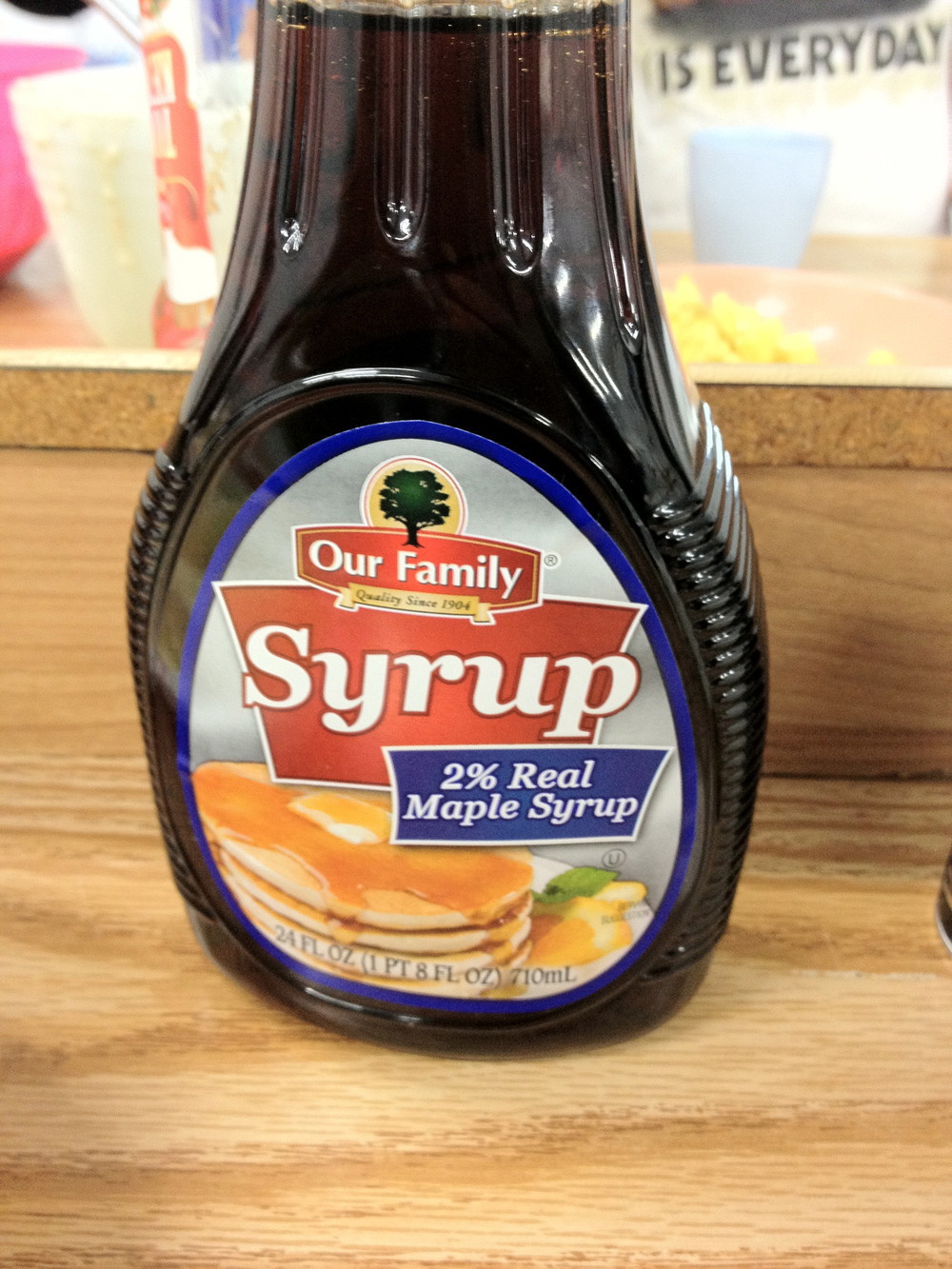
2% Real Maple Syrup
I’ve been using only real maple syrup at home for a while. I kind of take it as a given that people know that most syrup in the store is just various corn syrups with maple flavoring. I ran into this syrup on a recent trip back home though. Doesn’t that label just make you ask what the other 98% is?
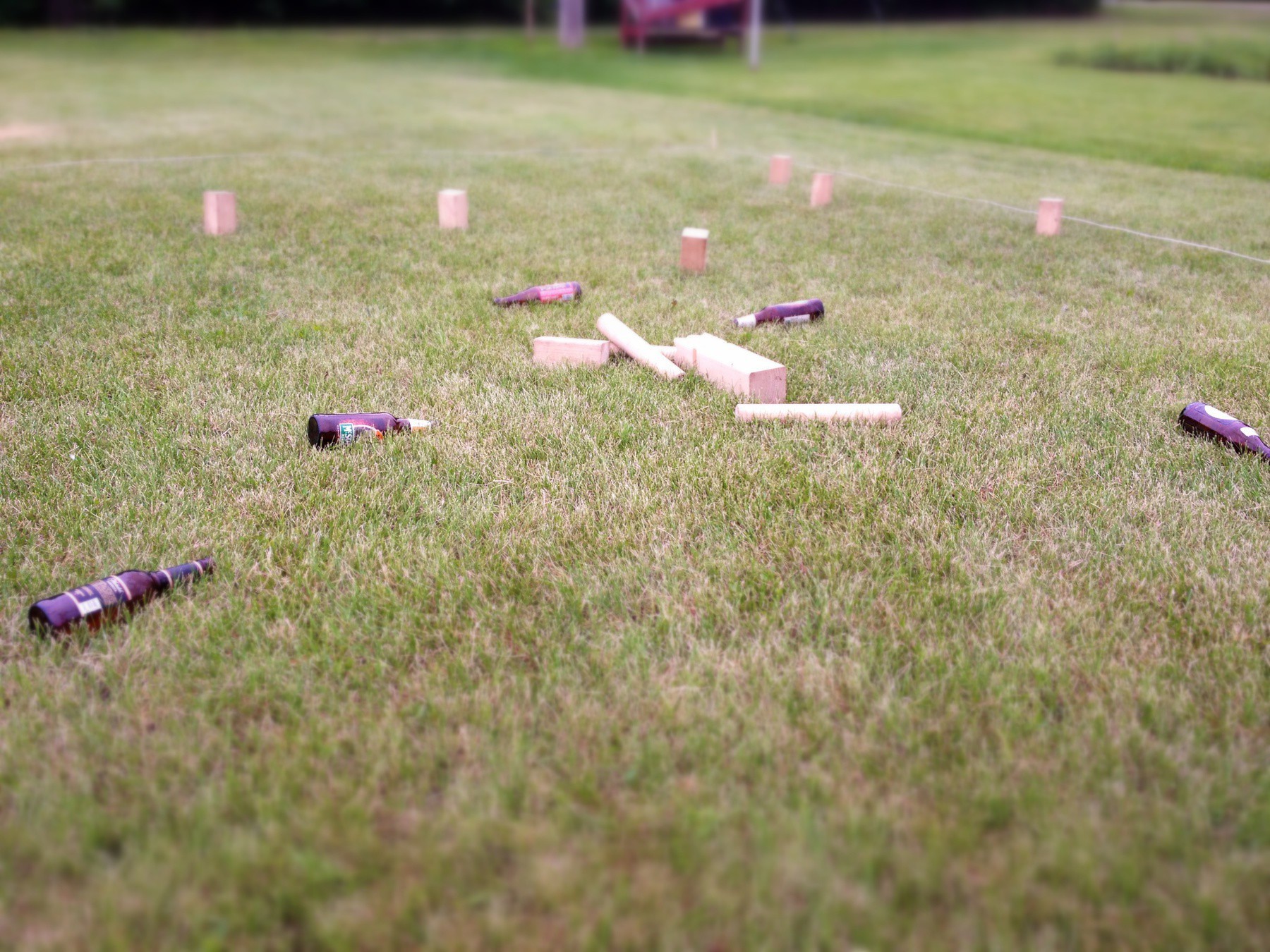
Don’t drink and Kubb.
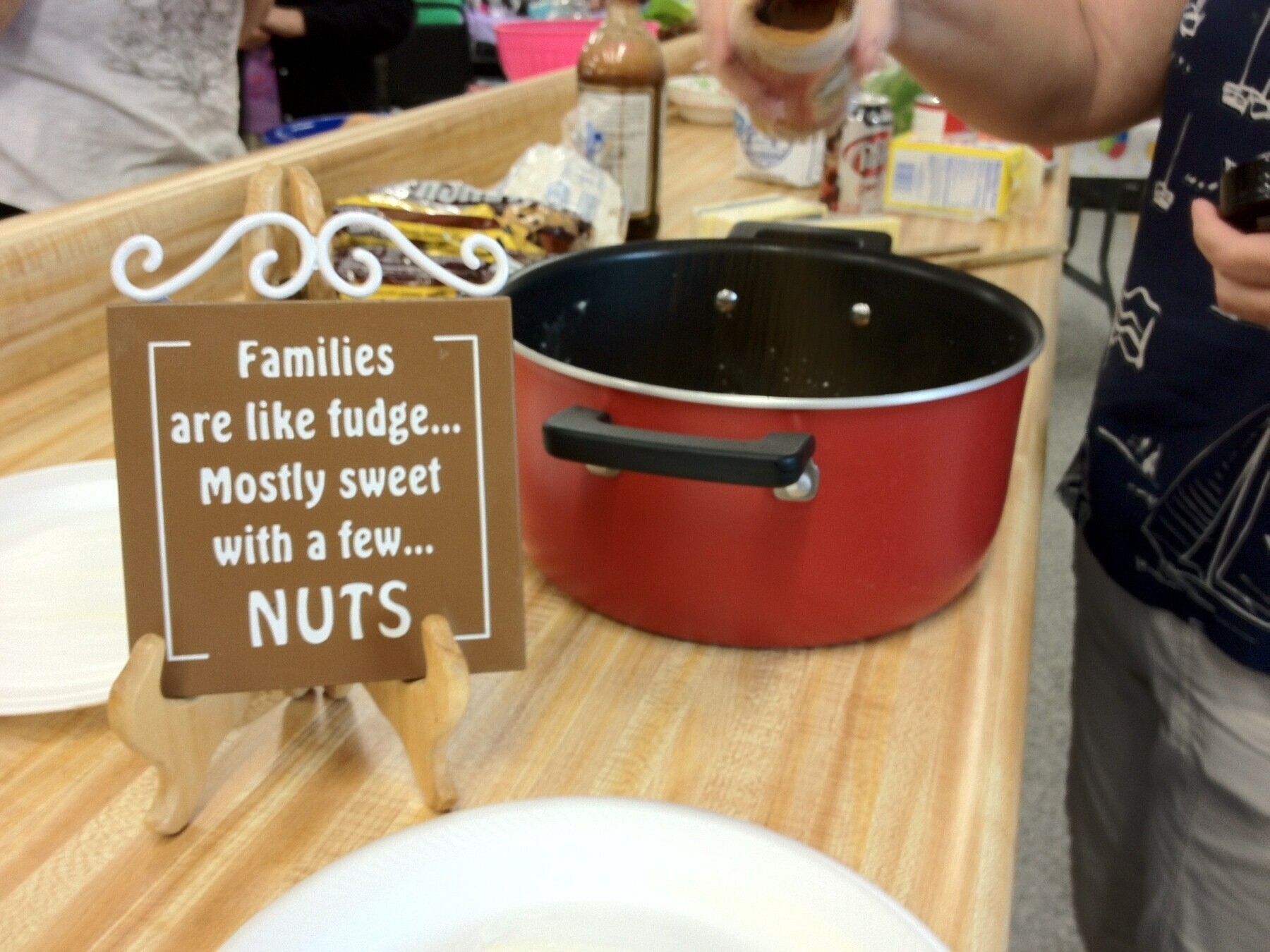
Fudge making at Chrest family reunion.
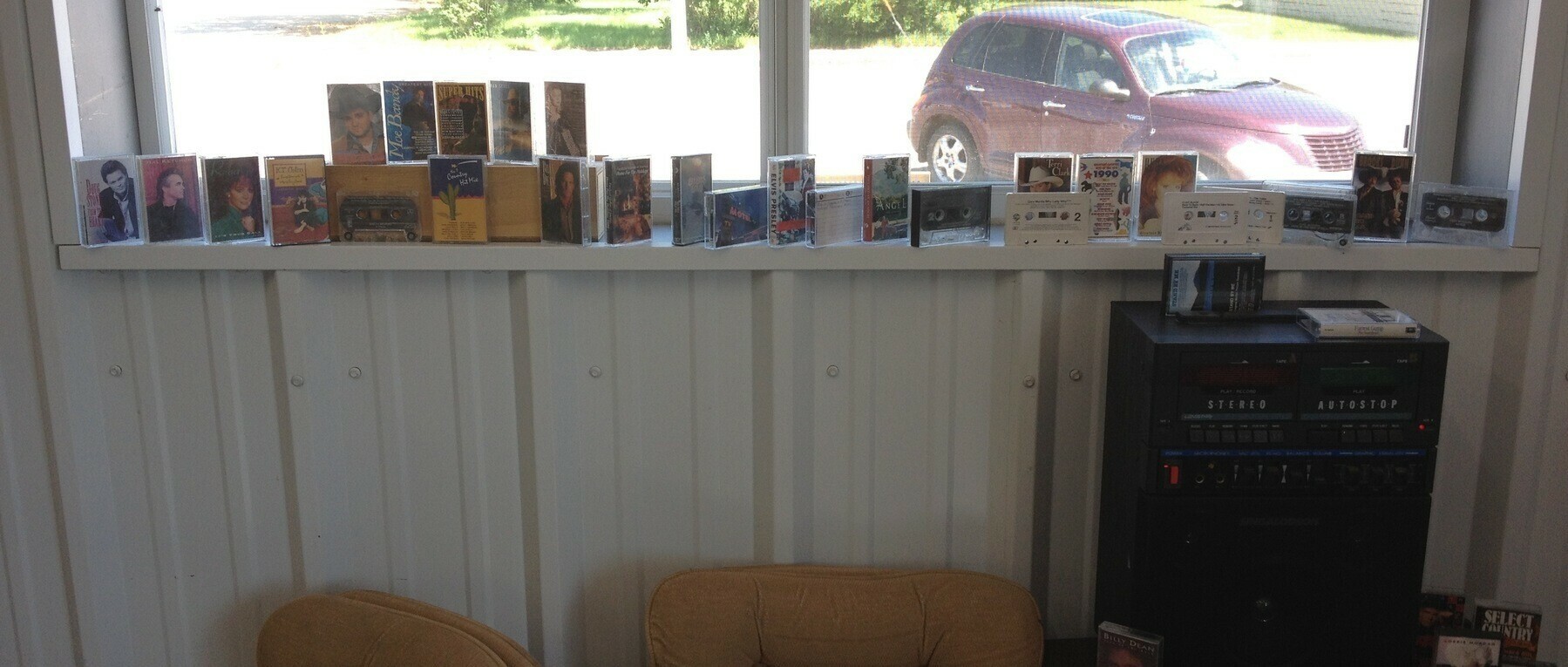
Cassette tape anyone?
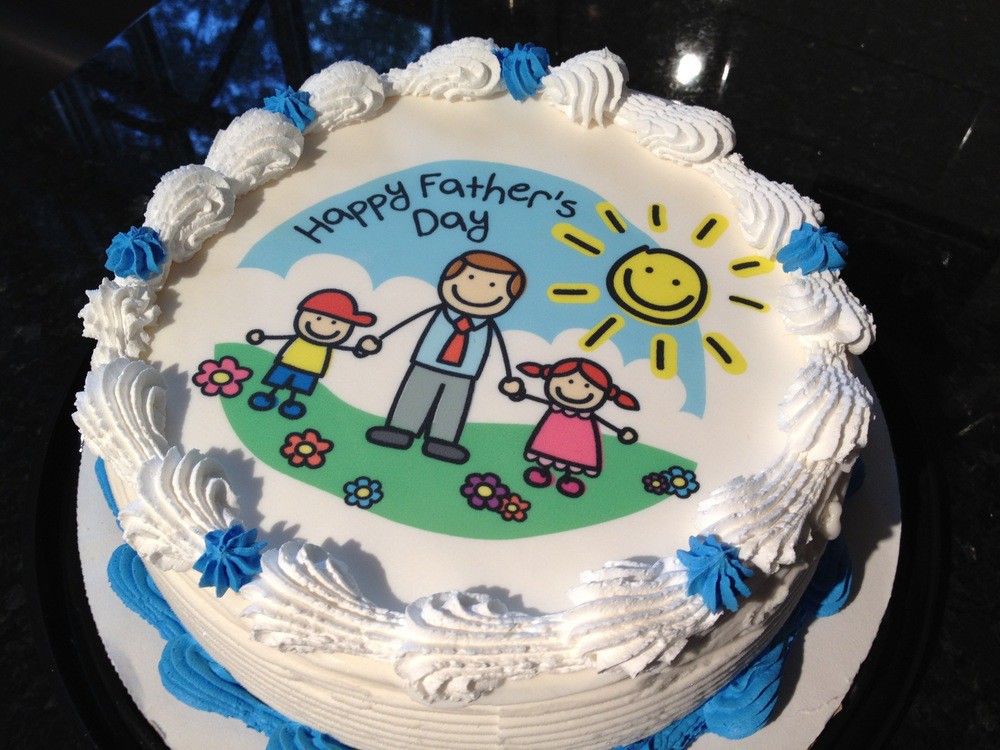
Happy Fathers Day 2012!
Tyler and I watching the race cars at 24 Hours of Le Mans. Happy that I can watch it live on the web, even without english commentary.
The camera shots from inside the Audi R18 are amazing.
Great performance from Audi.
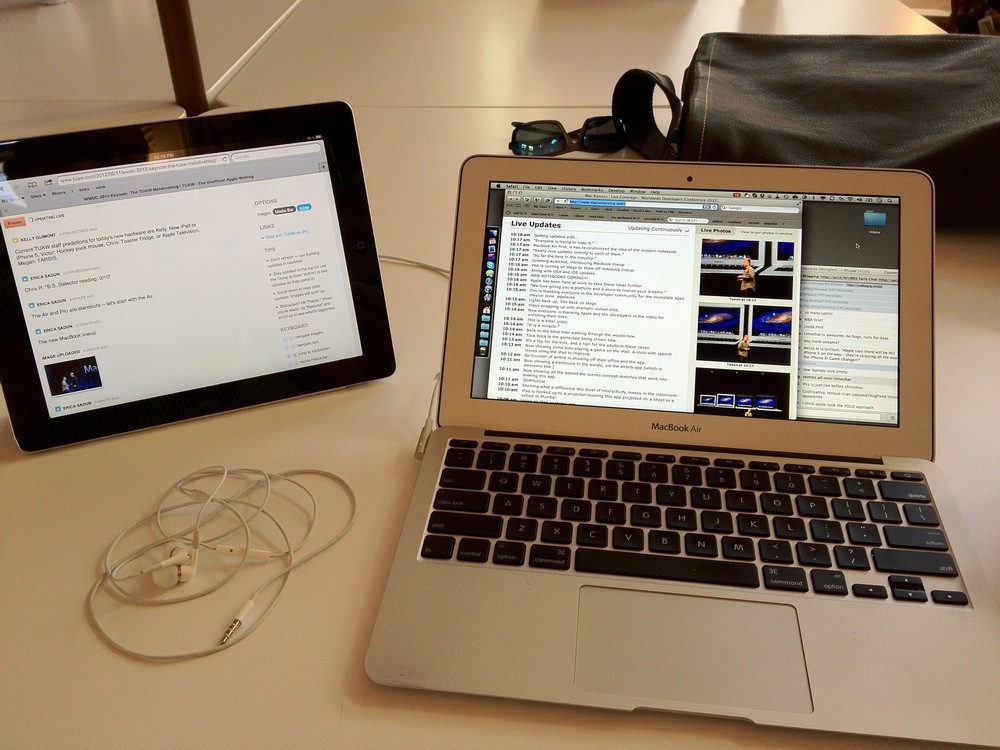
My Setup for WWDC on Monday
This was my setup for Apple’s Worldwide Developer Conference keynote on Monday. It sure would be nice if they just sent out the video live. 😊 Meanwhile liveblogs are the best option. I tend to rely on Mac Rumors Live.
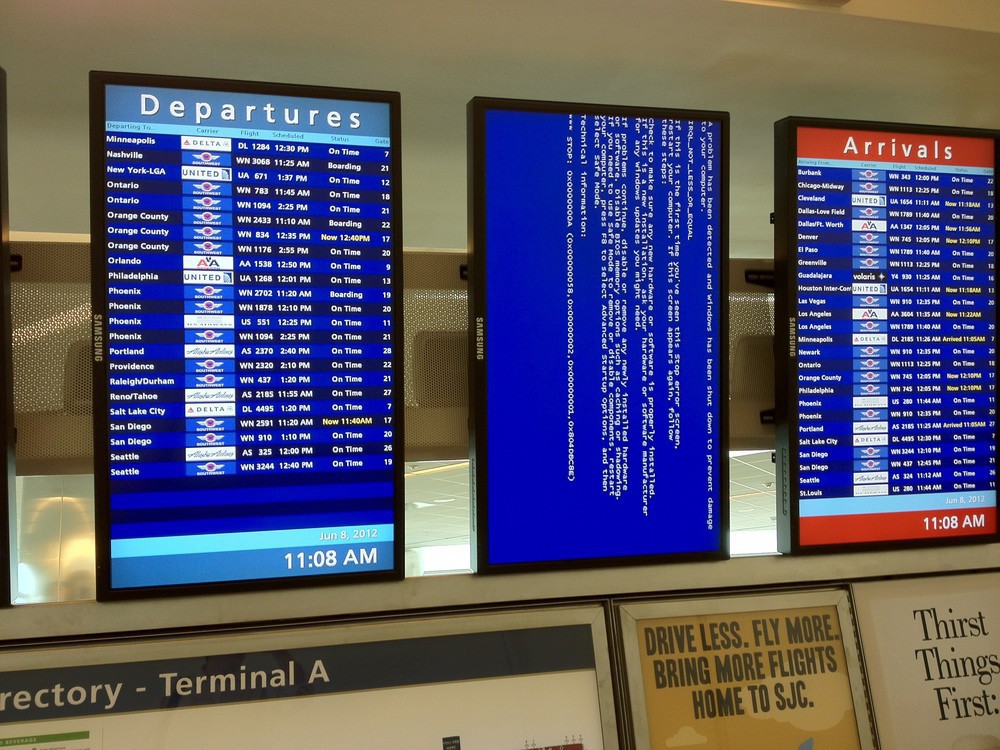
SSH through GoGo Inflight WiFi is surprisingly responsive.
Interest in Twin Cities OmniFocus Meet Up?
I’ve been an OmniFocus user since the very first release and use it all day, everyday on my Macs, iPhone and iPad. I’ve found it really useful to read blog posts from other OmniFocus users, and I know there are a number of people in the Twin Cities using OmniFocus.
I’m curious if there is enough interest to garner an OmniFocus meet up? The meet up would be very informal. An opportunity to connect with others using OmniFocus and share stuff that works for us. Project structures, contexts, perspectives and more.
This made me laugh yesterday. What a great network name!

Just realized I have shmuts all over my shirt and it’s probably been there all day. 😕
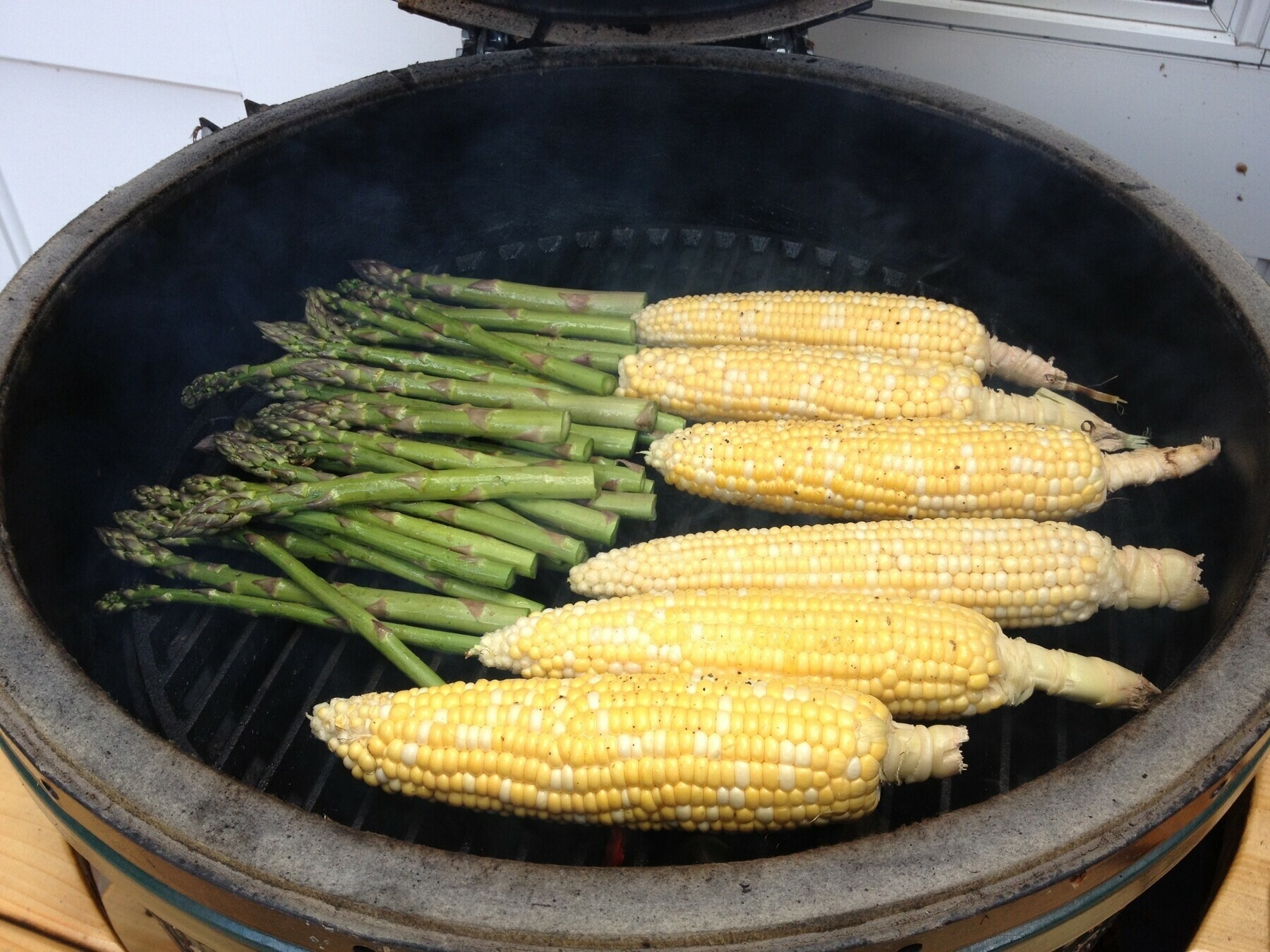
Corn and asparagus on Big Green Egg. Simple today.
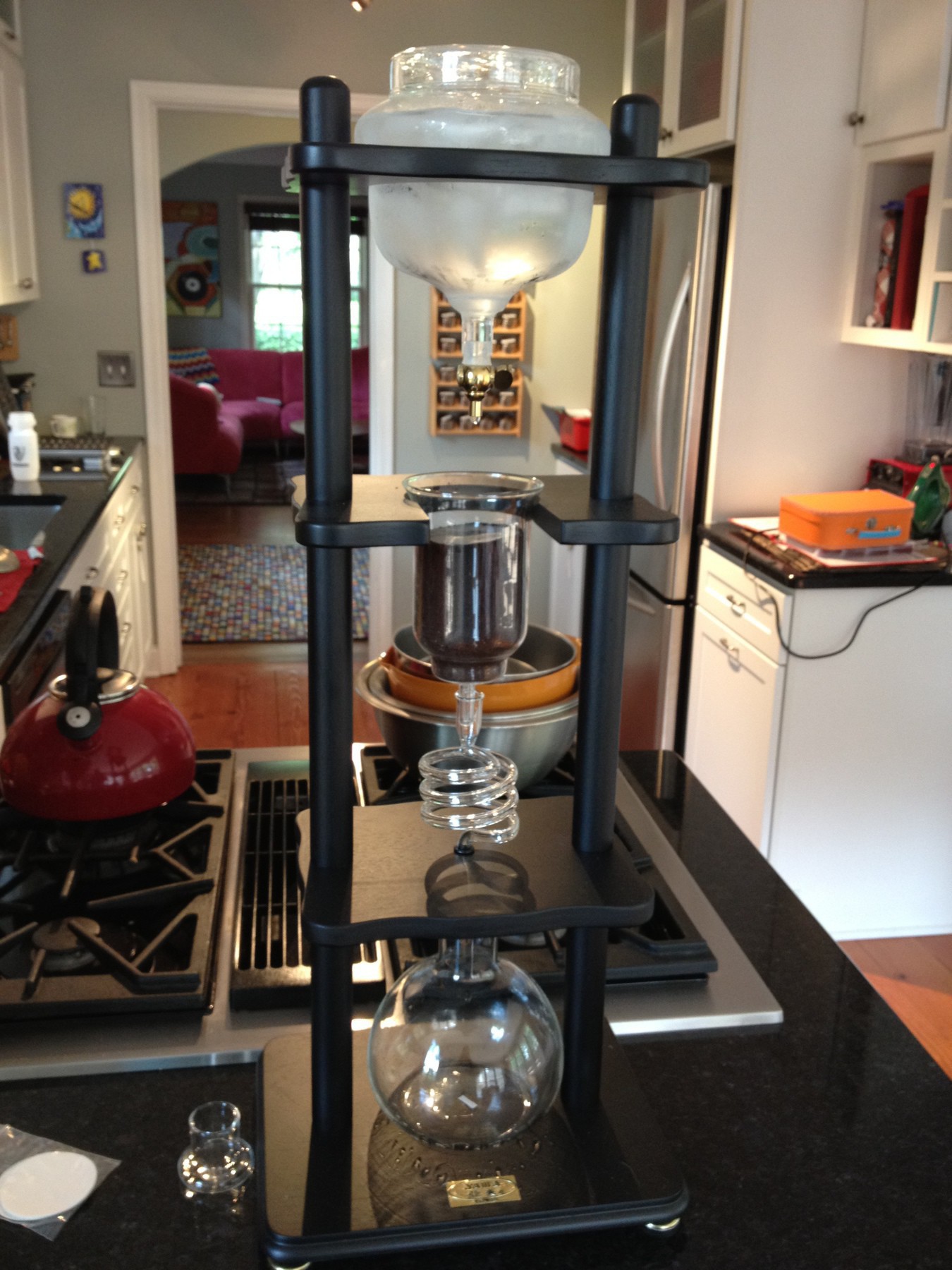
Making some coffee with the Yama Cold Brew Tower.
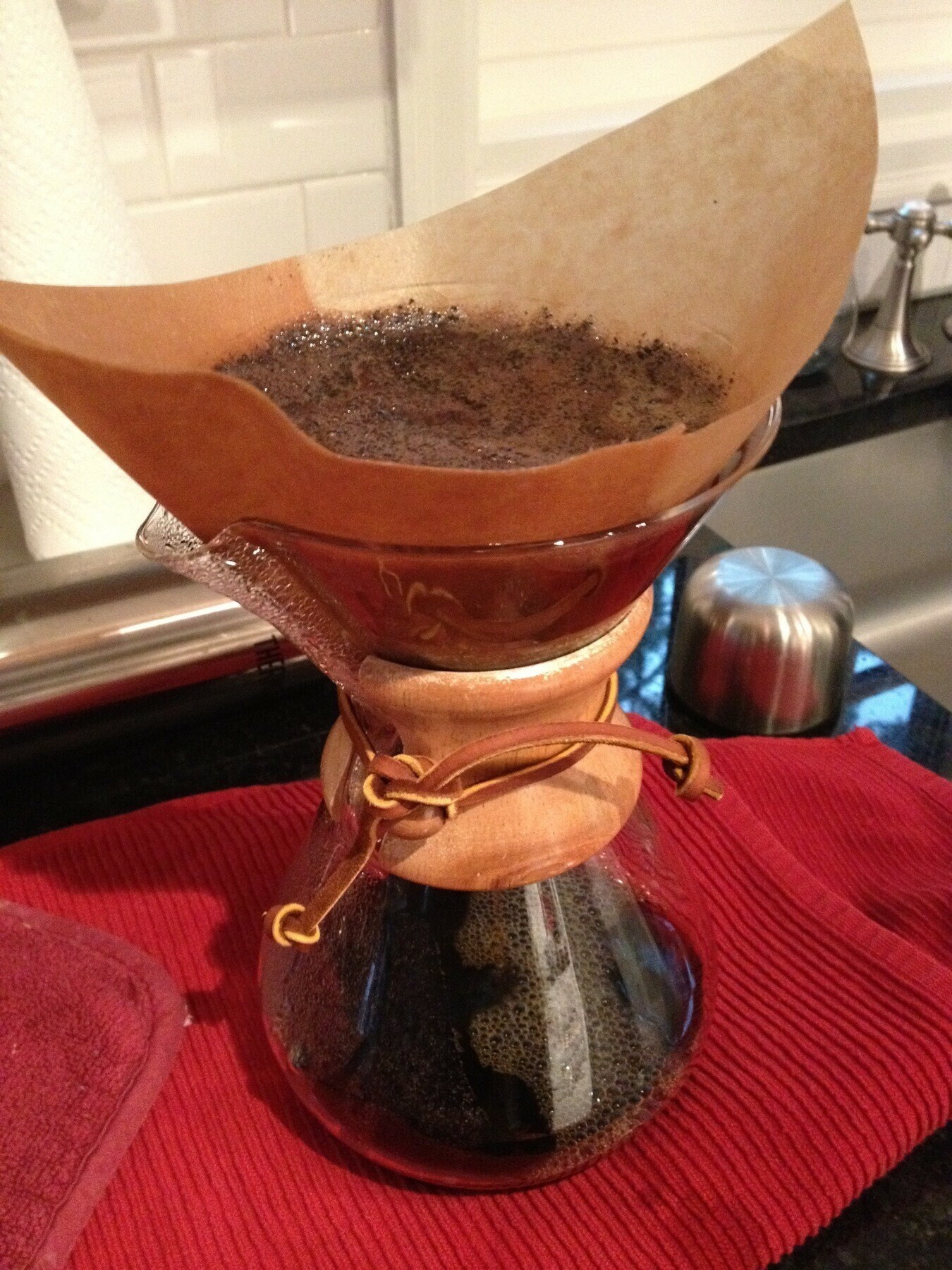
Letting the coffee bloom in the Chemex.
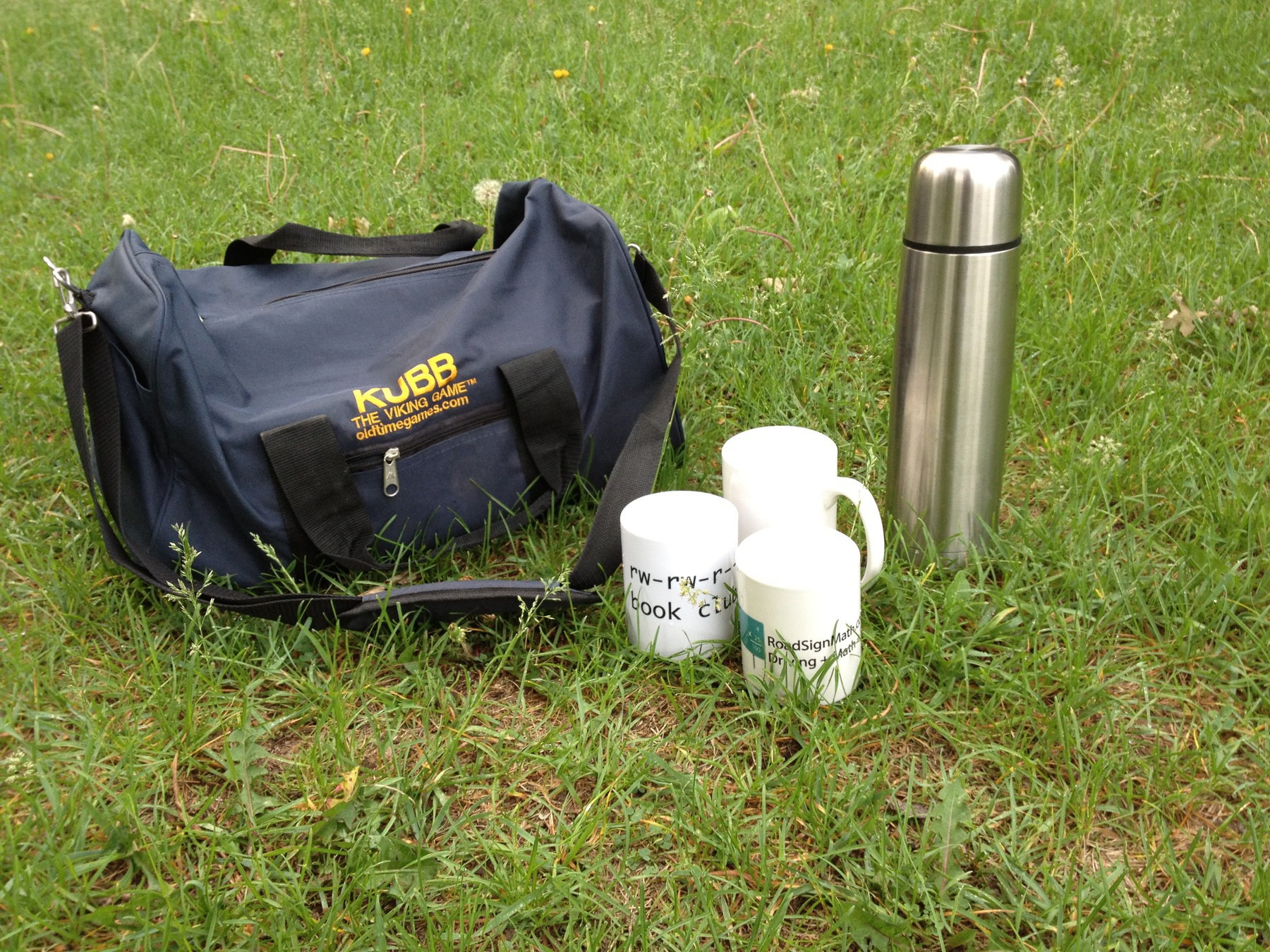
Great morning for Kubb & Koffee.
Good morning Urban Bean Coffee.

The Collaborative Technology Summit 2012
- At The Collaborative Technology Summit event on panel 2 talking about 8thBridge and evolution of tech in Minnesota!
- Had fun on panel with Erin Newkirk of Red Stamp. Thanks for good questions from moderator and attendees.
- Listening to friend and former colleague Jim Bernard on panel. Great joke from Jim Bernard: “I’m actually an expert on everything that Jamie is an expert on so thats fine.”
- Comments on AWS having poor security a bit misleading. AWS in IaaS, calling it insecure is FUD.
- Last panel with Robert Stephens and Nancy Lyons. Both great speakers. Looking forward to it.
At the The Fitzgerald for Jeremy Messersmith show.